Modern Docker management for everyone.

A powerful, intuitive Docker platform. Free for homelabs, ready for enterprise.
We think you'll like it here.

Perfect for your homelab

SQLite by default, runs on a Raspberry Pi, zero telemetry, free forever. Self-host everything without the complexity.

Runs on RPi 4 SQLite - no database setup Zero telemetry Free forever

Built for growing teams

OIDC/SSO included free, container activity logging, Git-based deployments, premium support. Everything your team needs without the enterprise price tag.

Free SSO/OIDC Git stack deployment Container activity log Multi-environment

Enterprise-grade control

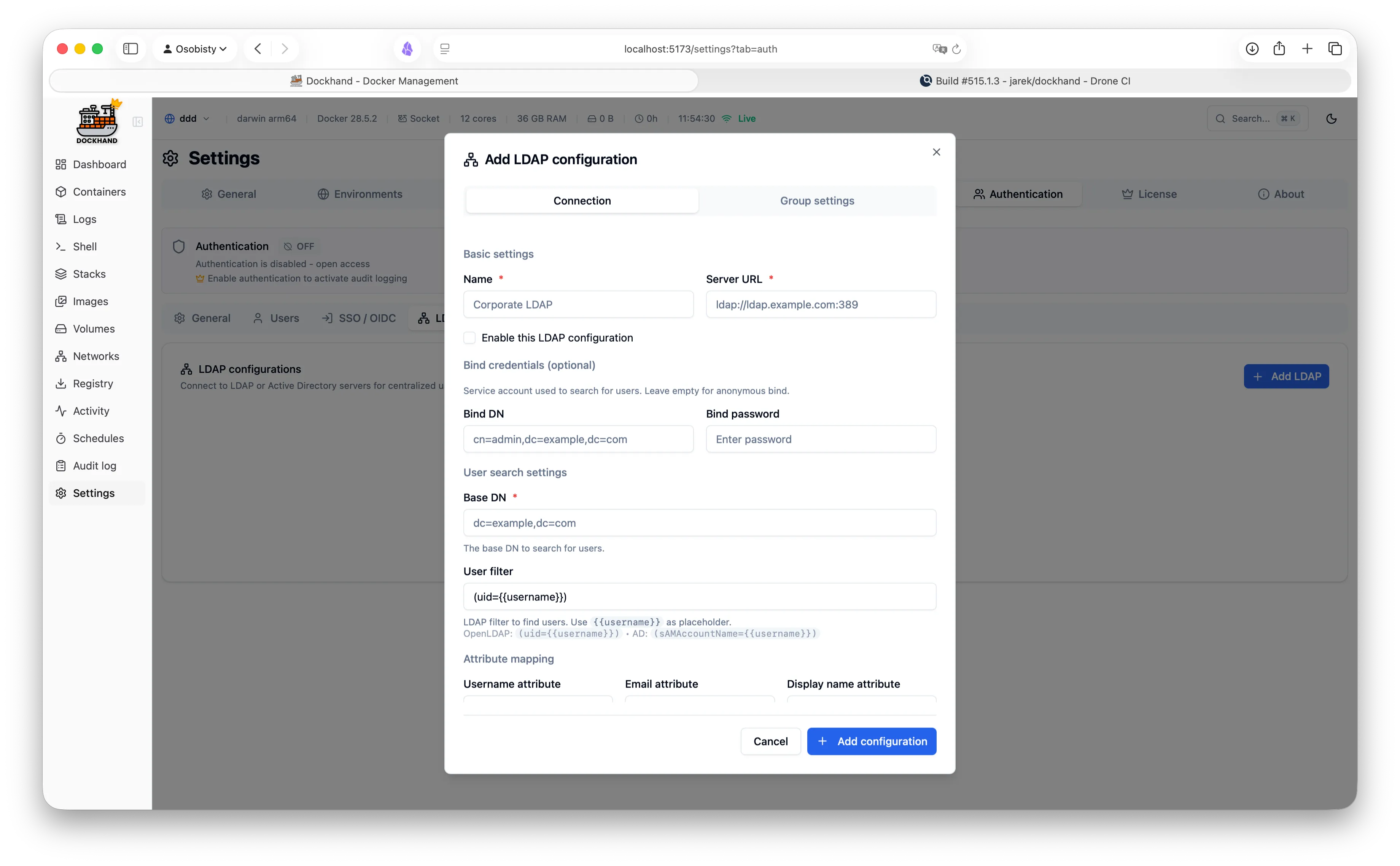
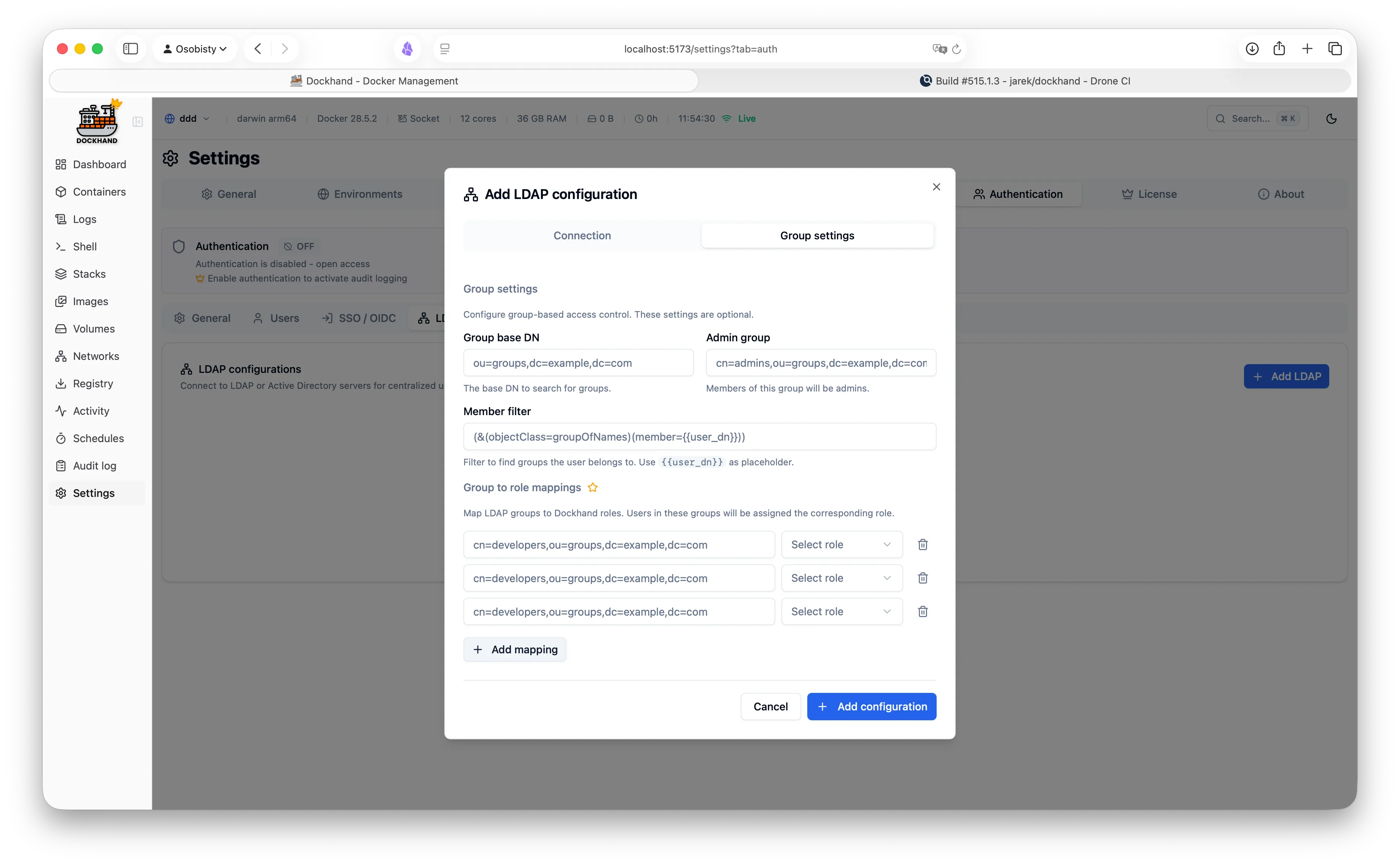
RBAC, LDAP/AD integration, compliance-grade audit logging, and priority support. Everything you need to satisfy compliance requirements.

Role-based access control LDAP/Active Directory Audit logging (compliance) Priority support

Up and running in 30 seconds

One command. No config files. No setup wizards, no 47-page README.

Terminal
docker run -d \
  --name dockhand \
  -p 3000:3000 \
  -v /var/run/docker.sock:/var/run/docker.sock \
  -v dockhand_data:/app/data \
  fnsys/dockhand:latest

Then open http://localhost:3000. Or put it behind Traefik, Nginx, Caddy, a Kubernetes ingress, three load balancers, and a VPN tunnel. We don't judge.

Prefer Docker Compose?

docker-compose.yml
services:
  dockhand:
    image: fnsys/dockhand:latest
    container_name: dockhand
    restart: unless-stopped
    ports:
      - 3000:3000
    volumes:
      - /var/run/docker.sock:/var/run/docker.sock
      - dockhand_data:/app/data

volumes:
  dockhand_data:

Need PostgreSQL?

docker-compose.yml
services:
  postgres:
    image: postgres:16-alpine
    environment:
      POSTGRES_USER: dockhand
      POSTGRES_PASSWORD: changeme
      POSTGRES_DB: dockhand
    volumes:
      - postgres_data:/var/lib/postgresql/data

  dockhand:
    image: fnsys/dockhand:latest
    ports:
      - 3000:3000
    environment:
      DATABASE_URL: postgres://dockhand:changeme@postgres:5432/dockhand
    volumes:
      - /var/run/docker.sock:/var/run/docker.sock
      - dockhand_data:/app/data
    depends_on:
      - postgres

volumes:
  postgres_data:
  dockhand_data:

Everything you need in one place

From simple container operations to complex multi-environment deployments.
Even that one container you forgot about three months ago.

Container operations

  • Start, stop, restart, remove containers
  • Create containers with advanced configuration
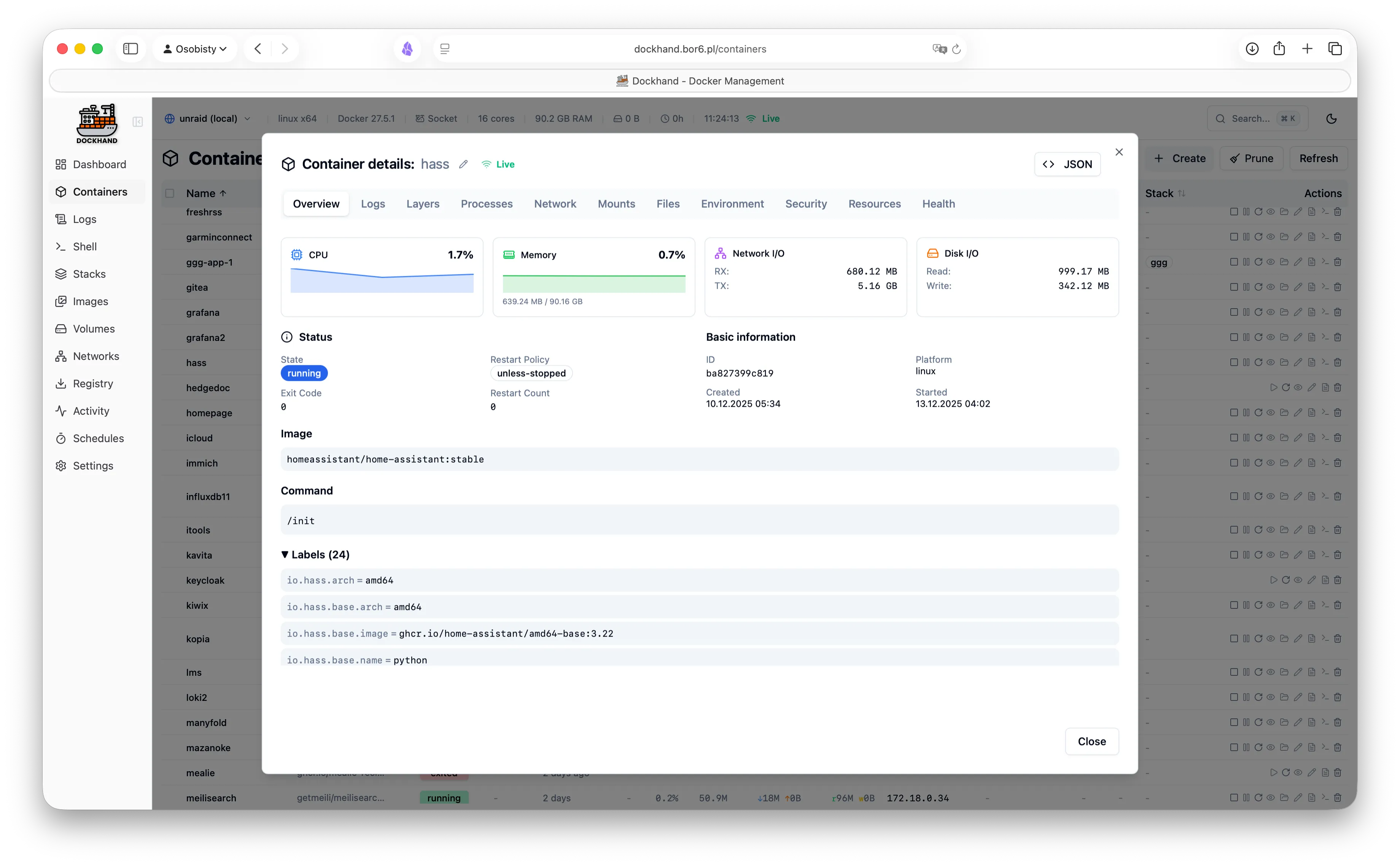
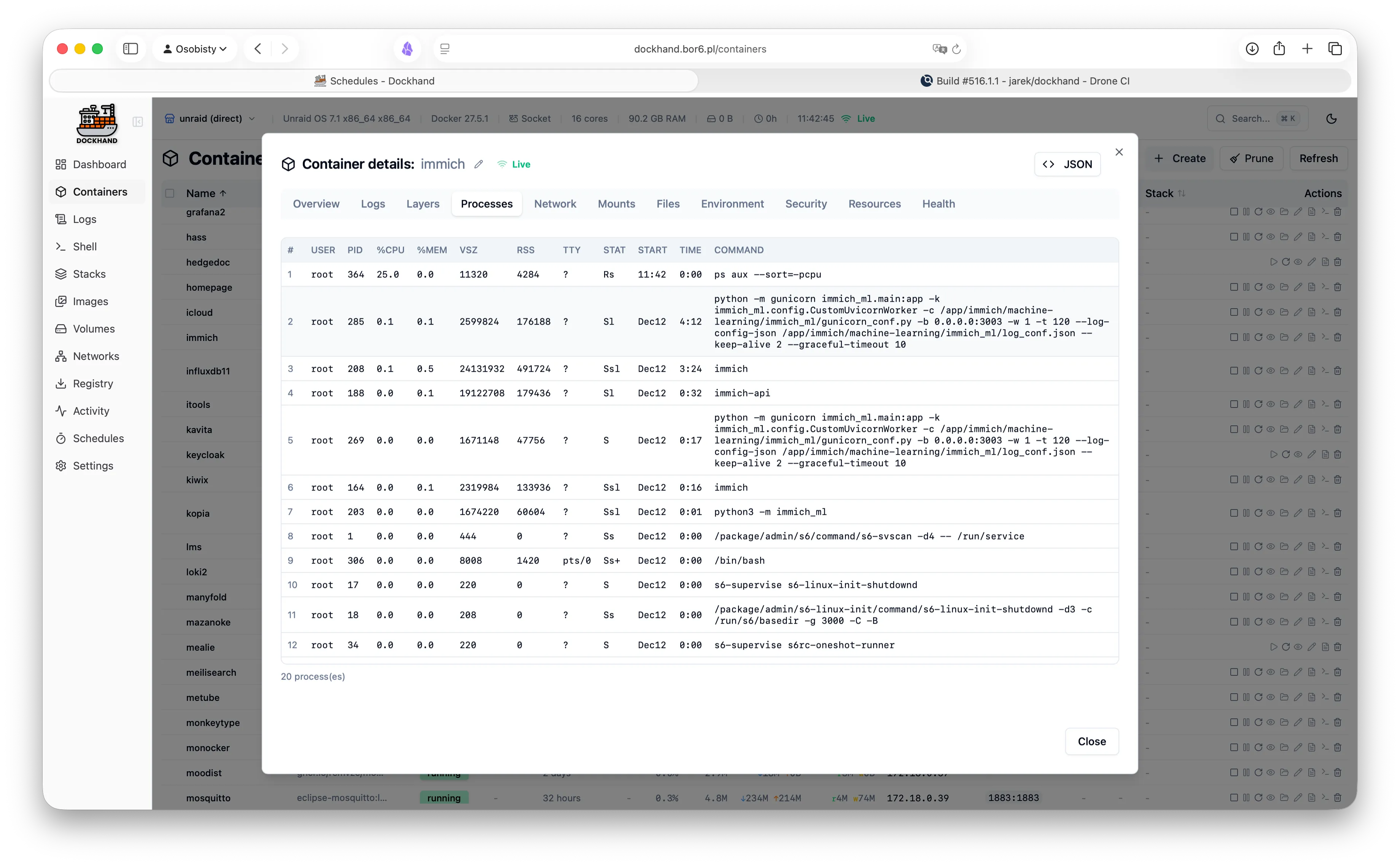
  • View processes, env vars, and resource usage
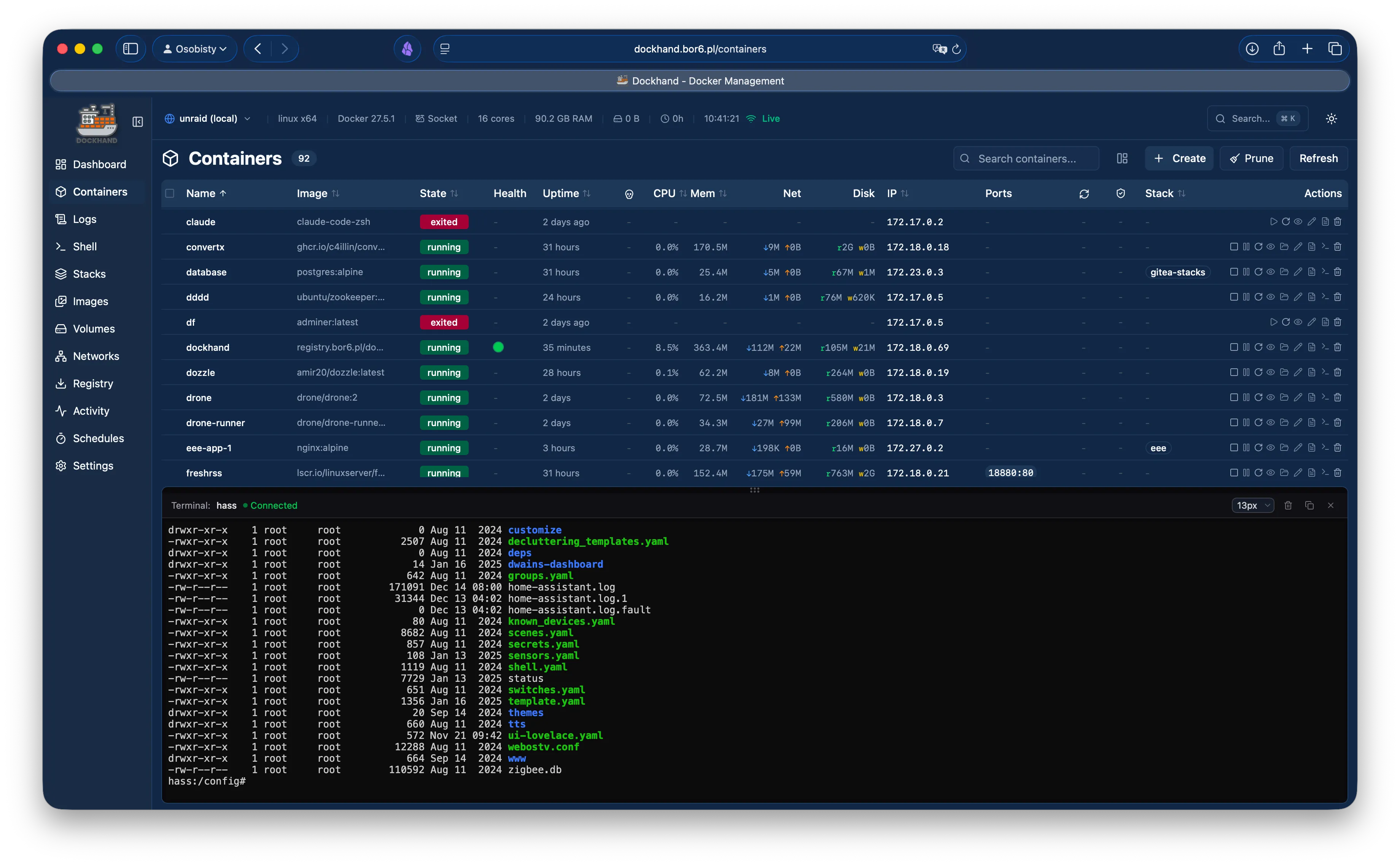
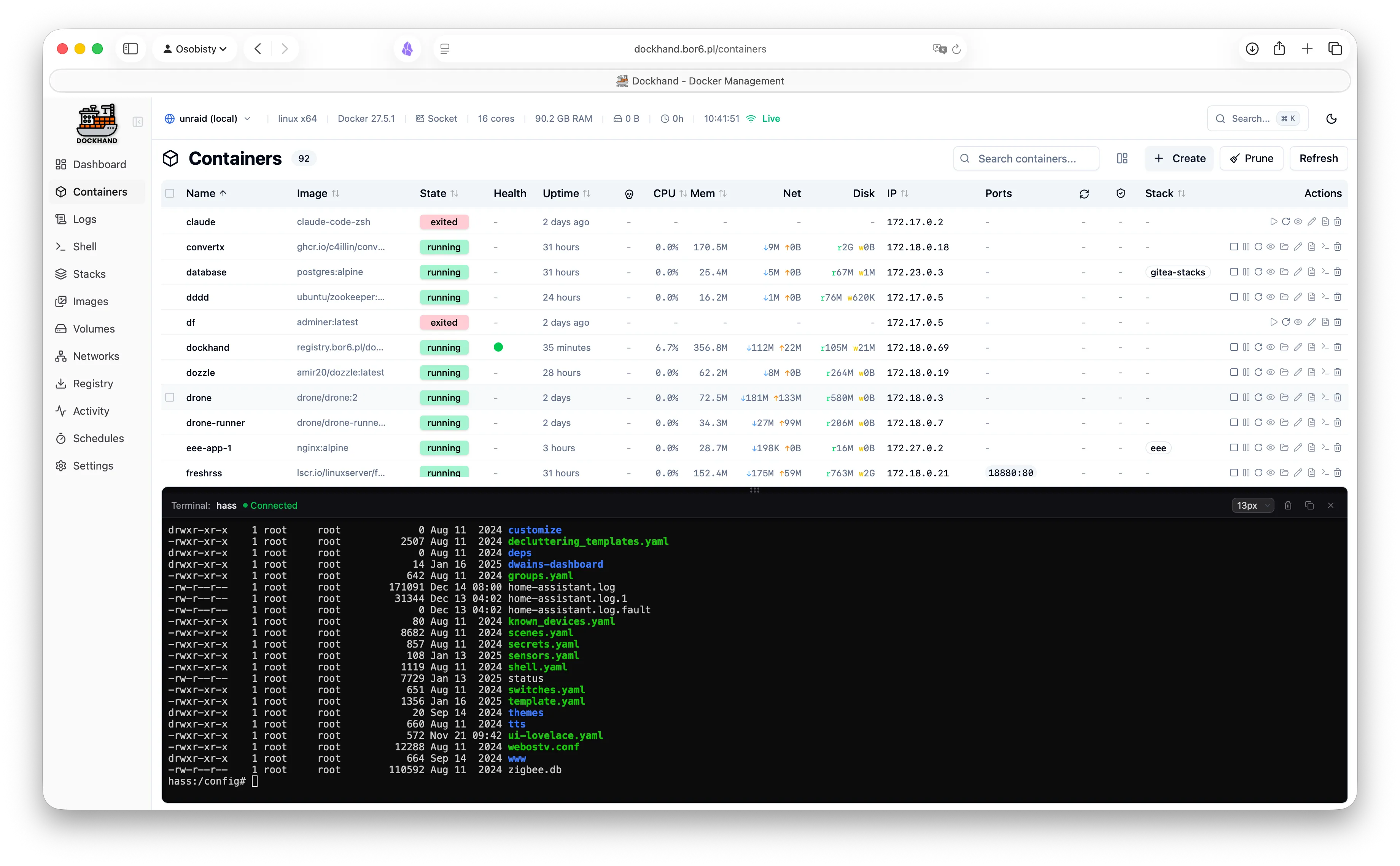
  • Interactive web terminal (no SSH needed)
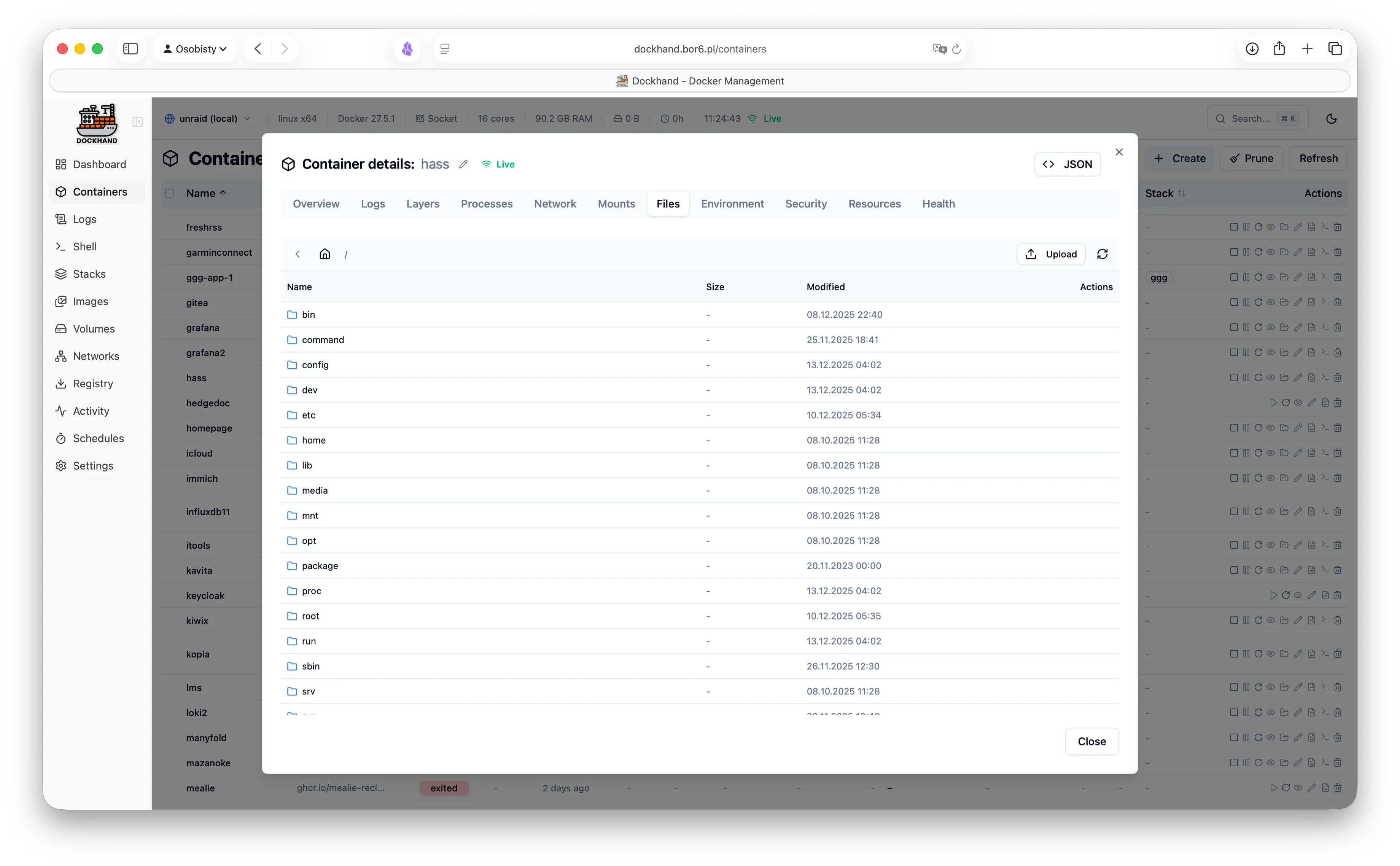
  • Browse and transfer files

Compose & stacks

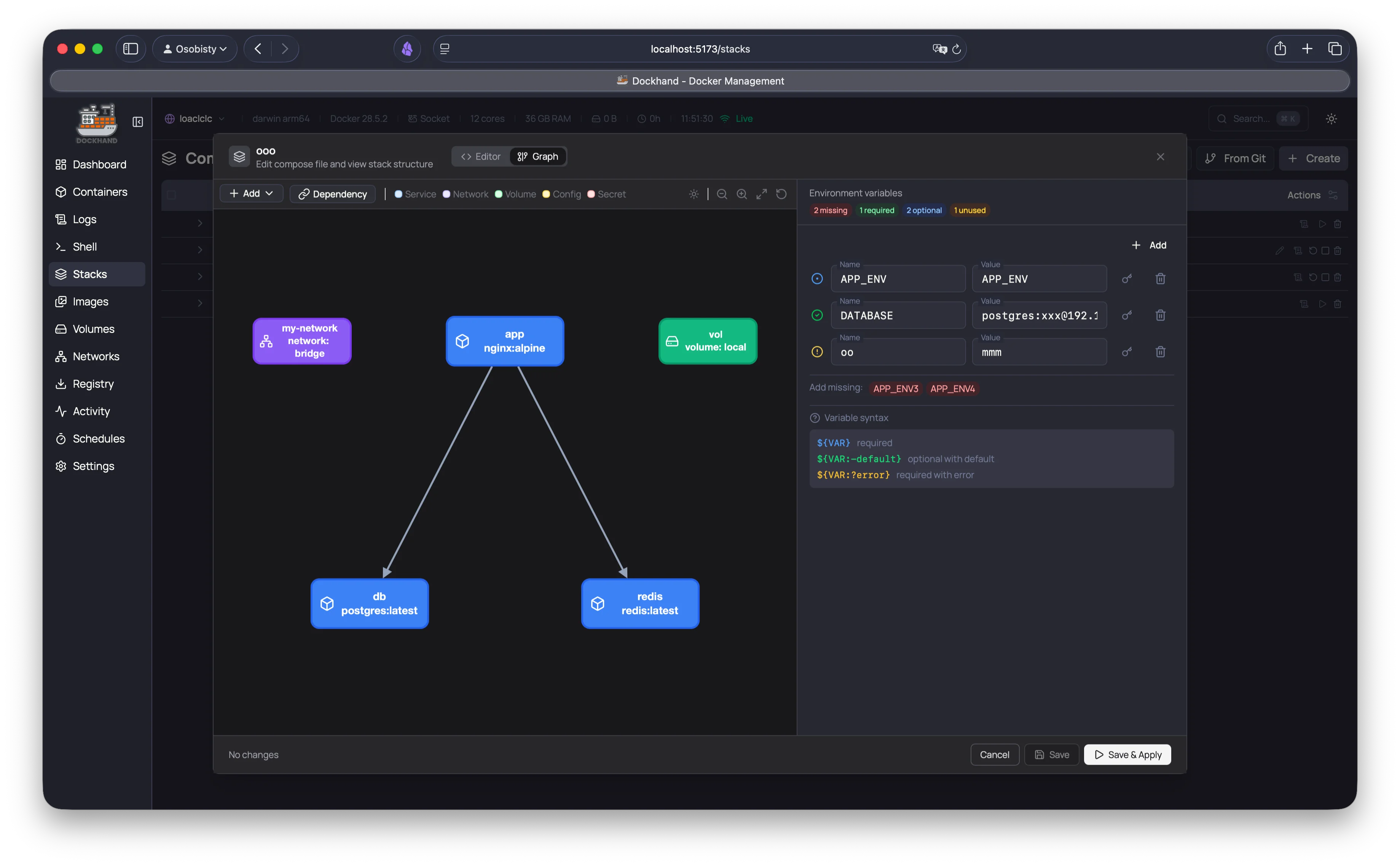
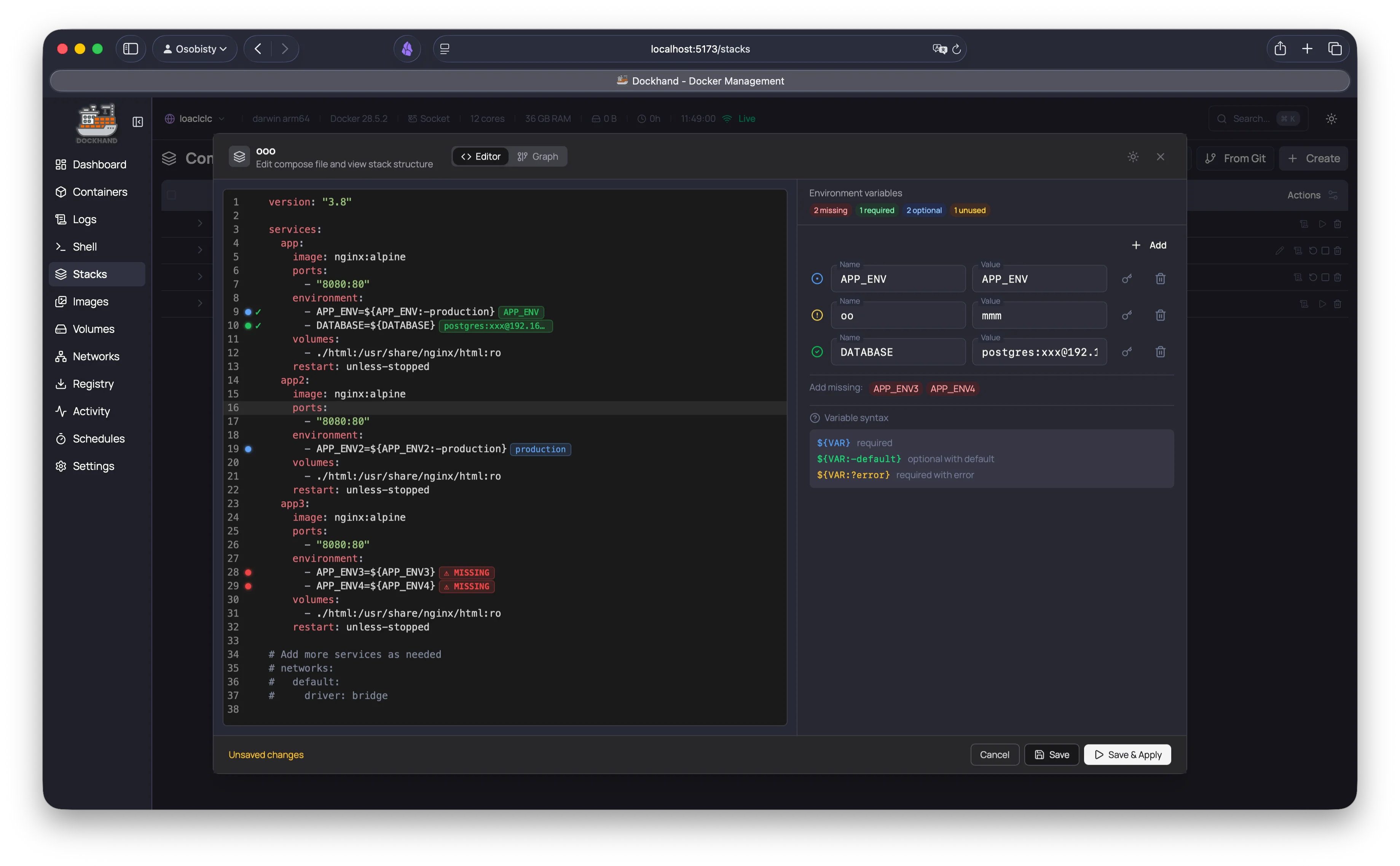
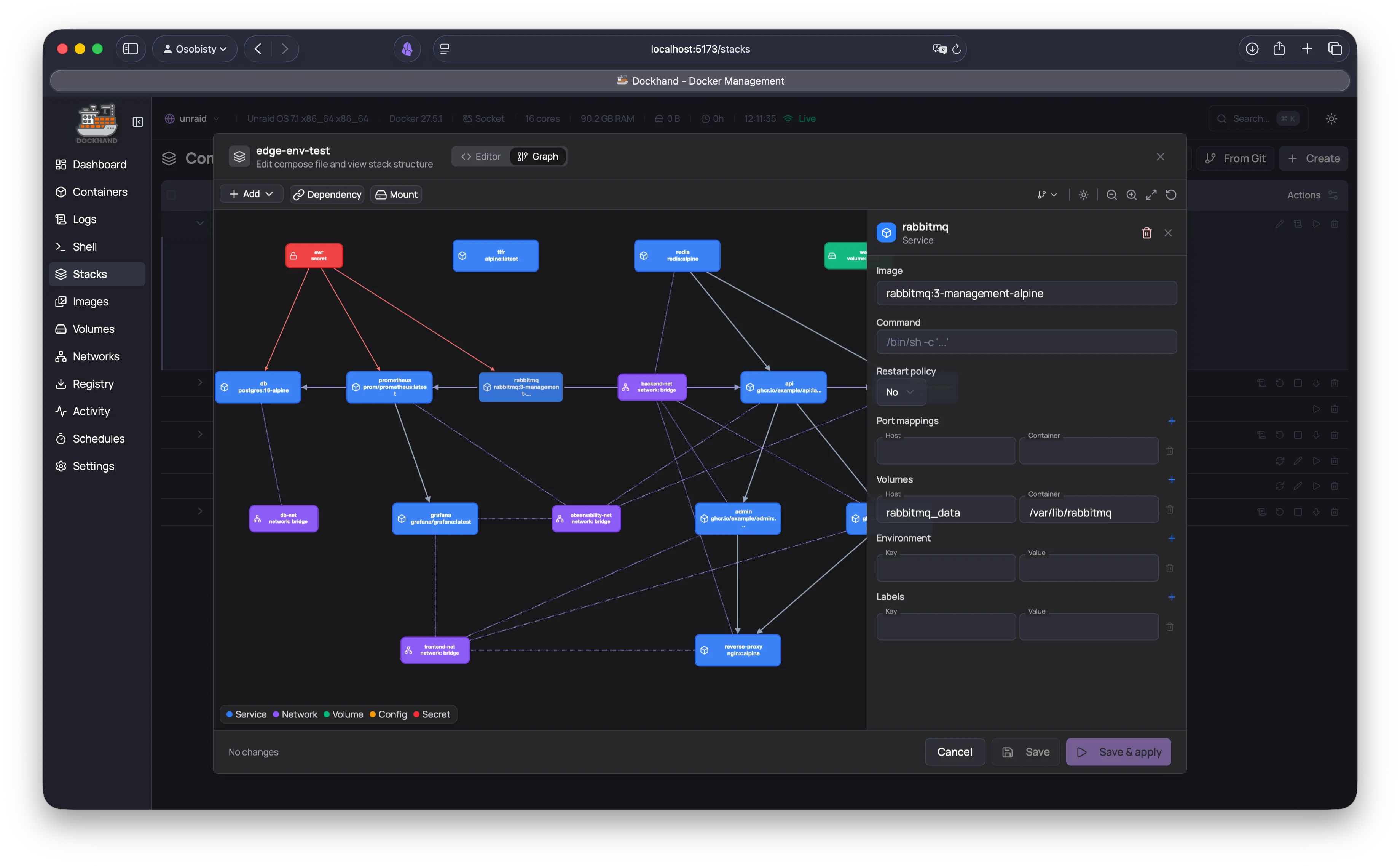
  • Visual Compose editor - no YAML headaches
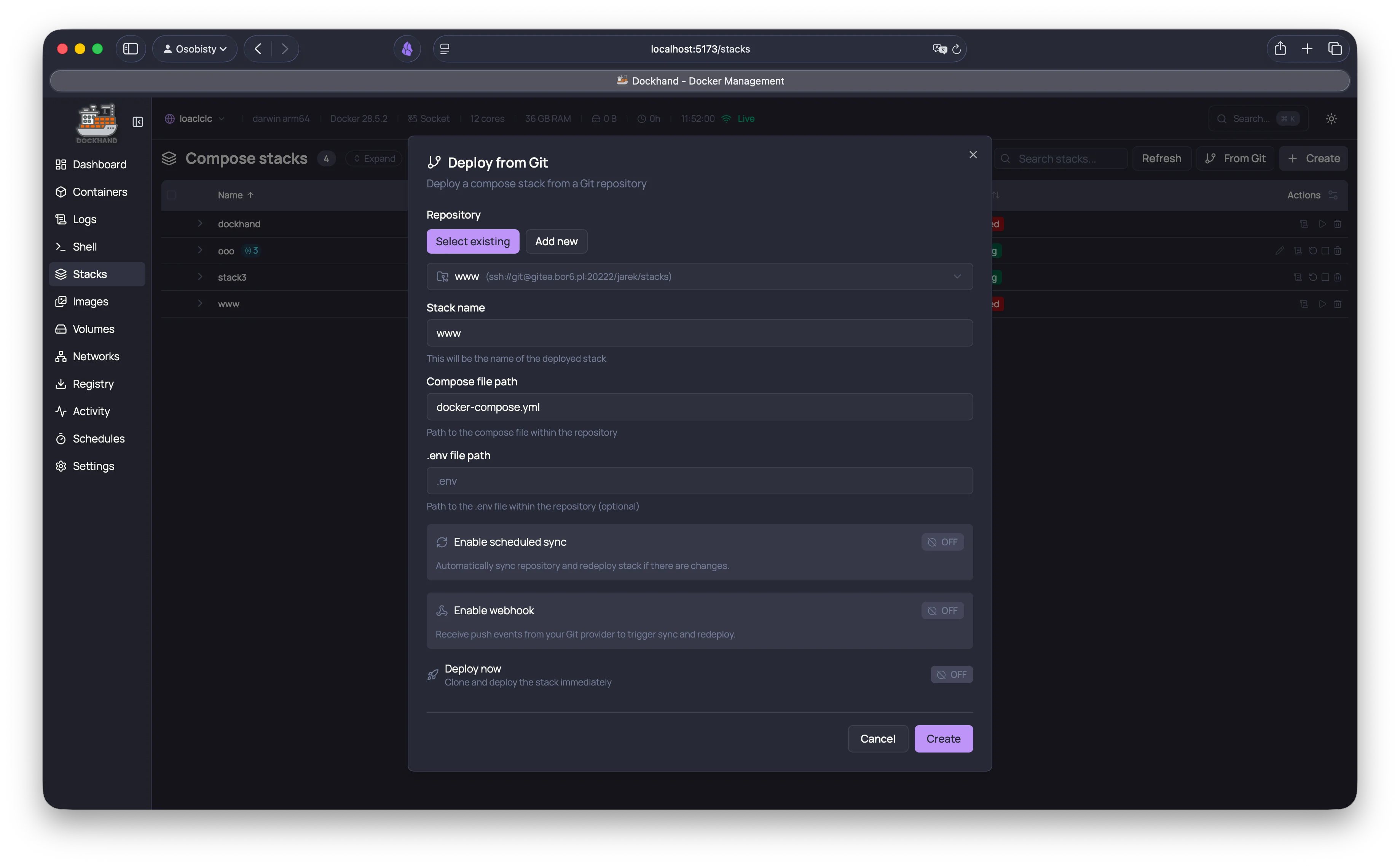
  • Deploy stacks from Git repositories
  • Auto-sync on push with webhooks
  • Scheduled deployments and updates
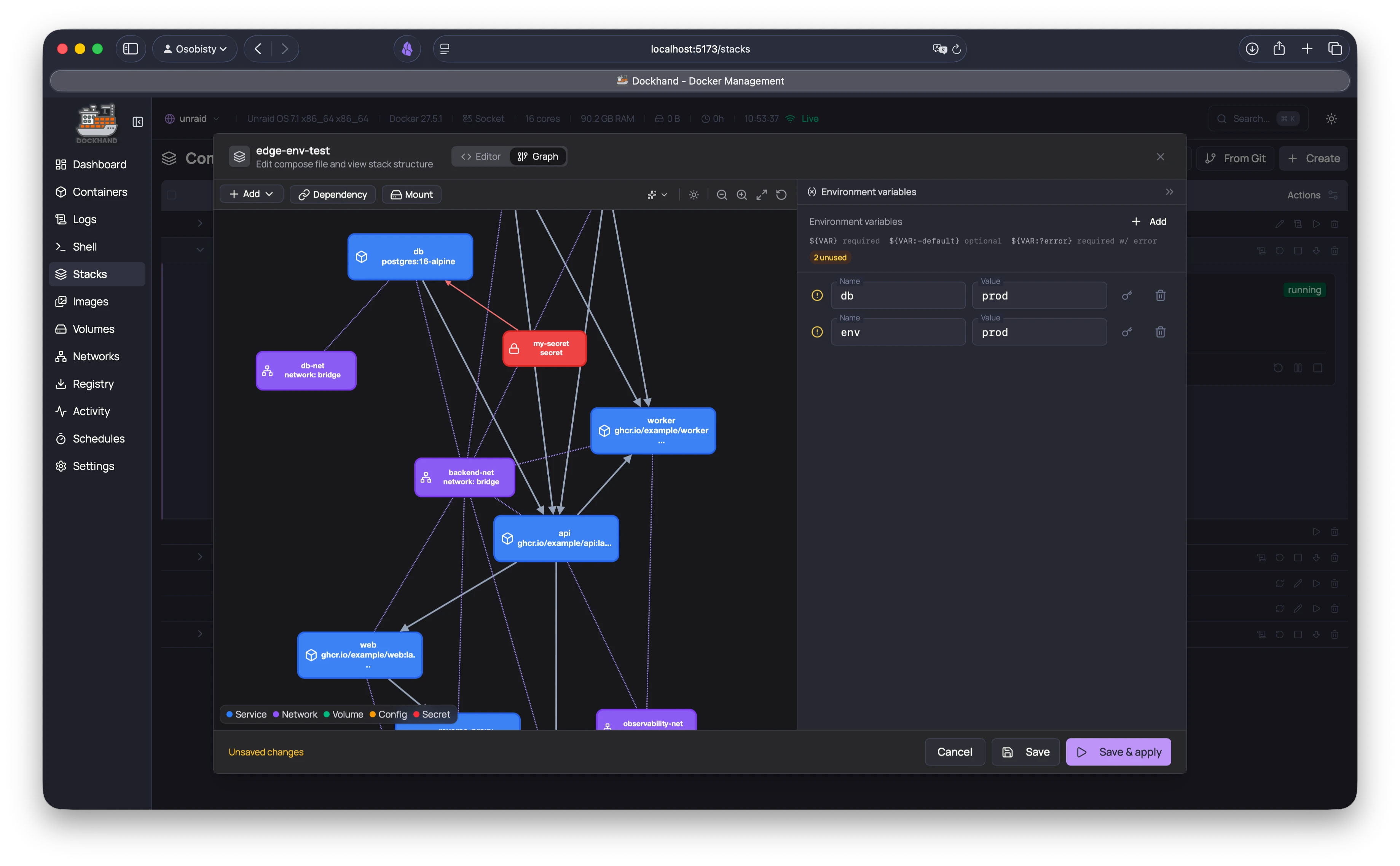
  • Service dependency visualization

Observability

  • Live CPU & memory metrics per container
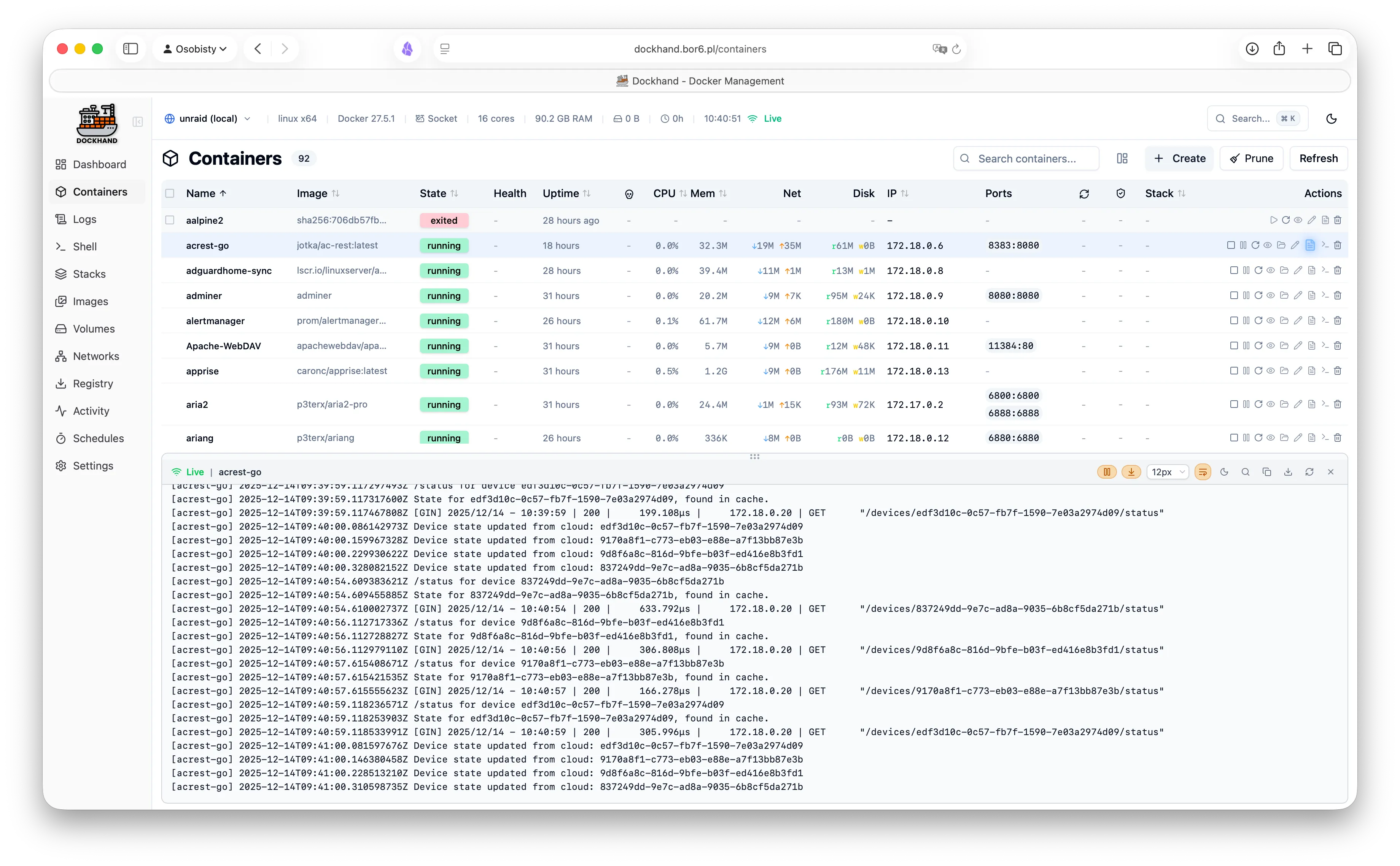
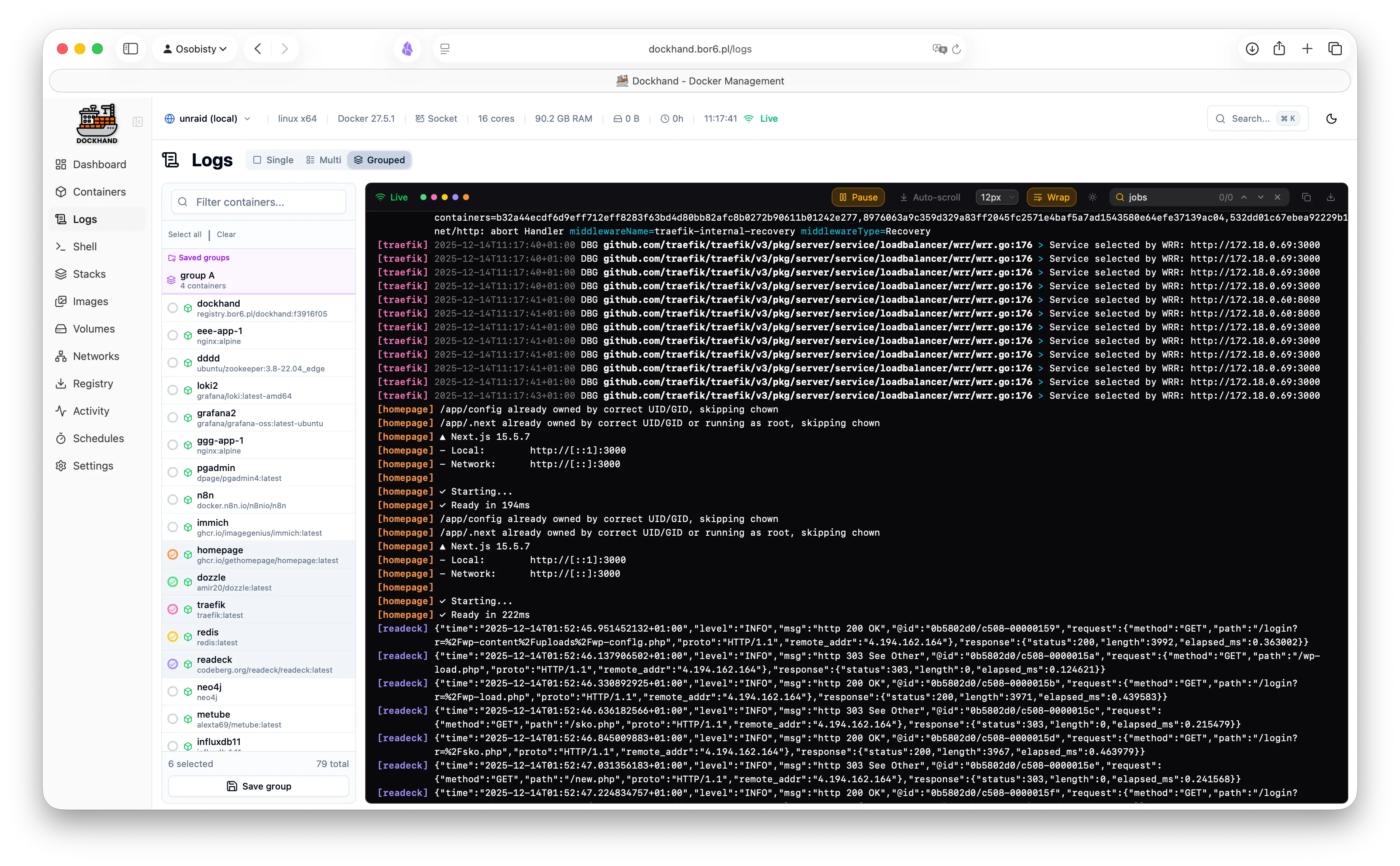
  • Real-time log streaming with ANSI colors
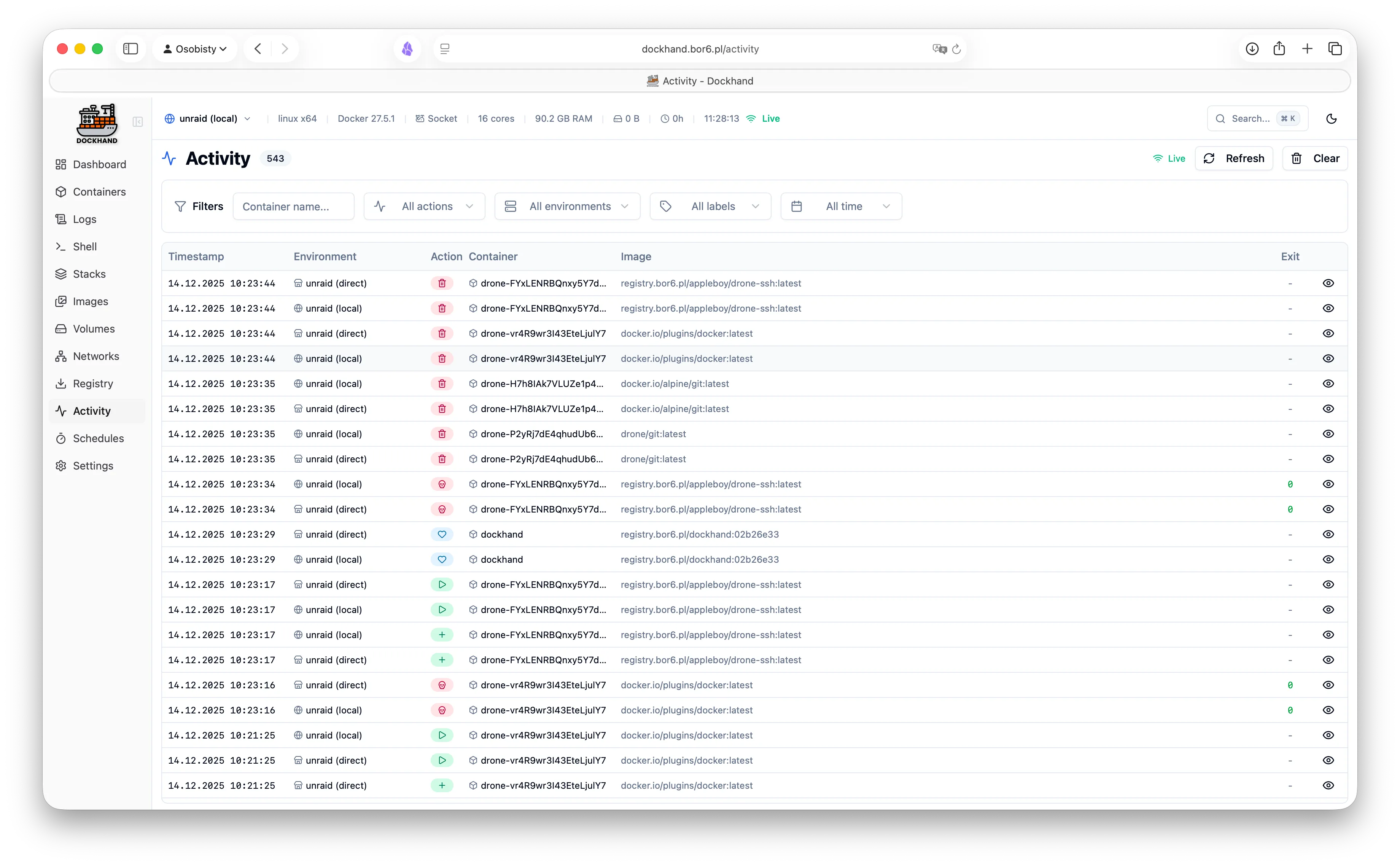
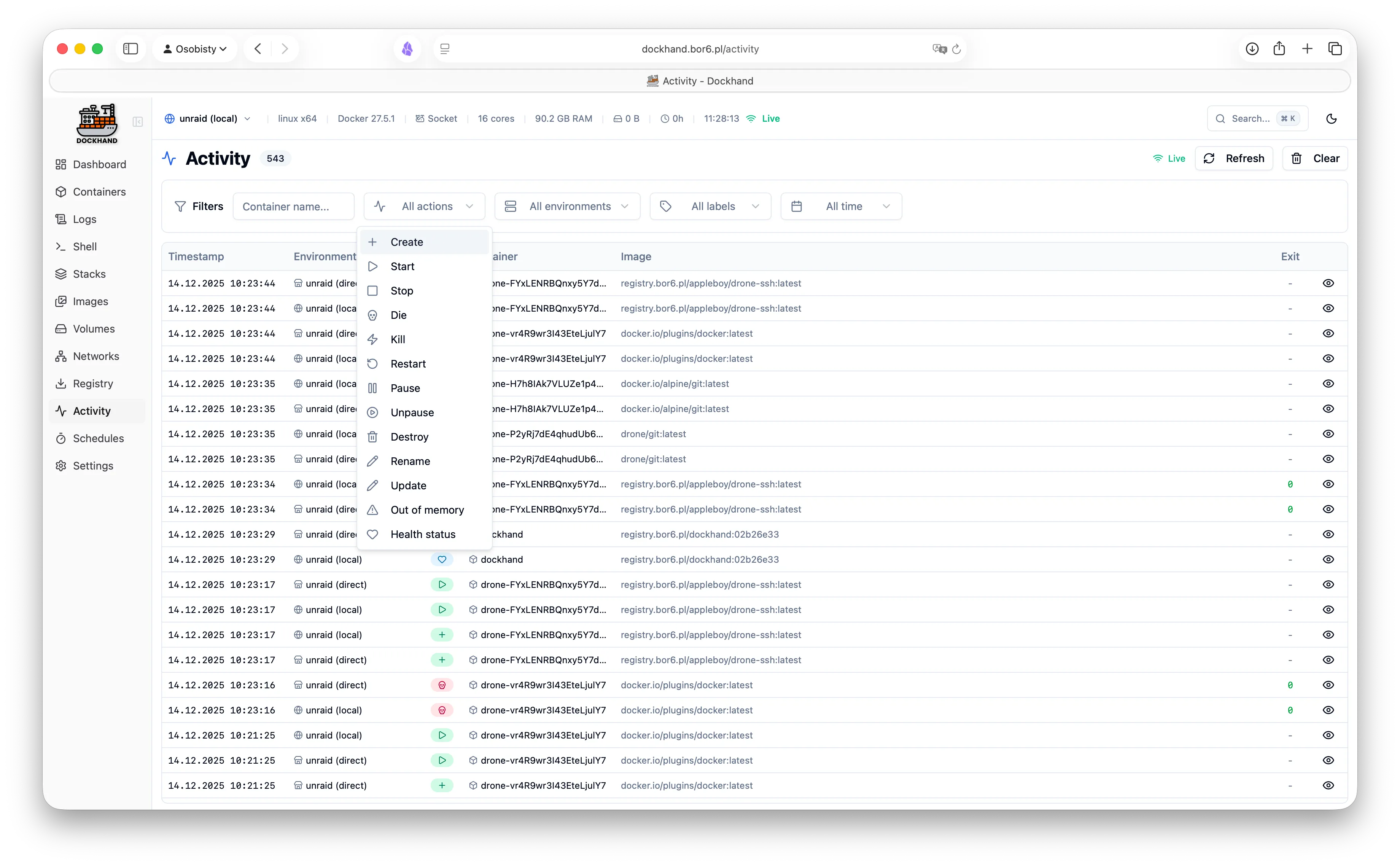
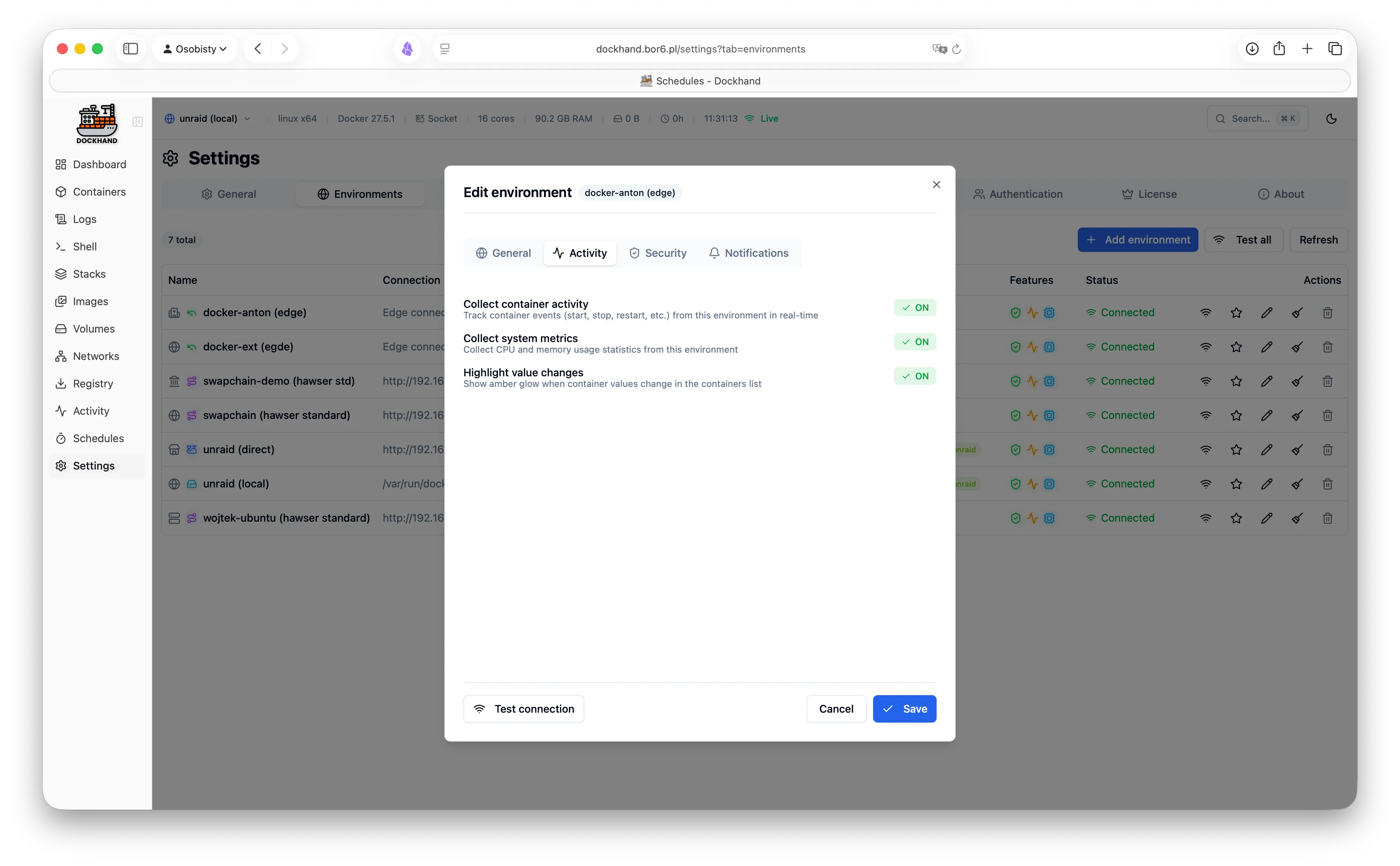
  • Container activity log
  • Disk usage monitoring
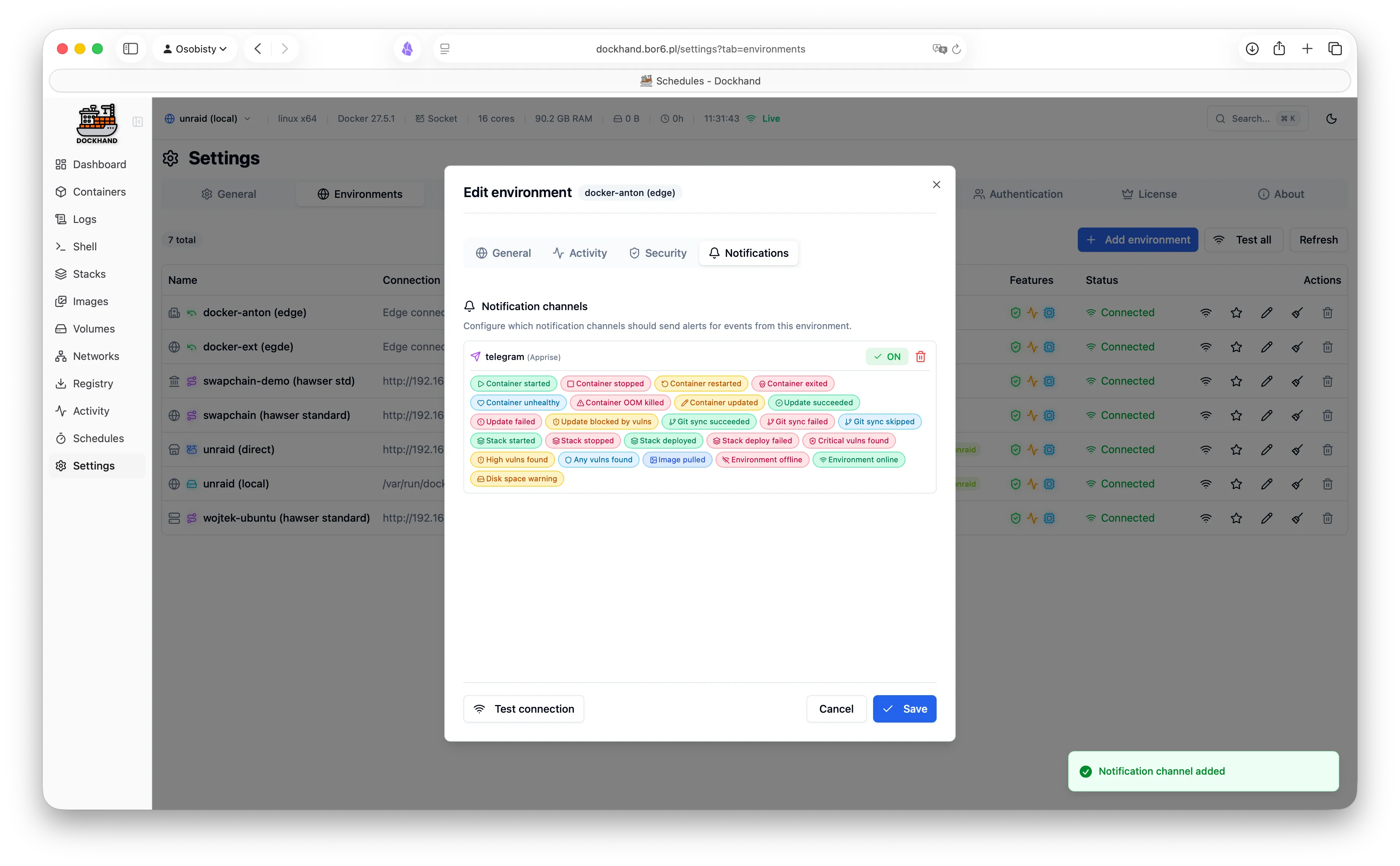
  • Email and webhook notifications

Security

  • OIDC/SSO with any provider Free
  • LDAP/Active Directory integration
  • Multi-factor authentication (TOTP)
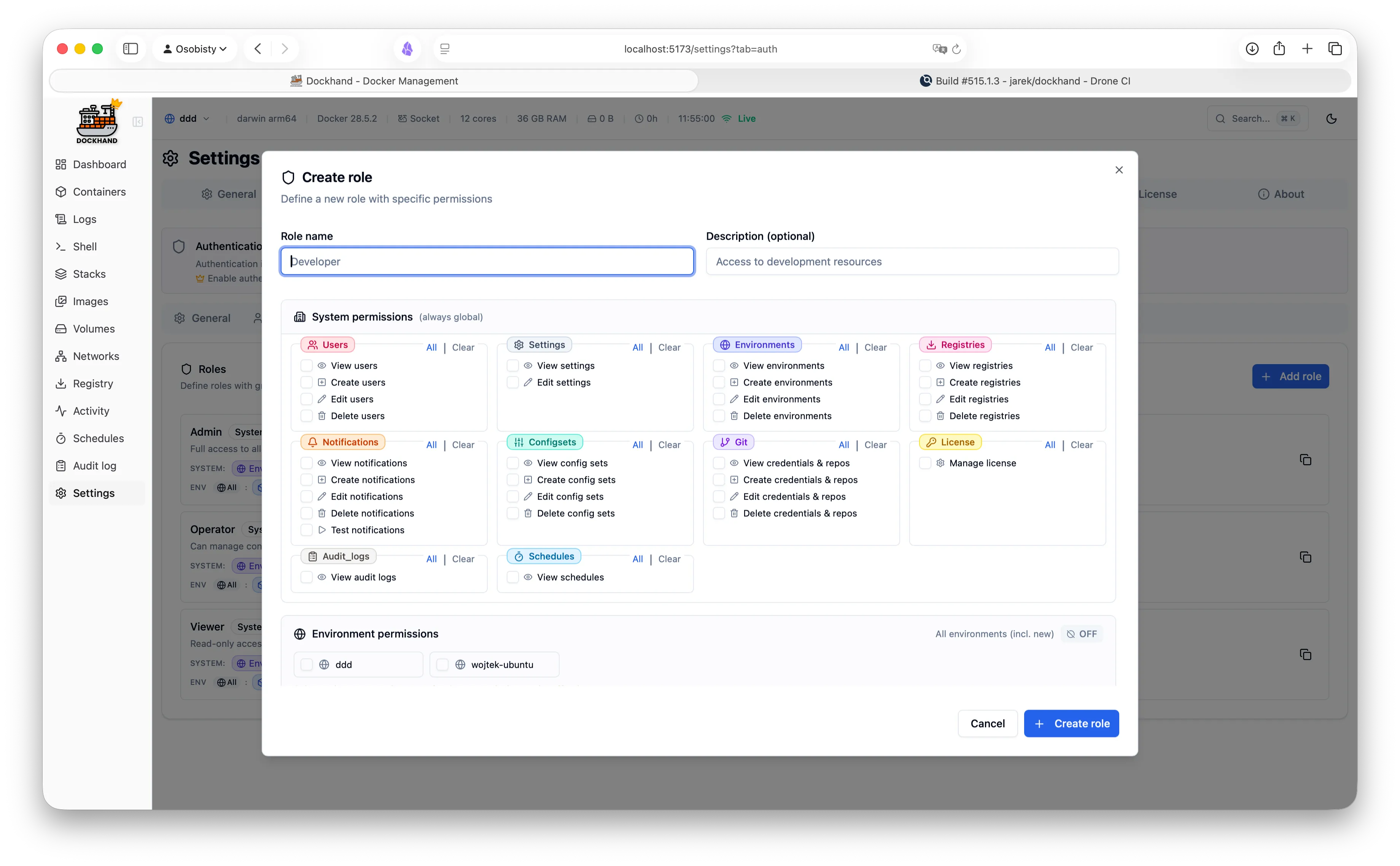
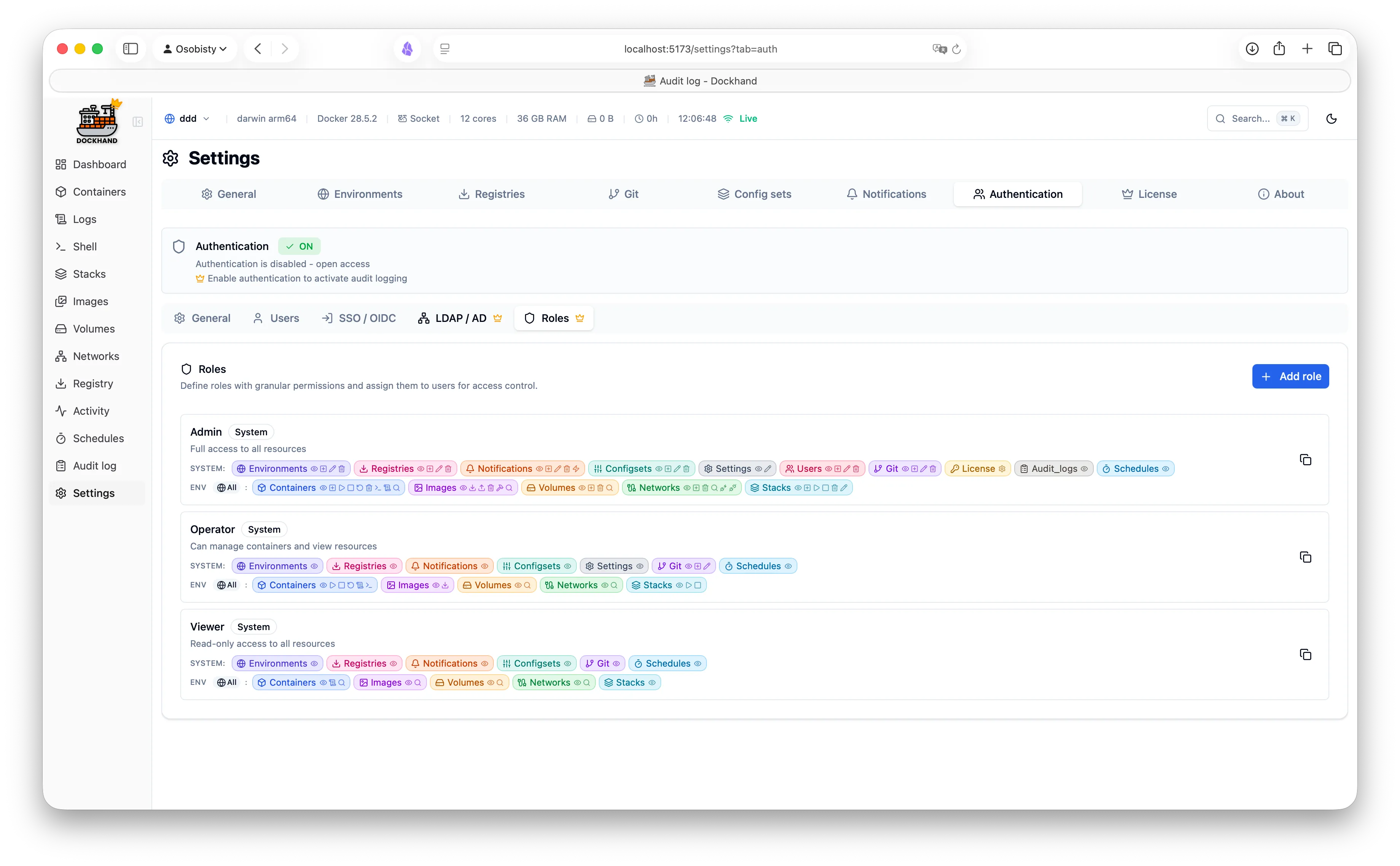
  • Role-based access control
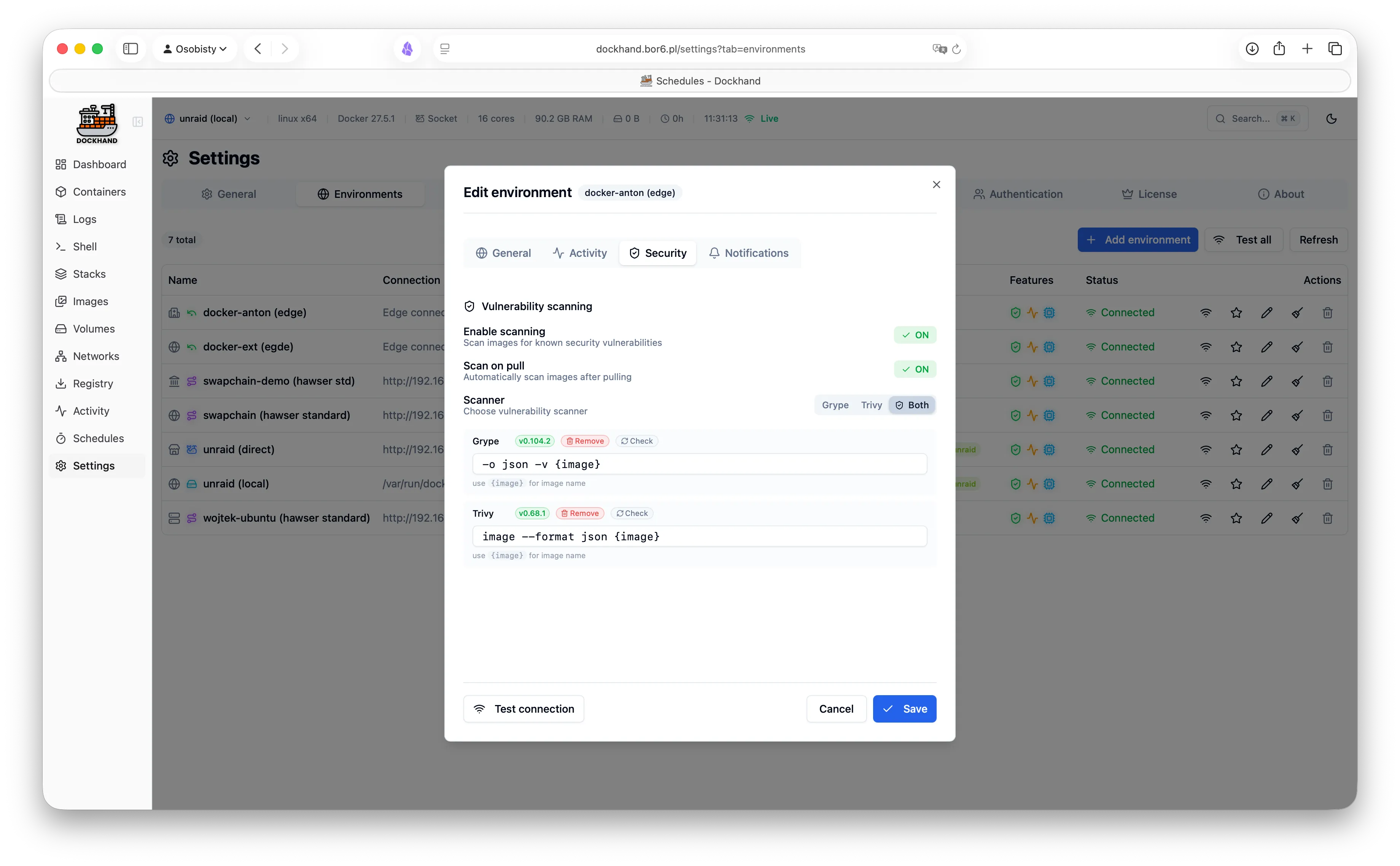
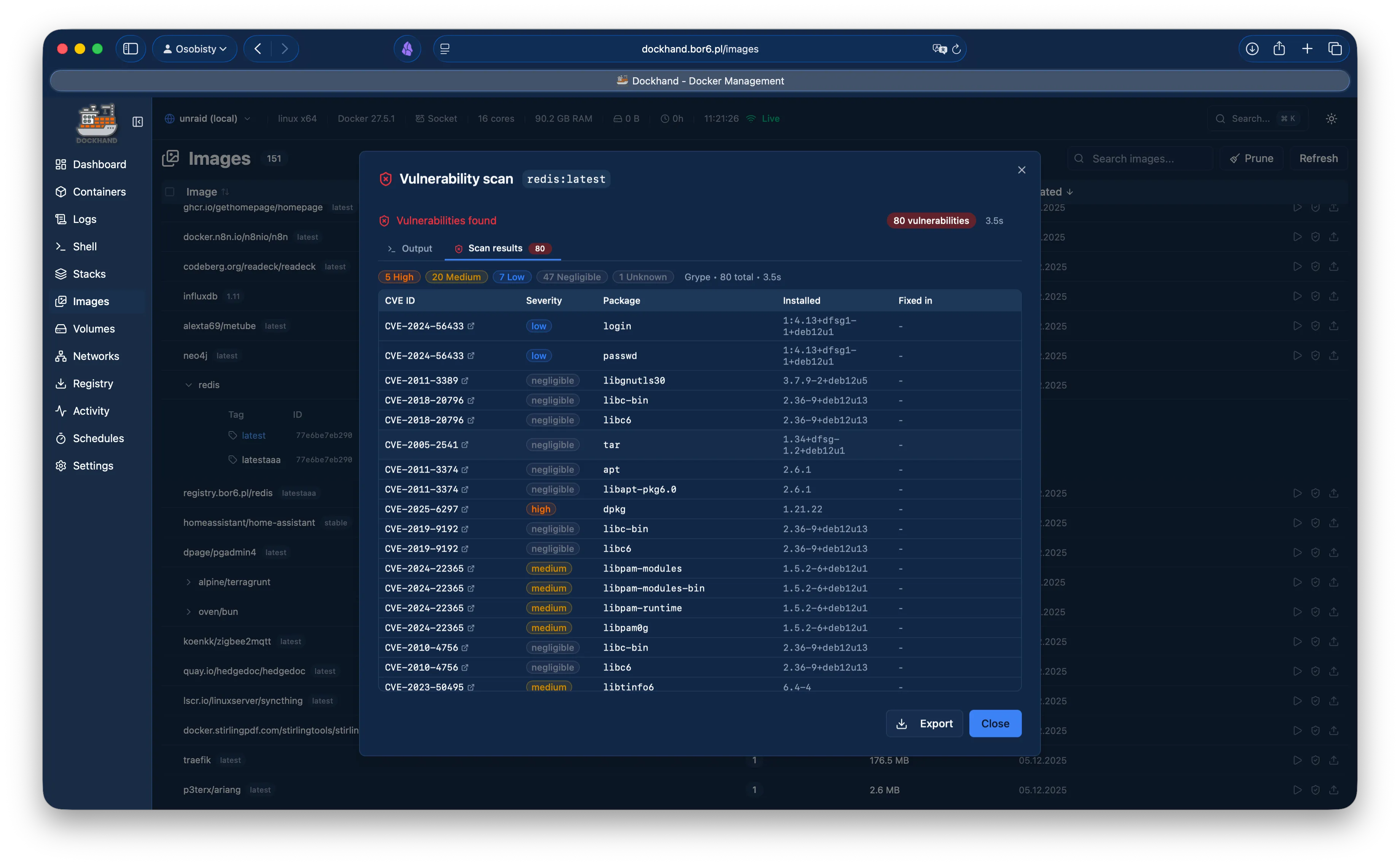
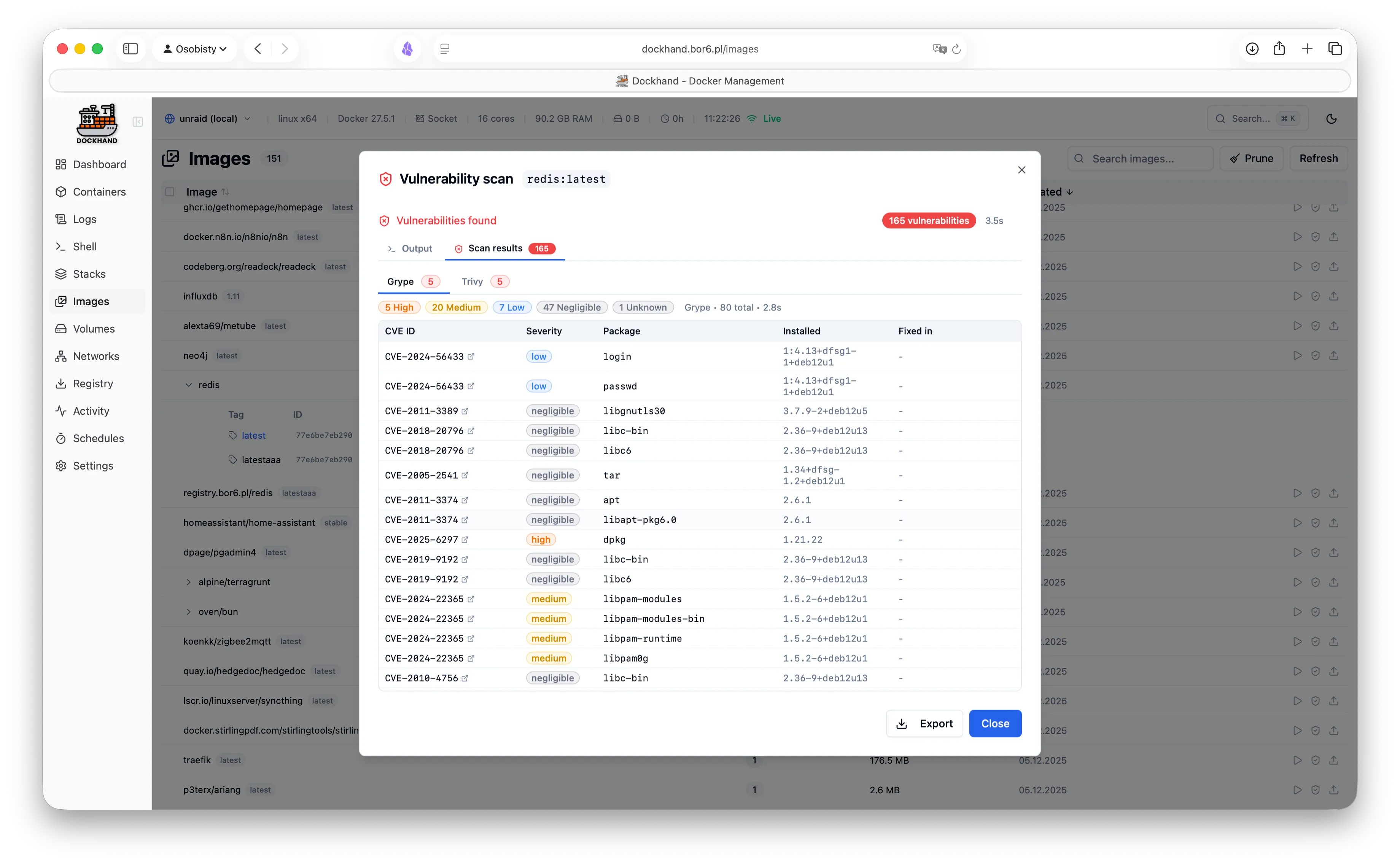
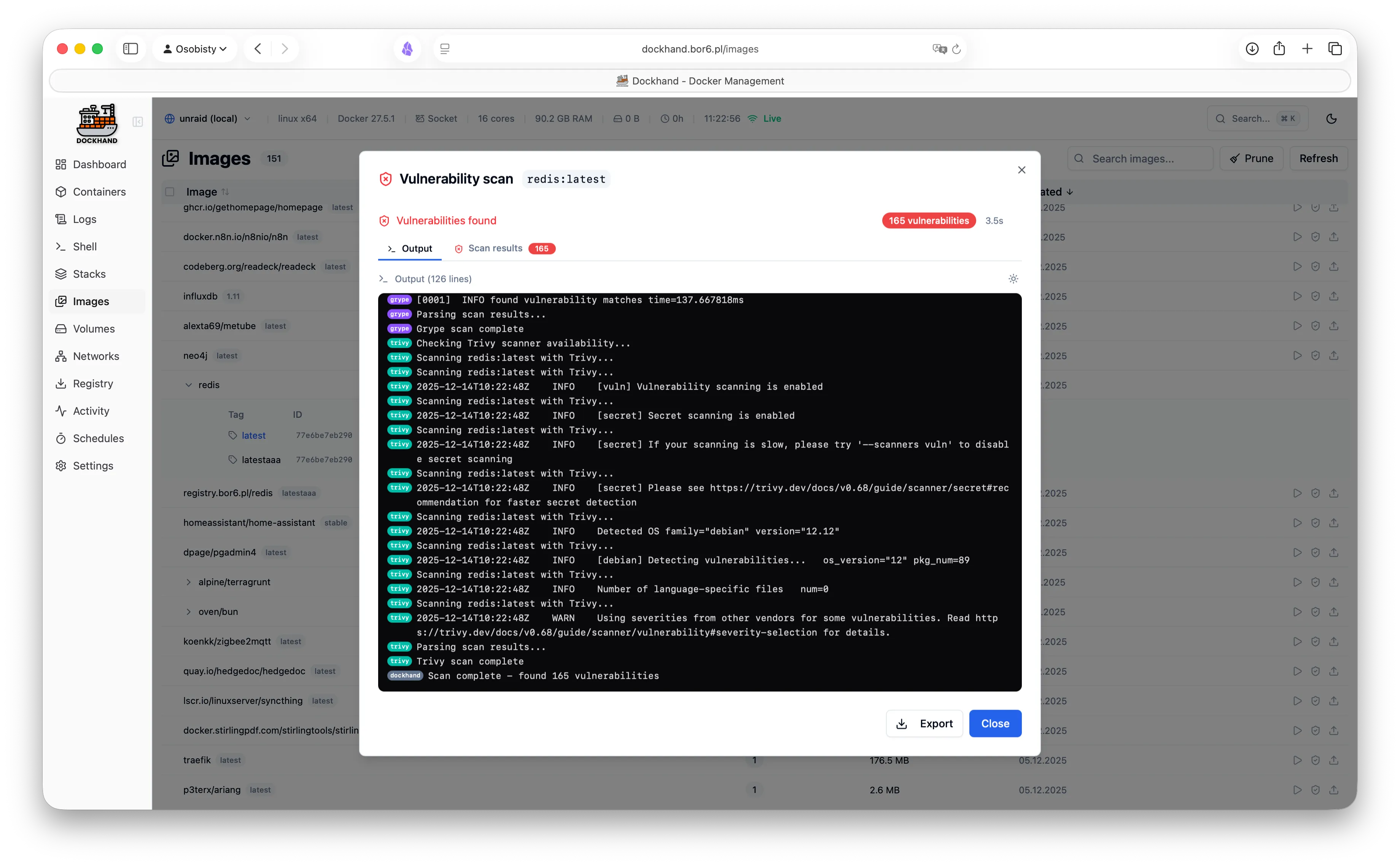
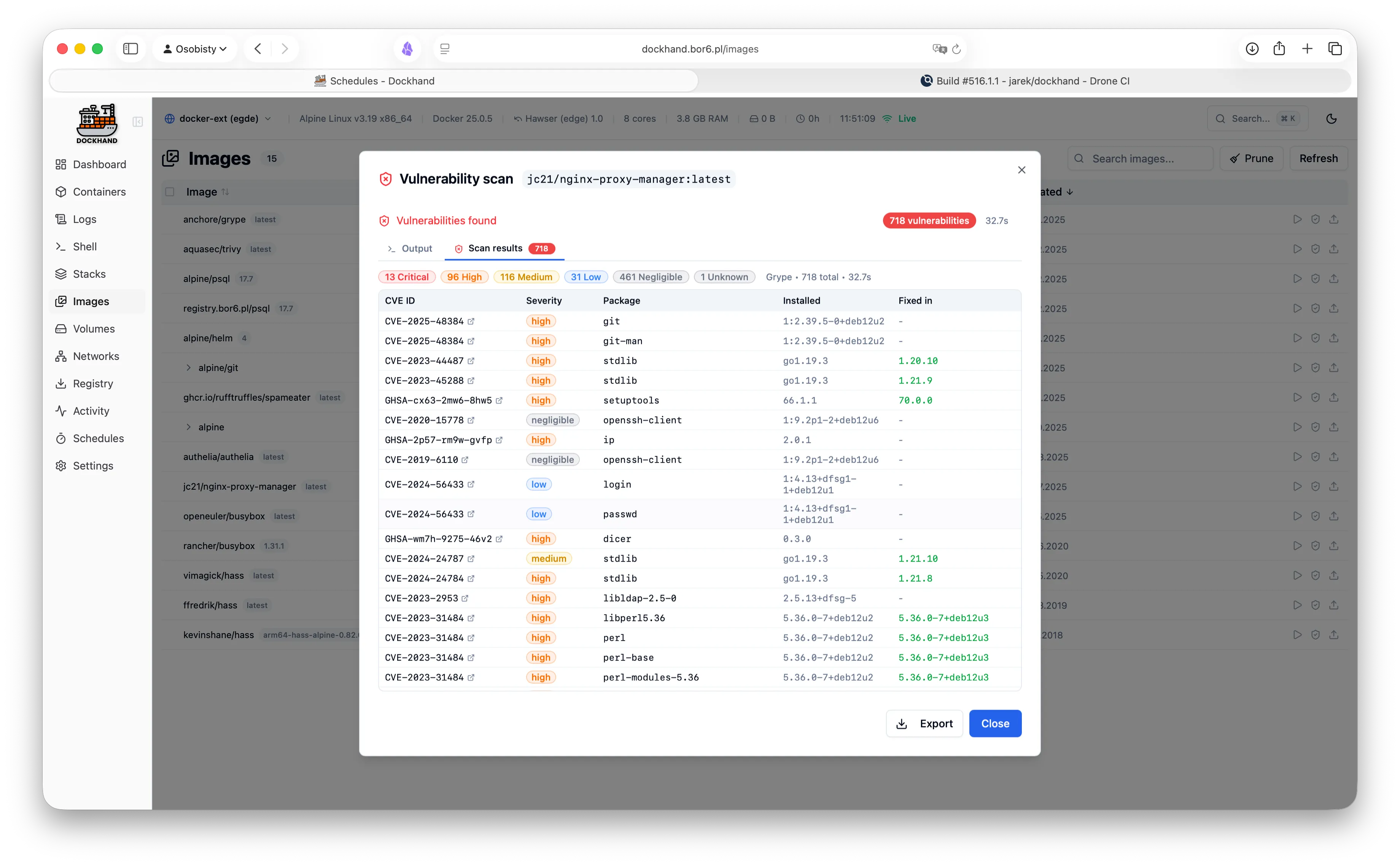
  • Vulnerability scanning (Grype/Trivy)

Multi-host

  • Local Docker socket
  • Remote TCP connections with TLS
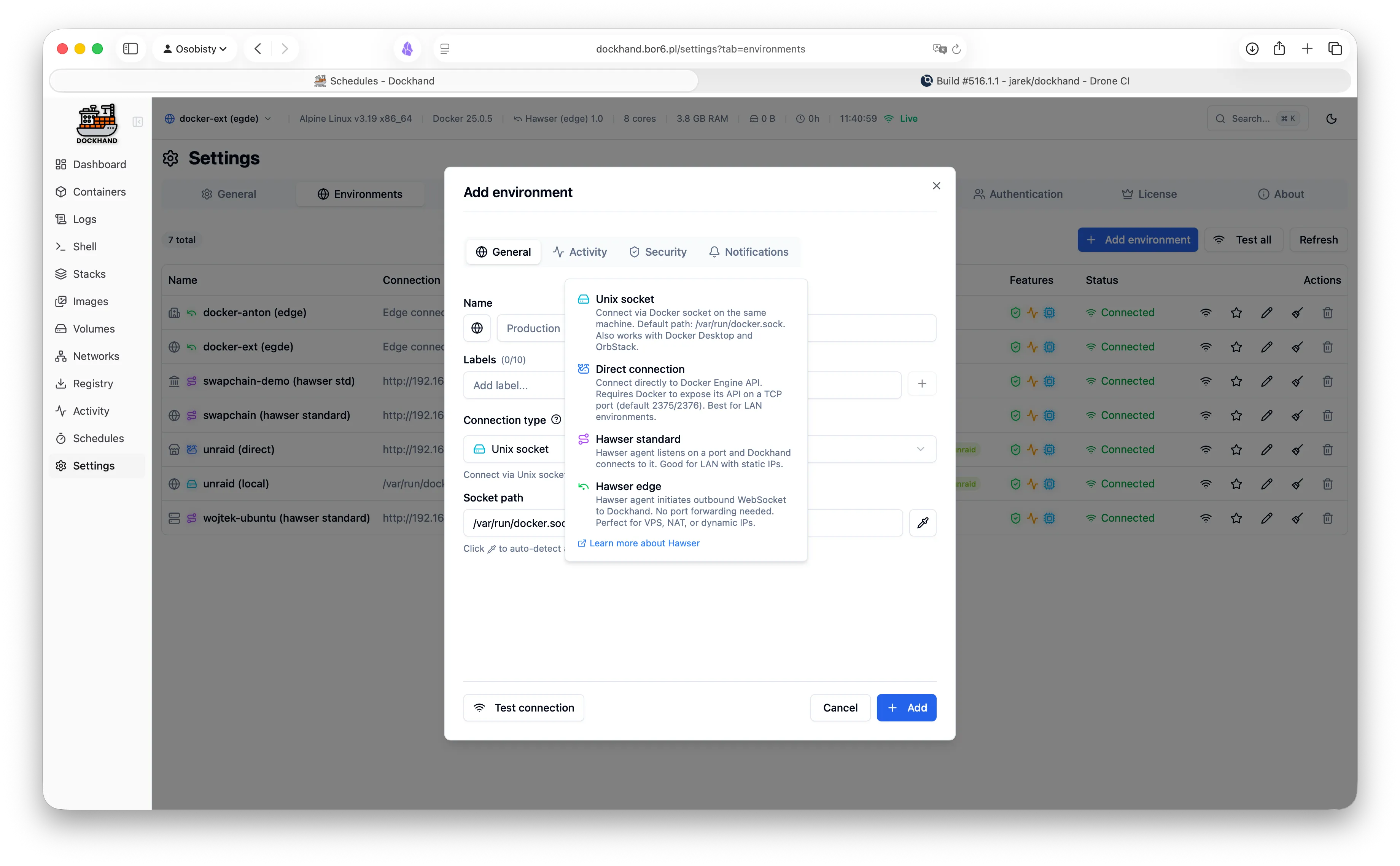
  • Hawser agent for NAT/firewall traversal
  • Environment switching in one click
  • Dashboard tiles per environment

GitOps

  • Deploy stacks from Git repos
  • SSH and HTTPS authentication
  • Webhook triggers for auto-deploy
  • Scheduled sync intervals
  • Multiple repository support

Customization

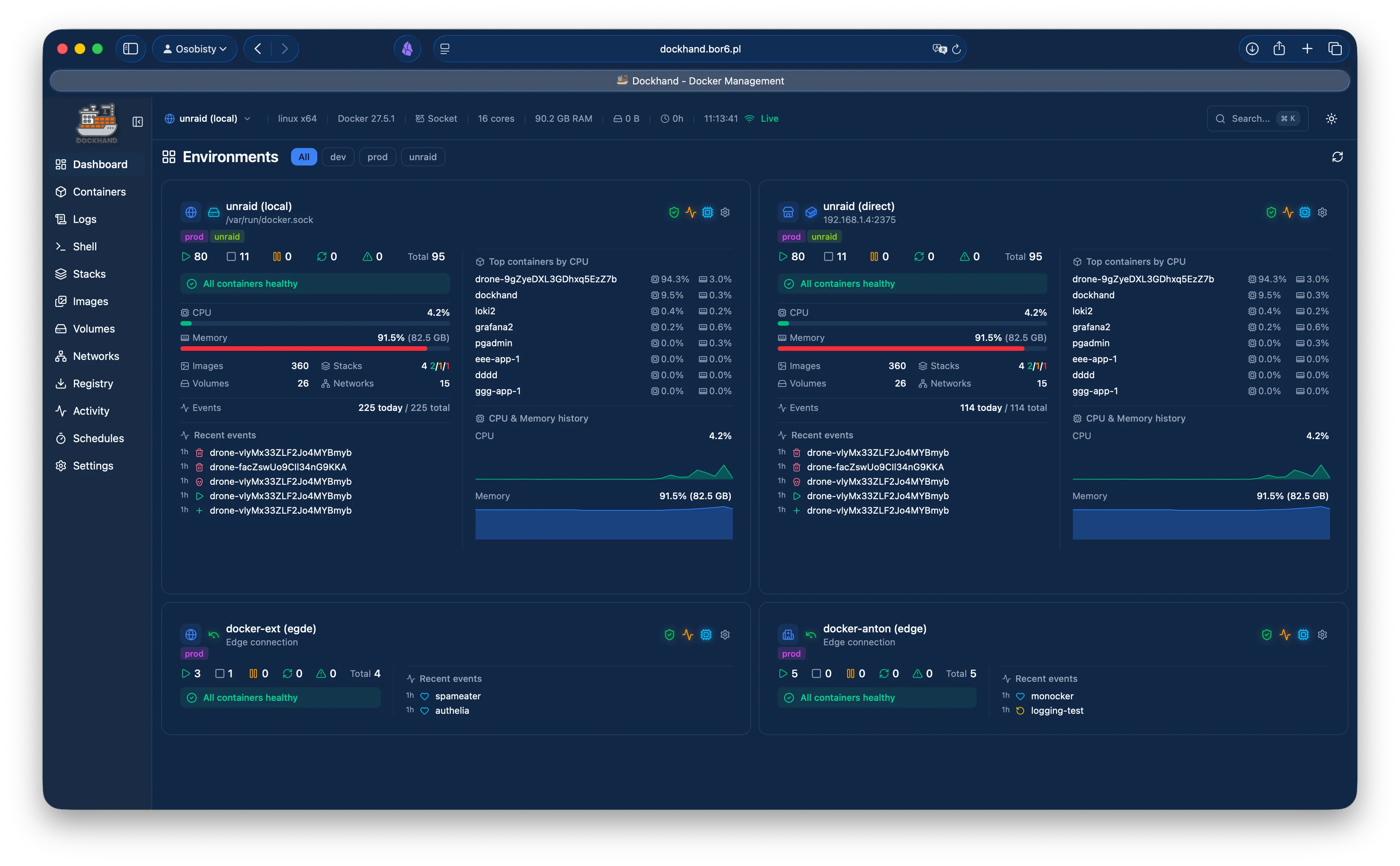
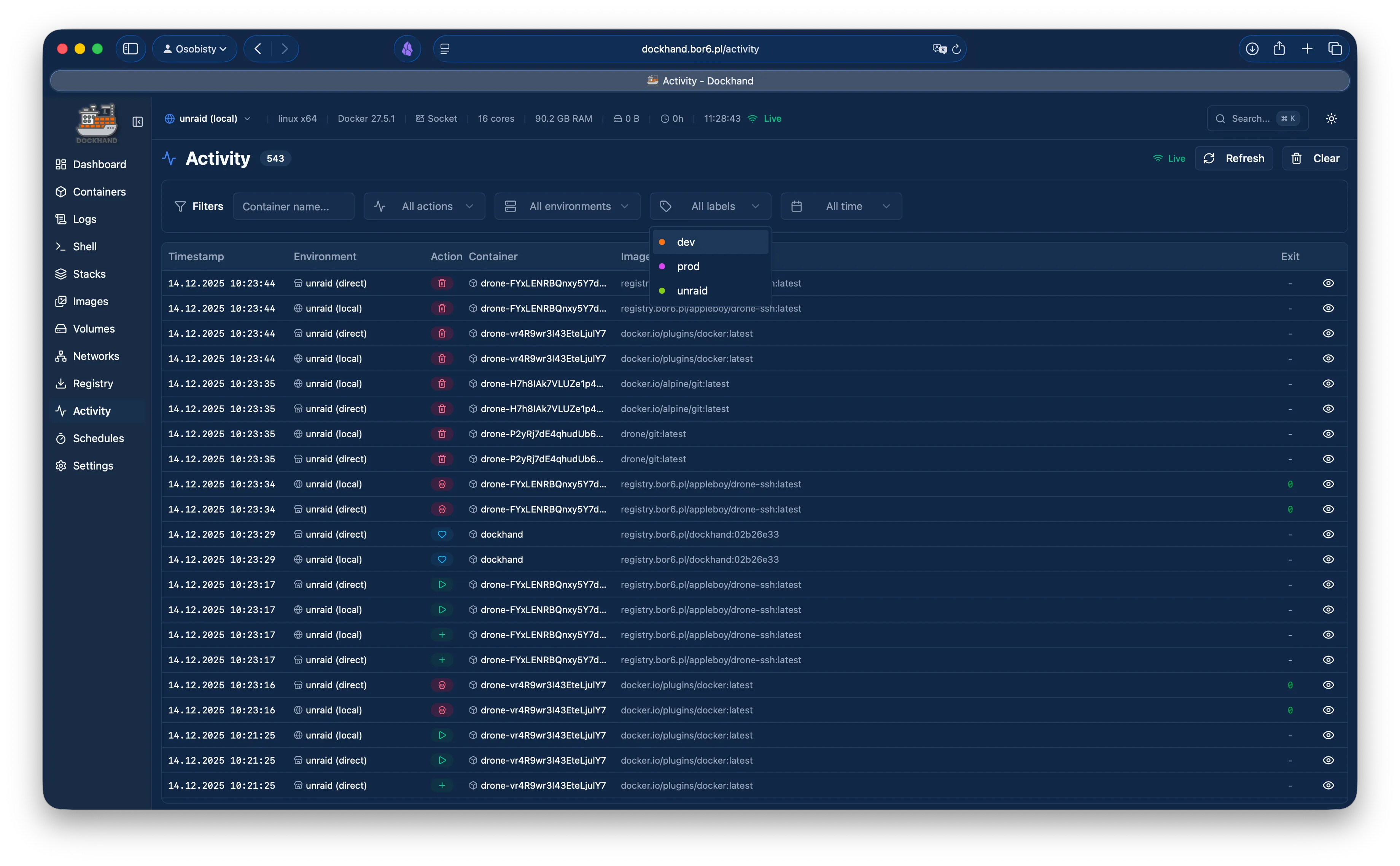
  • Light and dark themes
  • Configurable font sizes
  • Hide, show, and reorder columns
  • Resizable dashboard tiles
  • Persistent per-user preferences
and more coming (see the roadmap)

Free vs SMB vs Enterprise

Authentication is free. RBAC is enterprise. No calculator required.

Feature Free SMB Enterprise
Unlimited environments
Container & stack management
Git repository integration
Vulnerability scanning
Local user accounts
OIDC/SSO
Multi-factor authentication
Container activity log
Commercial usage license
Premium support
Priority bug fixes
LDAP/Active Directory
Role-based access control
Environment-scoped permissions
Audit logging (compliance)
Price $0 forever $499/host/year $1,499/host/year
Buy me a coffee

Host = one machine running Dockhand. Volume discounts available for 5+ hosts.

Your infrastructure, your control

No cloud dependencies, no telemetry, no data leaving your network.
Paranoid? We prefer "security-conscious."

Self-hosted only

Dockhand runs entirely on your infrastructure. No SaaS, no cloud dependency, no vendor lock-in. Your data never touches our servers.

Zero telemetry

We don't phone home. No usage tracking, no analytics, no mysterious background connections. Your Docker environment stays private.

Minimal dependencies

SQLite by default, optional PostgreSQL for HA. No Redis, no message queues. Simple deployment, minimal attack surface.

Vulnerability scanning

Scan your images for CVEs using Grype and Trivy. Identify security risks before deployment.

Safe-pull protection: During auto-updates, new images are pulled to a temporary tag and scanned before touching your running containers. If vulnerabilities exceed your criteria, the temp image is deleted and your container keeps running safely.

Hawser: Manage Docker hosts anywhere

Our open-source Go agent lets you manage Docker hosts behind NAT, firewalls, or dynamic IPs. The agent initiates outbound connections to Dockhand - no exposed ports, no inbound firewall rules needed.

Your Browser
Dockhand
Hawser Agent
Docker
Outbound-only connections
Works behind NAT/firewall
Token-based authentication
Auto-reconnect

See it in action

A modern, intuitive interface designed for productivity.
Warning: May cause sudden urges to containerize everything.
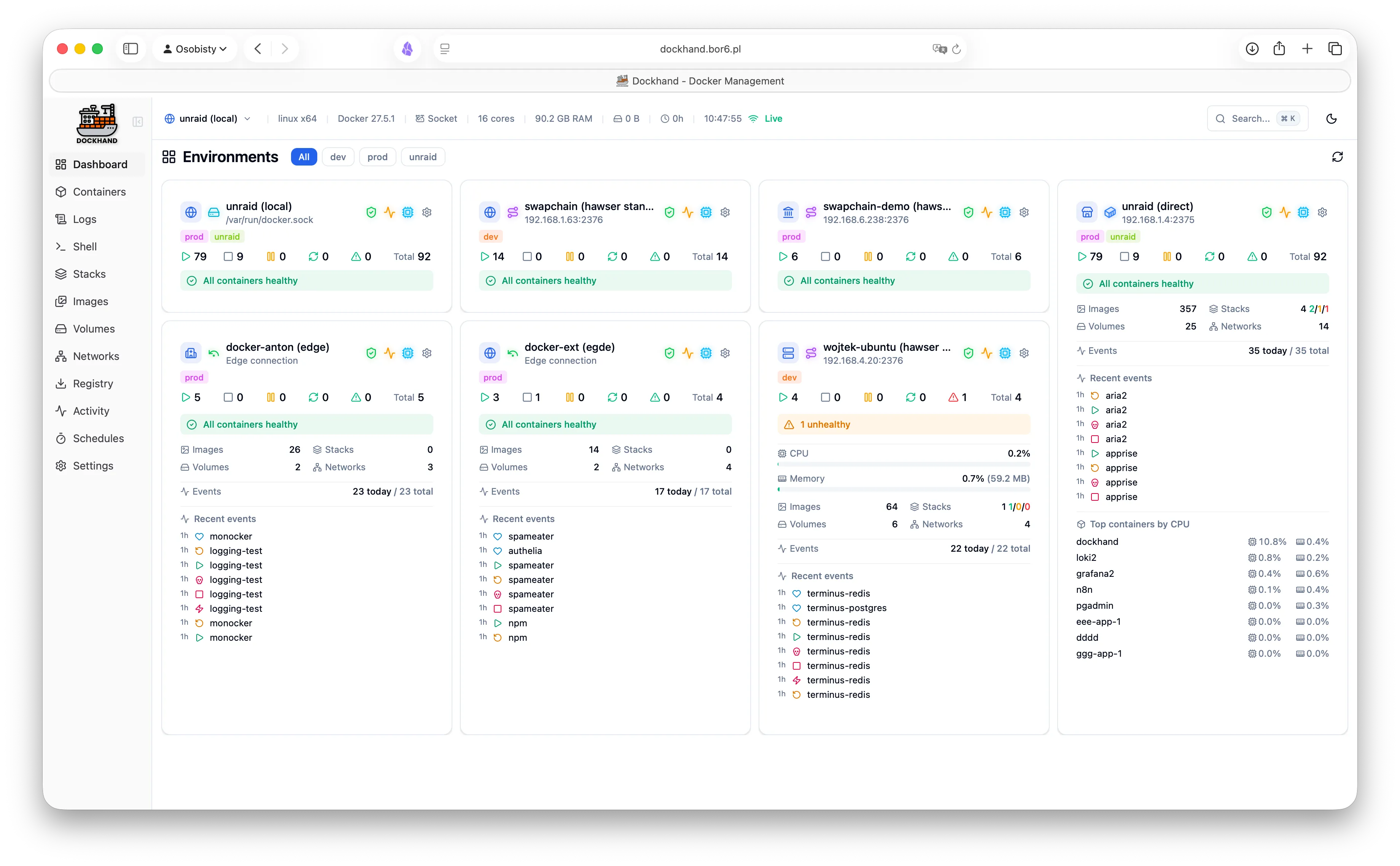
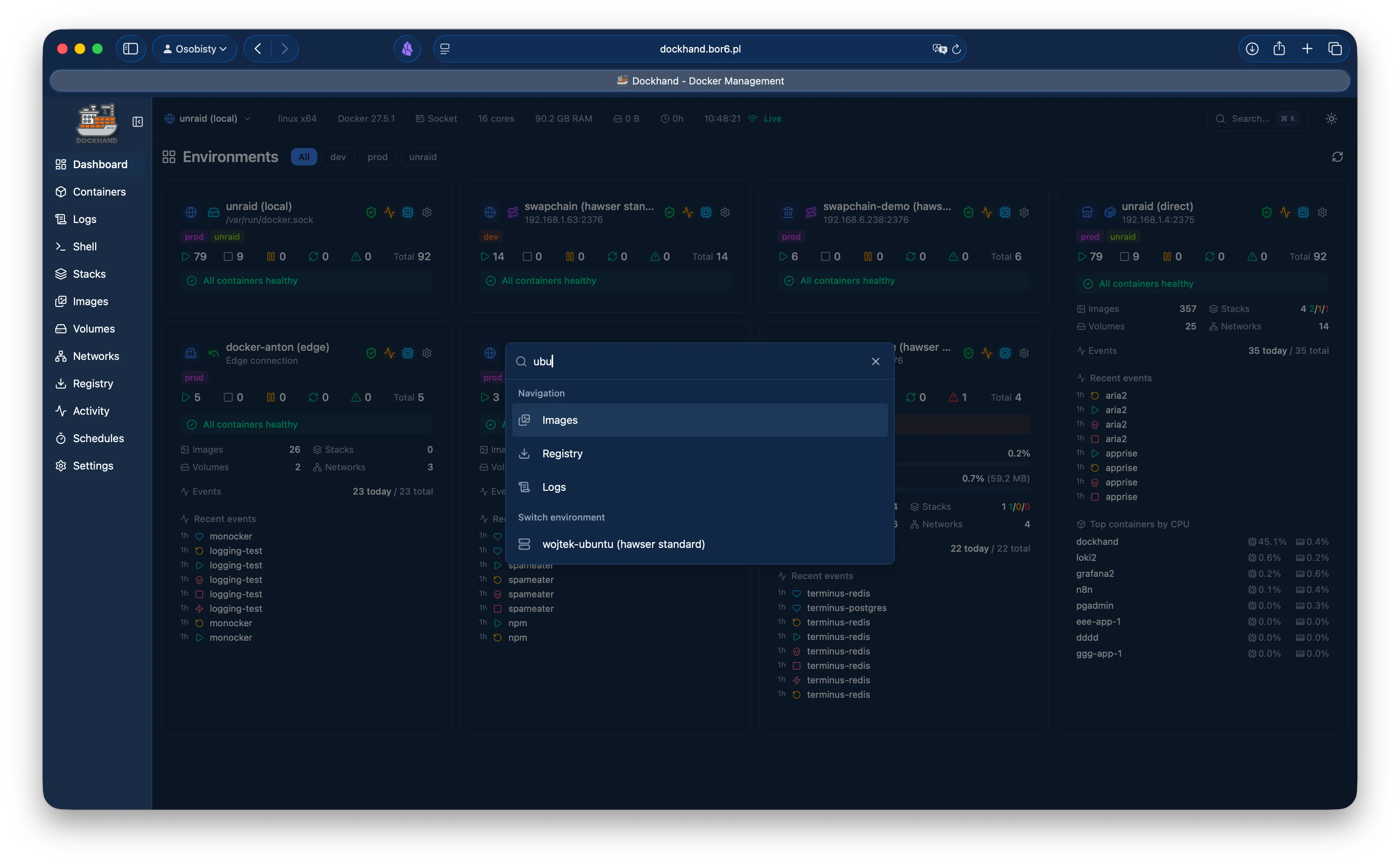
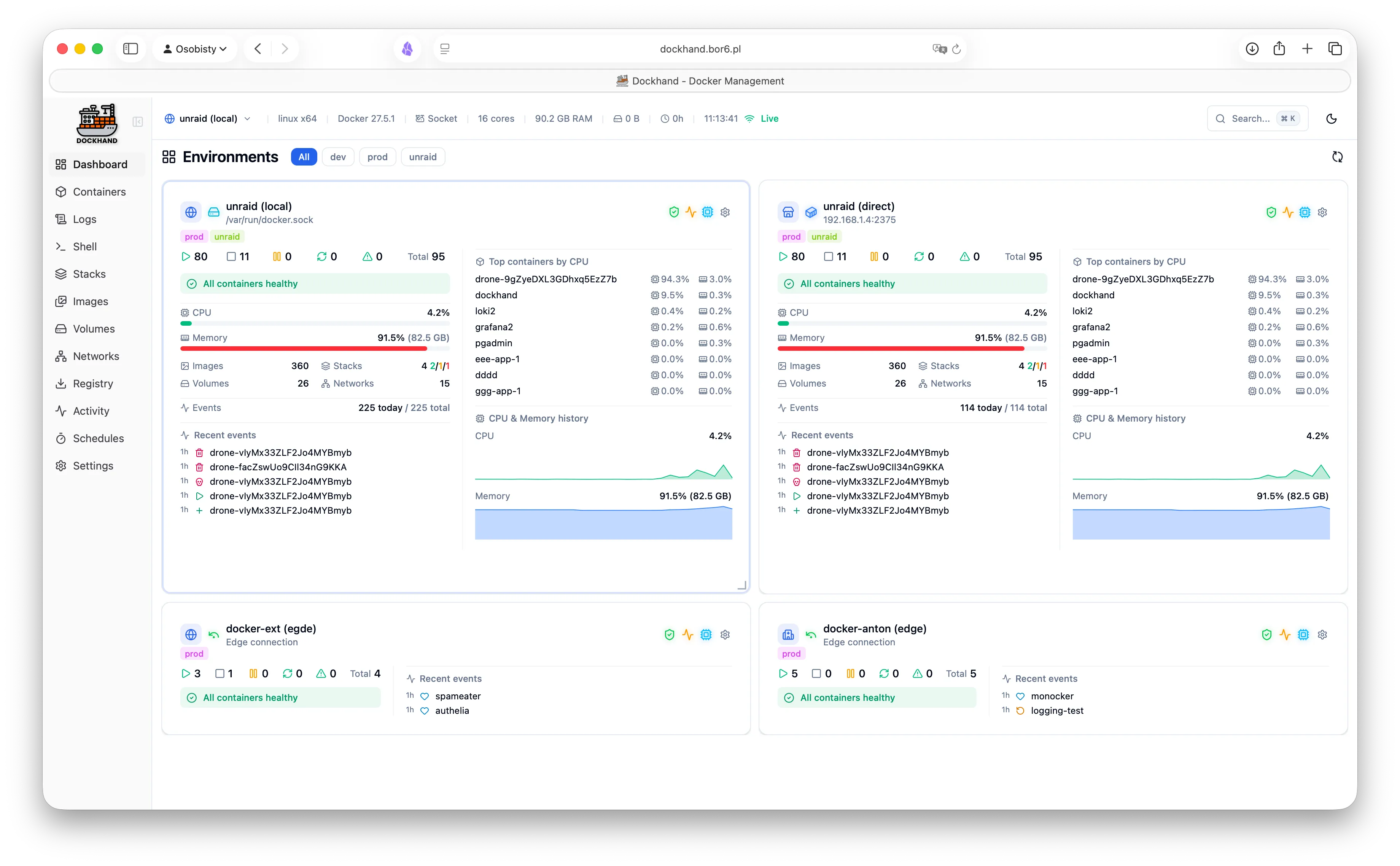
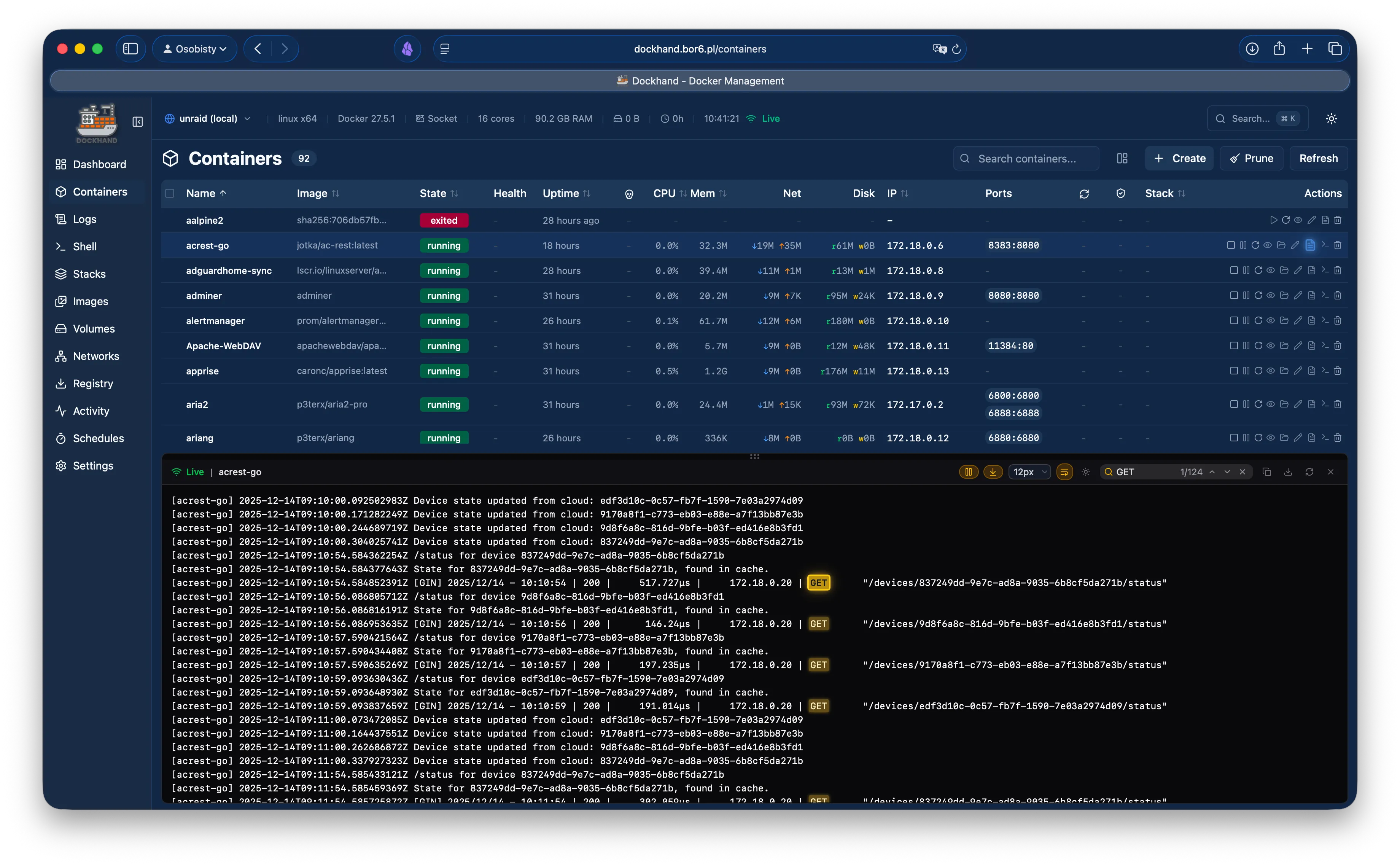
Dashboard overview with environment tiles
Dashboard with multiple environments
Dashboard tile configuration
Dashboard with container stats
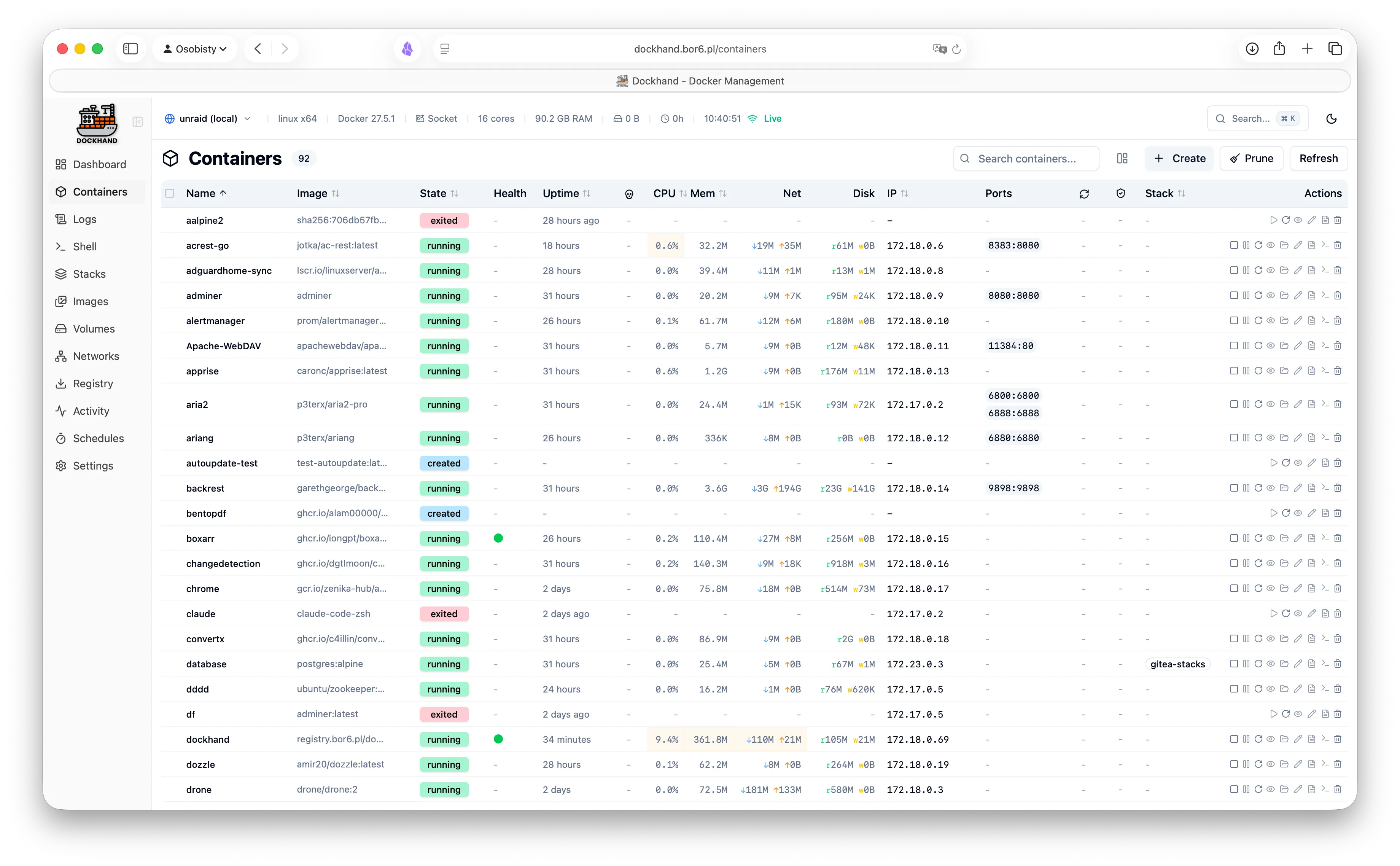
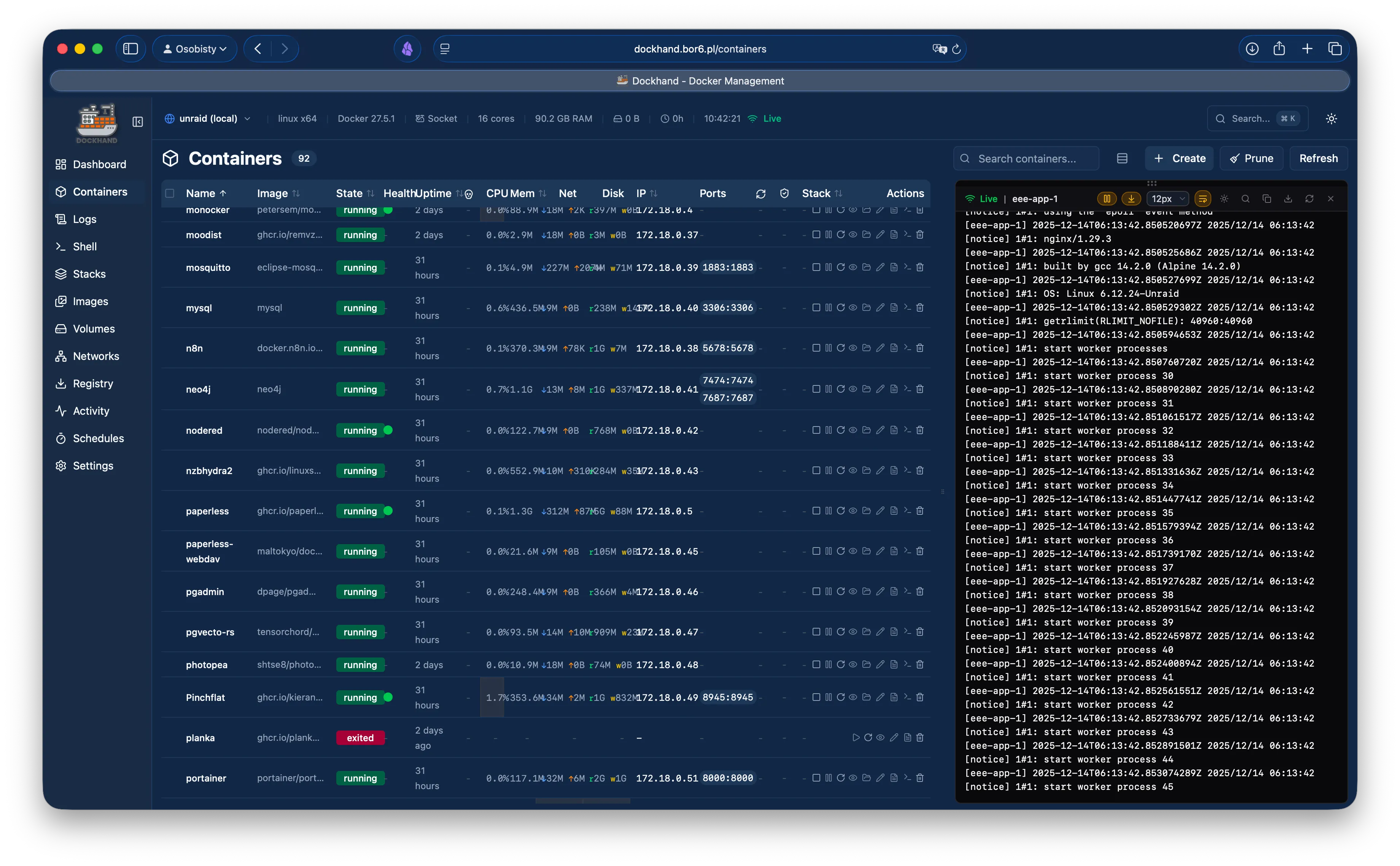
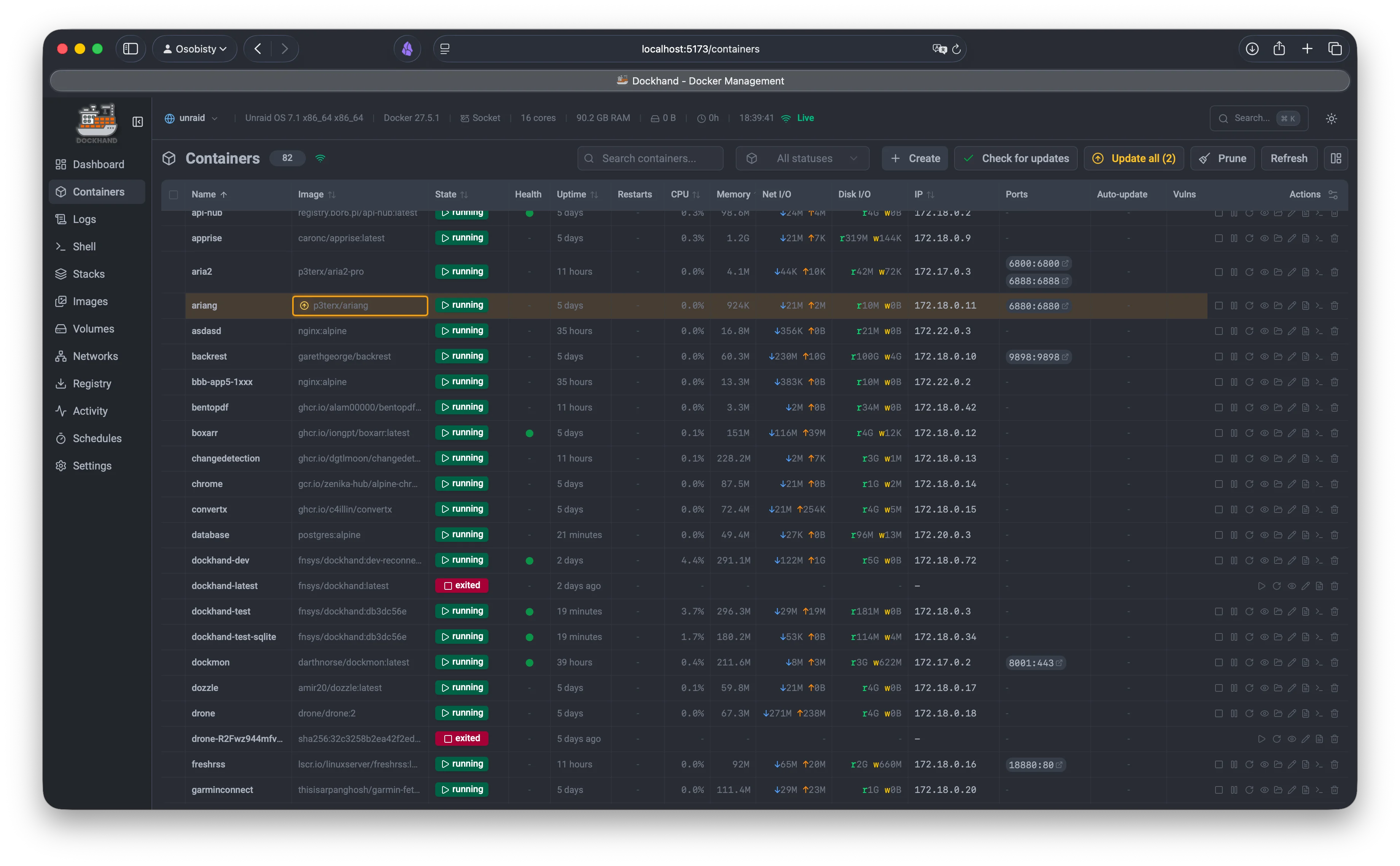
Container list with live stats
Container details and actions
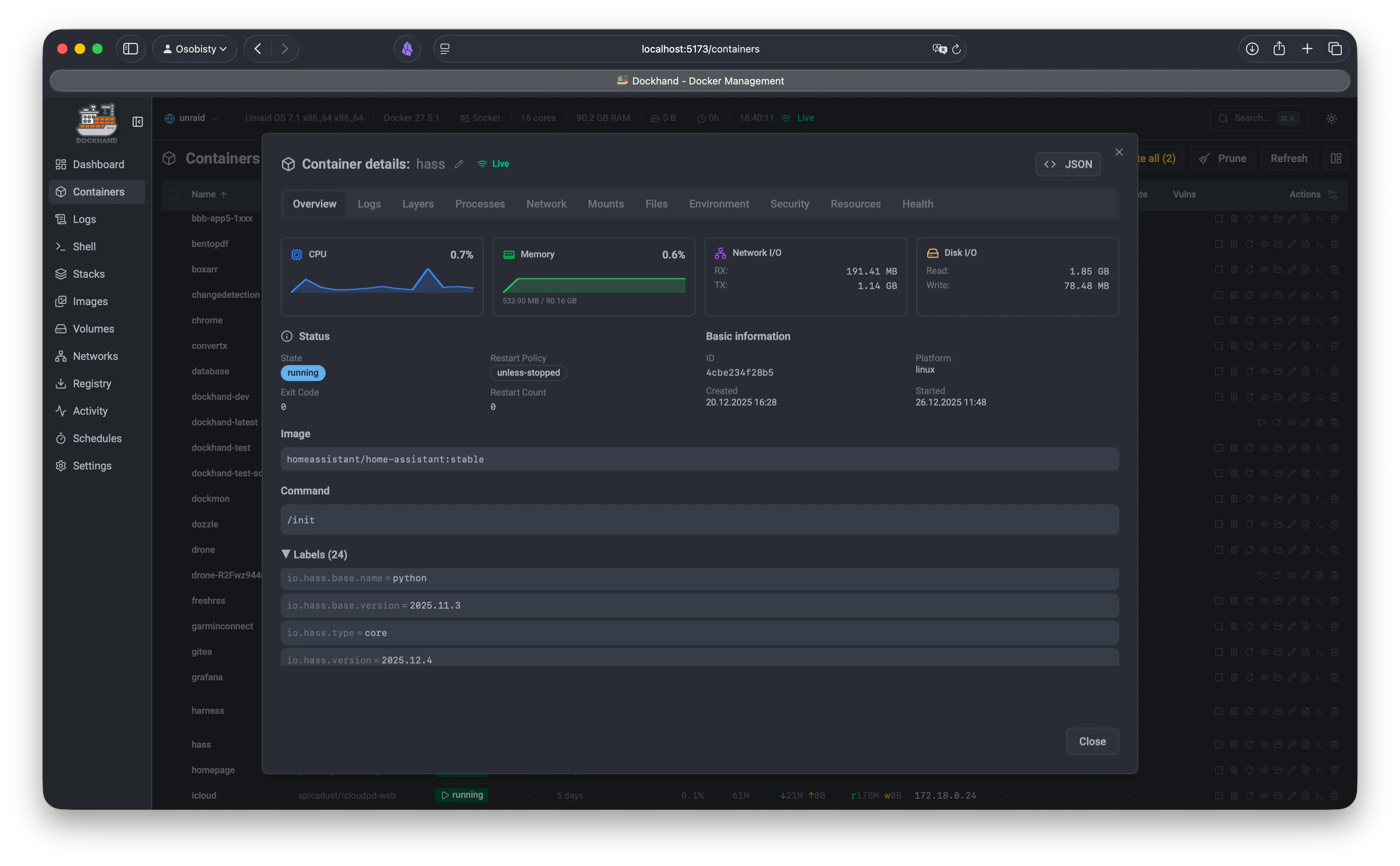
Container inspection
Container configuration
Container management
Container overview
Container inspection overview
Container environment and ports
Container processes and stats
Container file browser
Container file operations
Container create wizard
Container edit configuration
Container advanced options
Container batch operations
Container multi-select actions
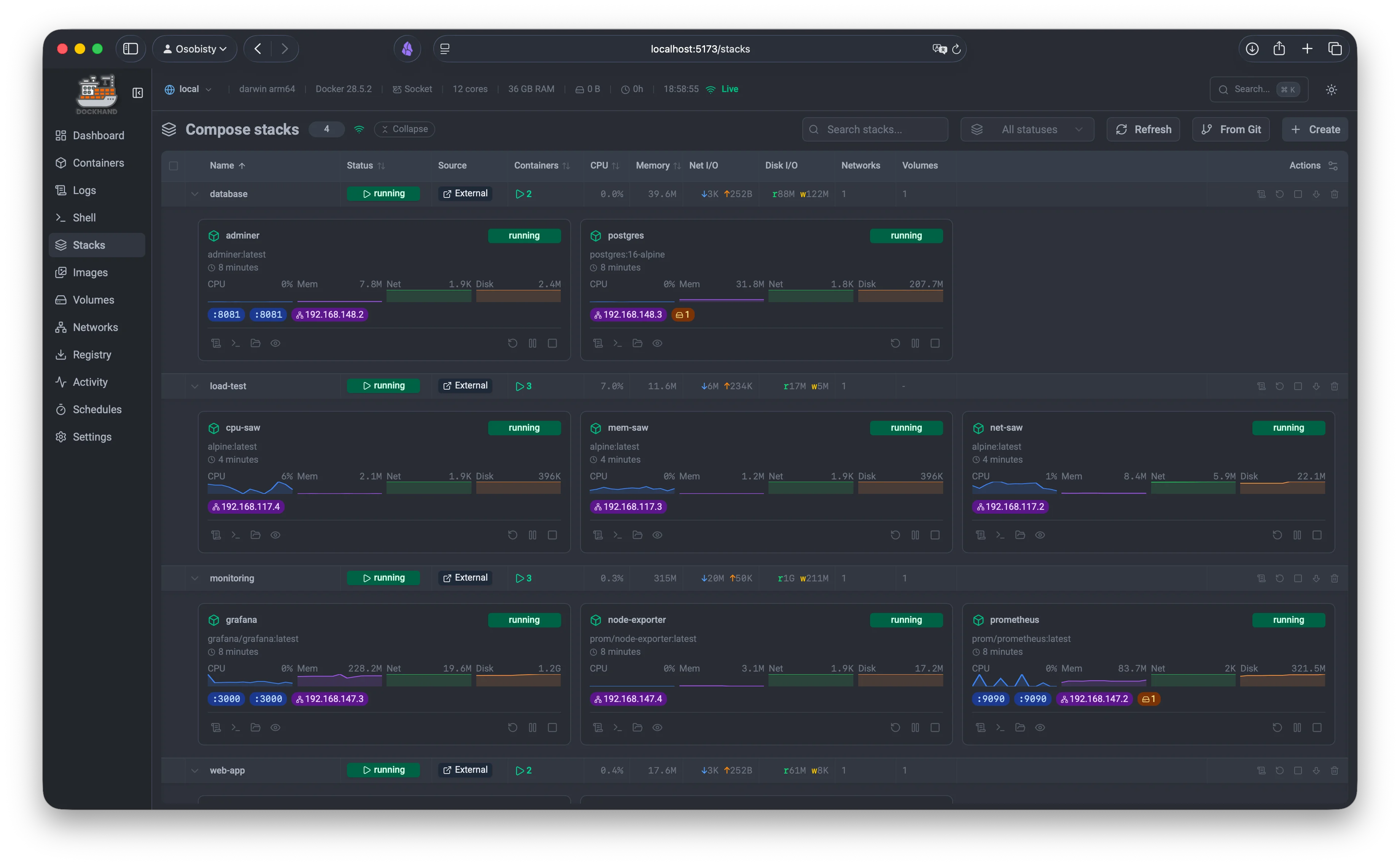
Compose stack list
Stack expanded view
Stack YAML editor
Visual graph editor
Environment variables panel
Mount mode - secret connection
Stack expanded view with containers
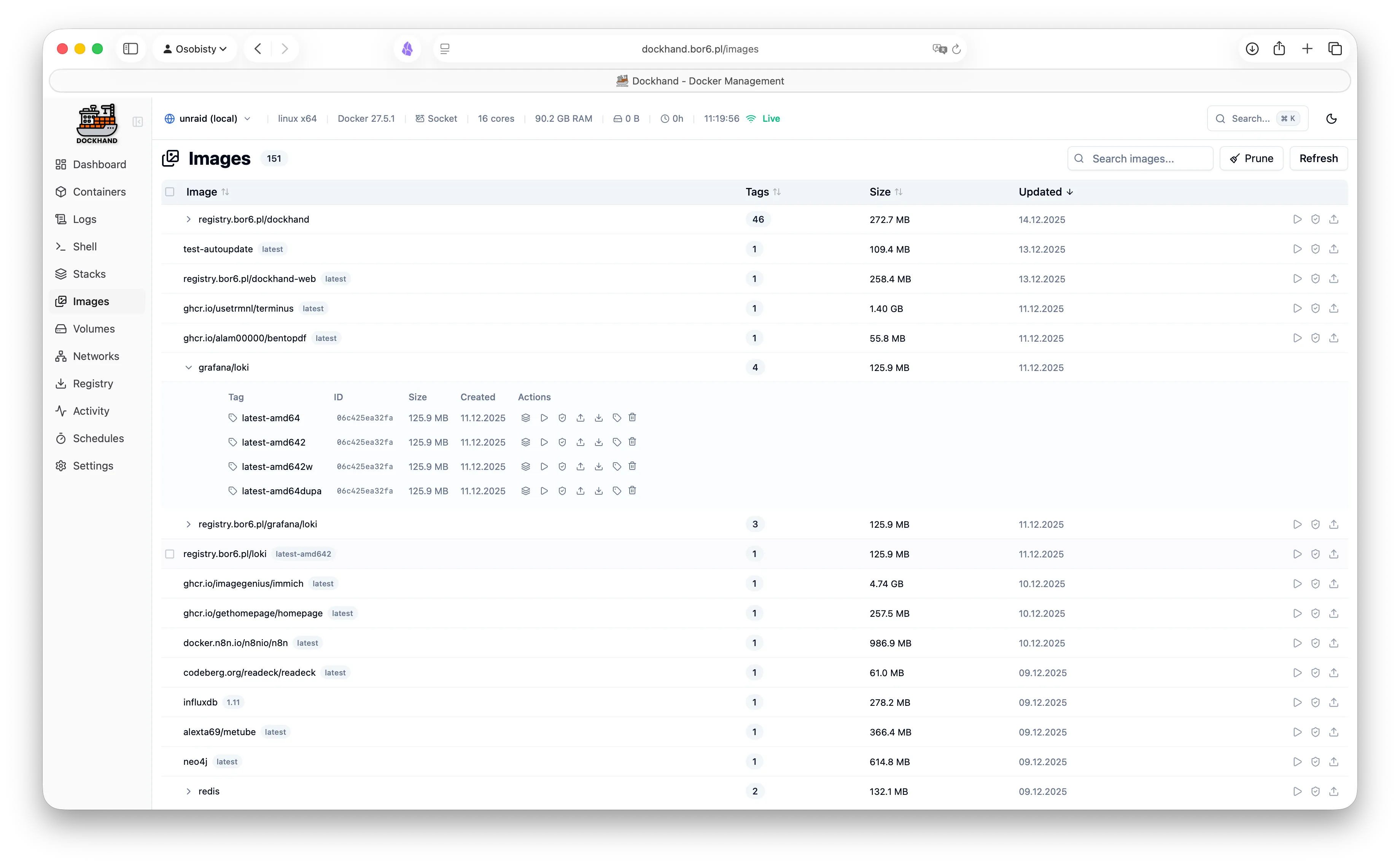
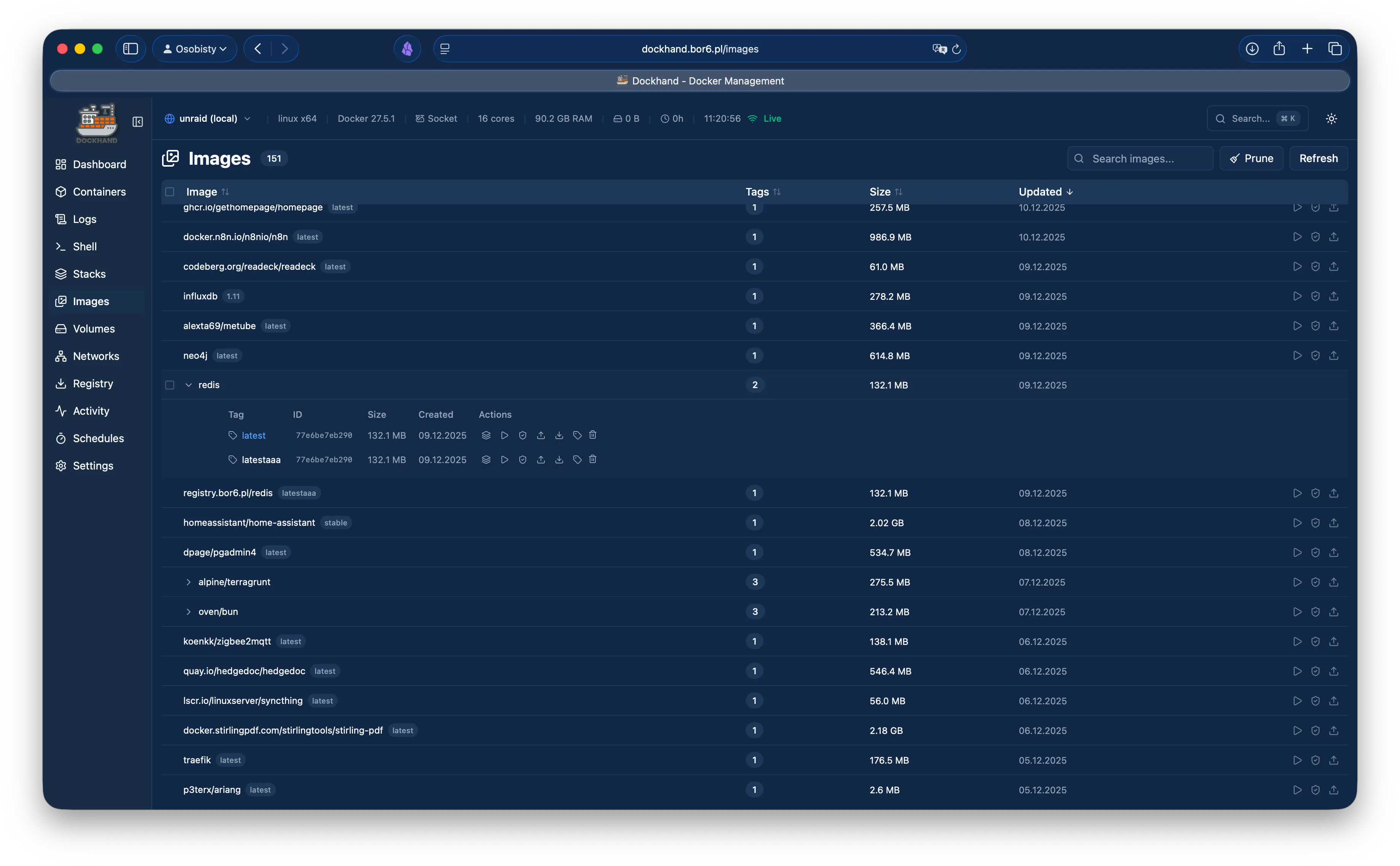
Image list
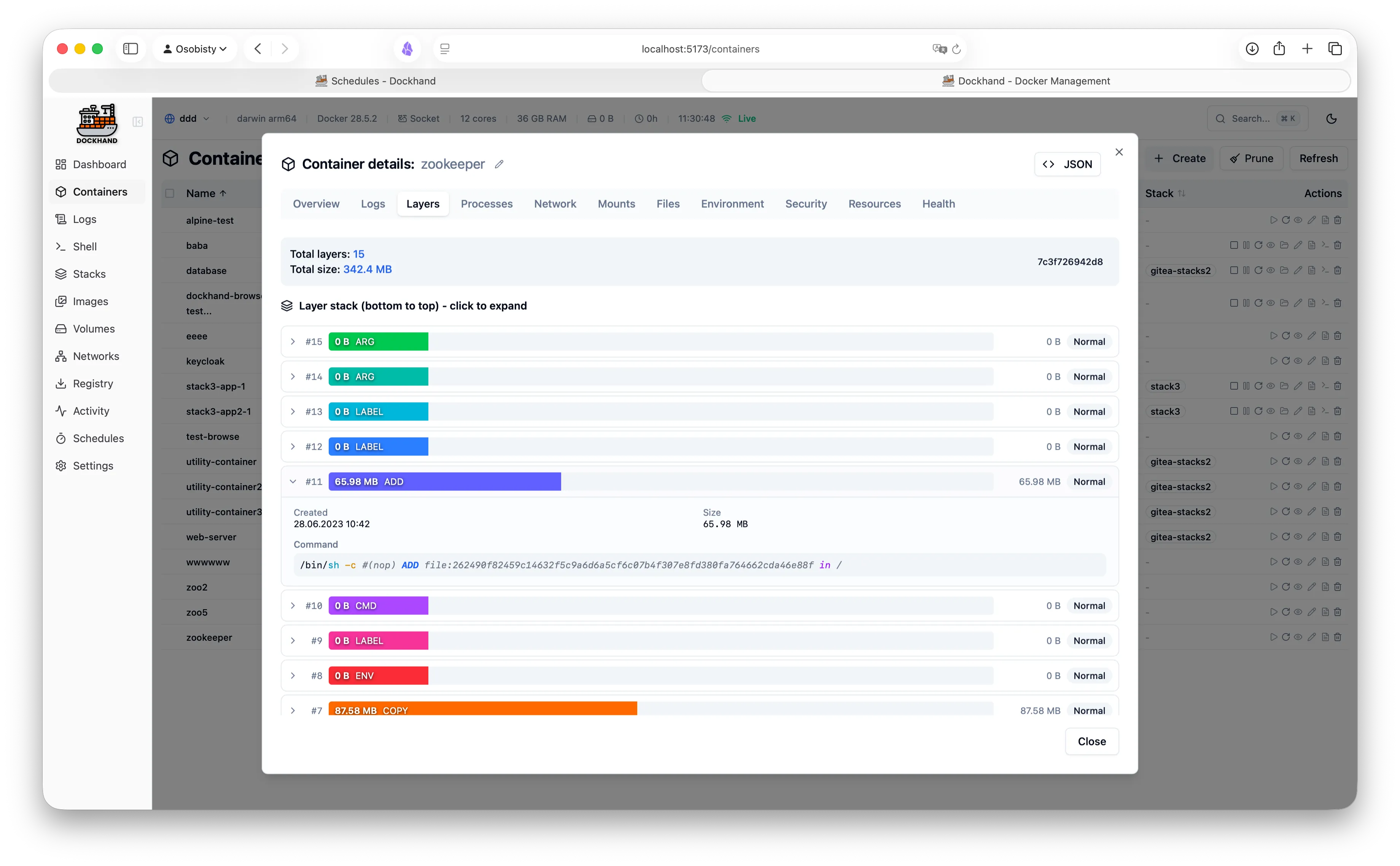
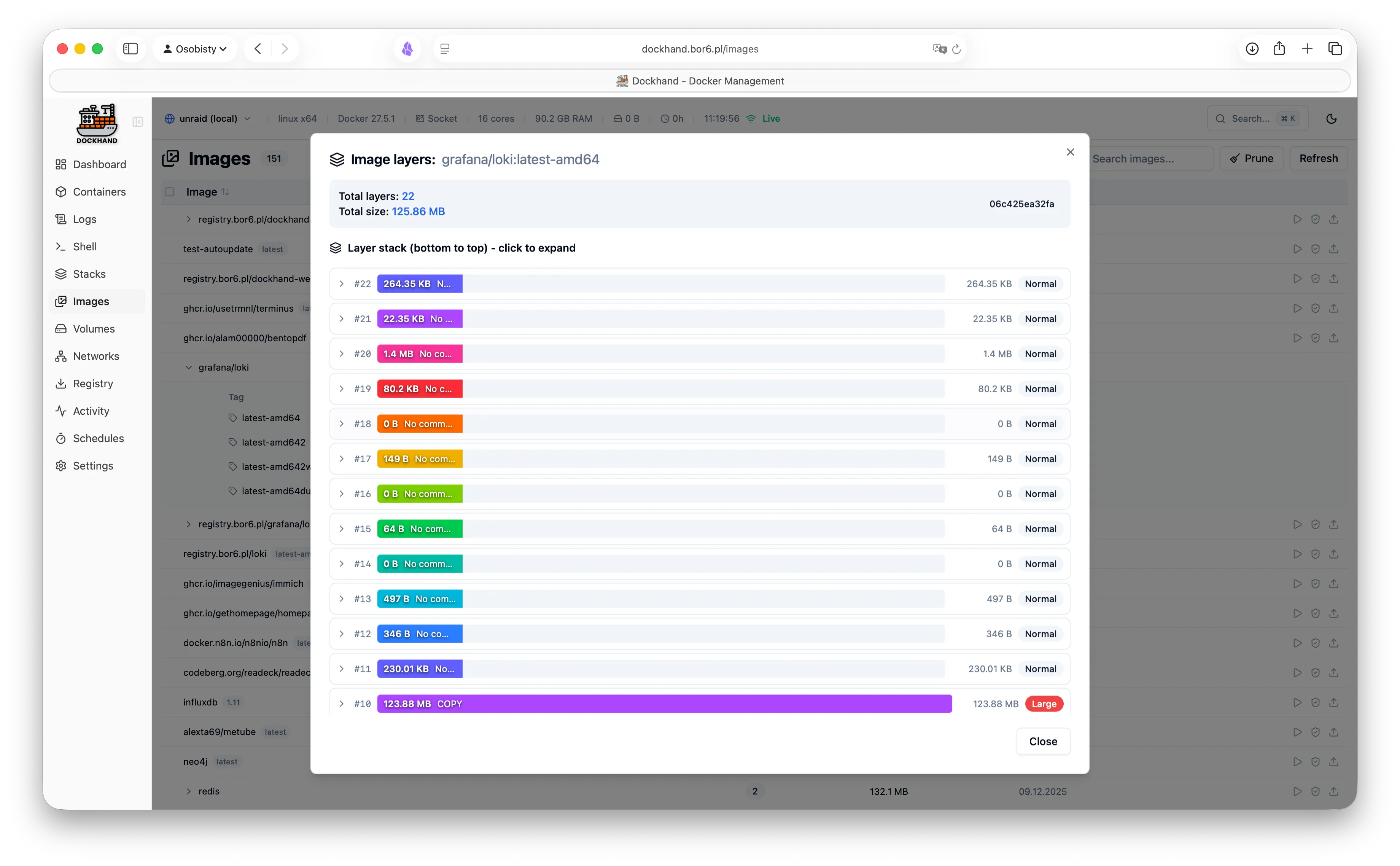
Image details and layers
Image management
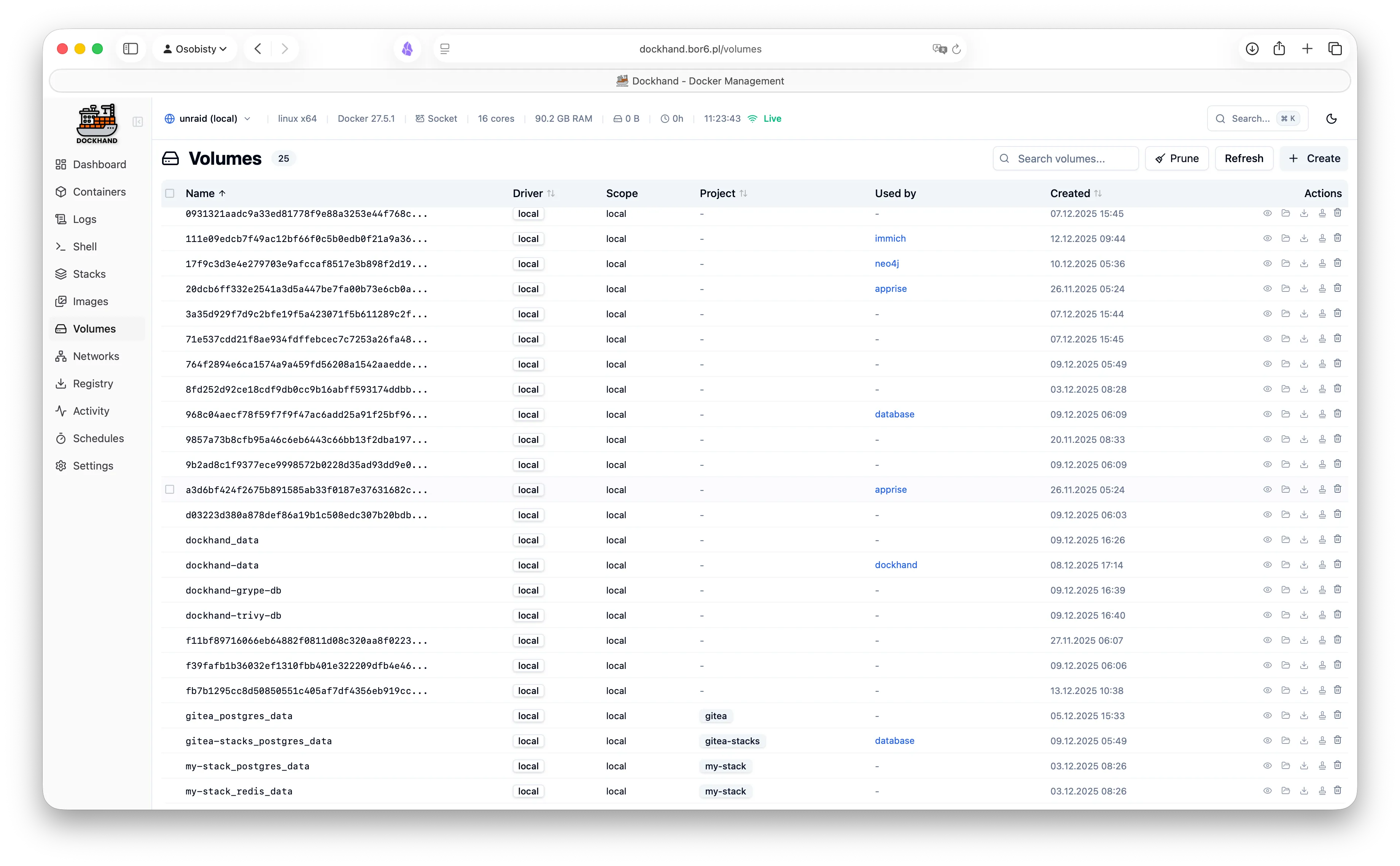
Volume list
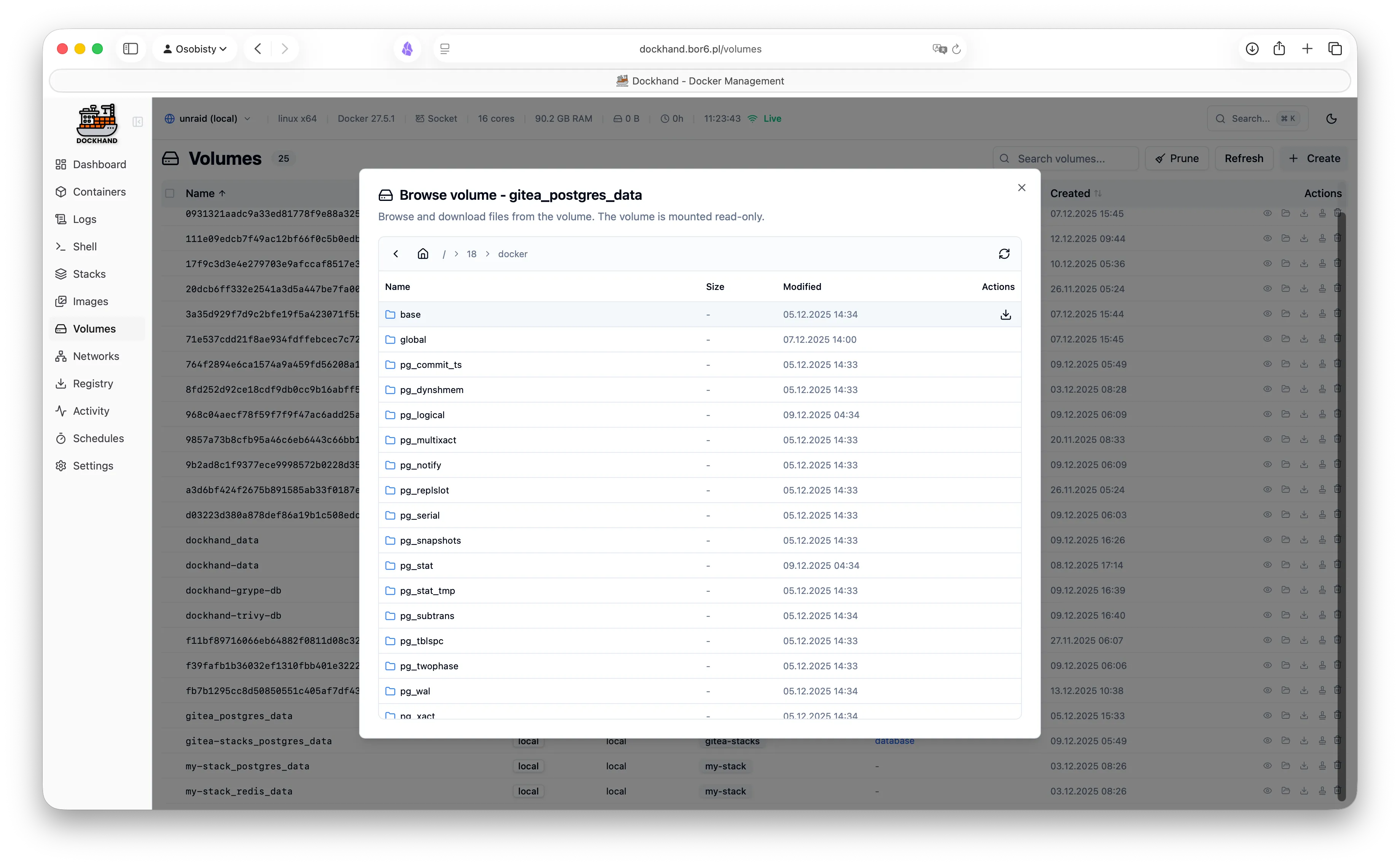
Volume browser
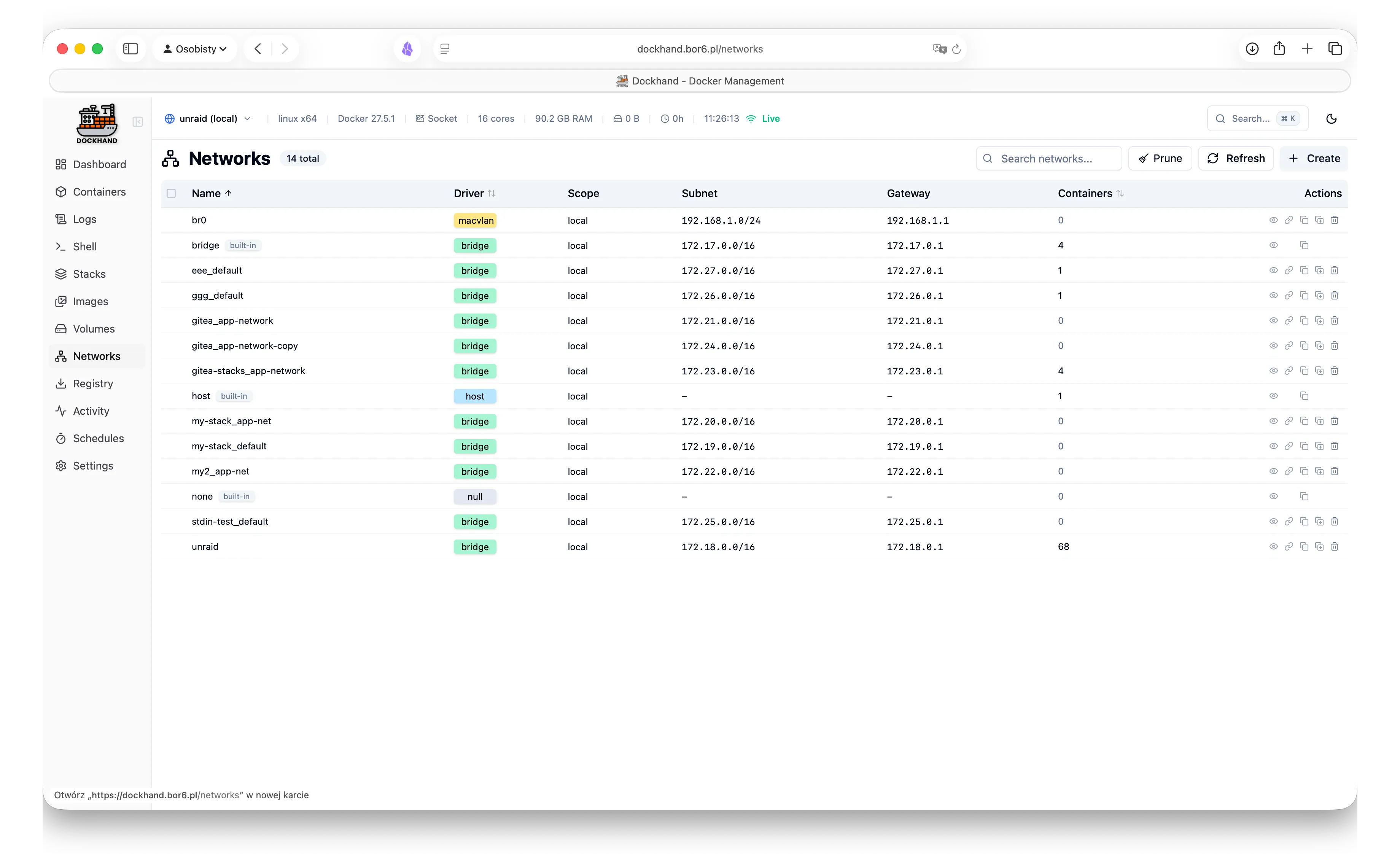
Network list
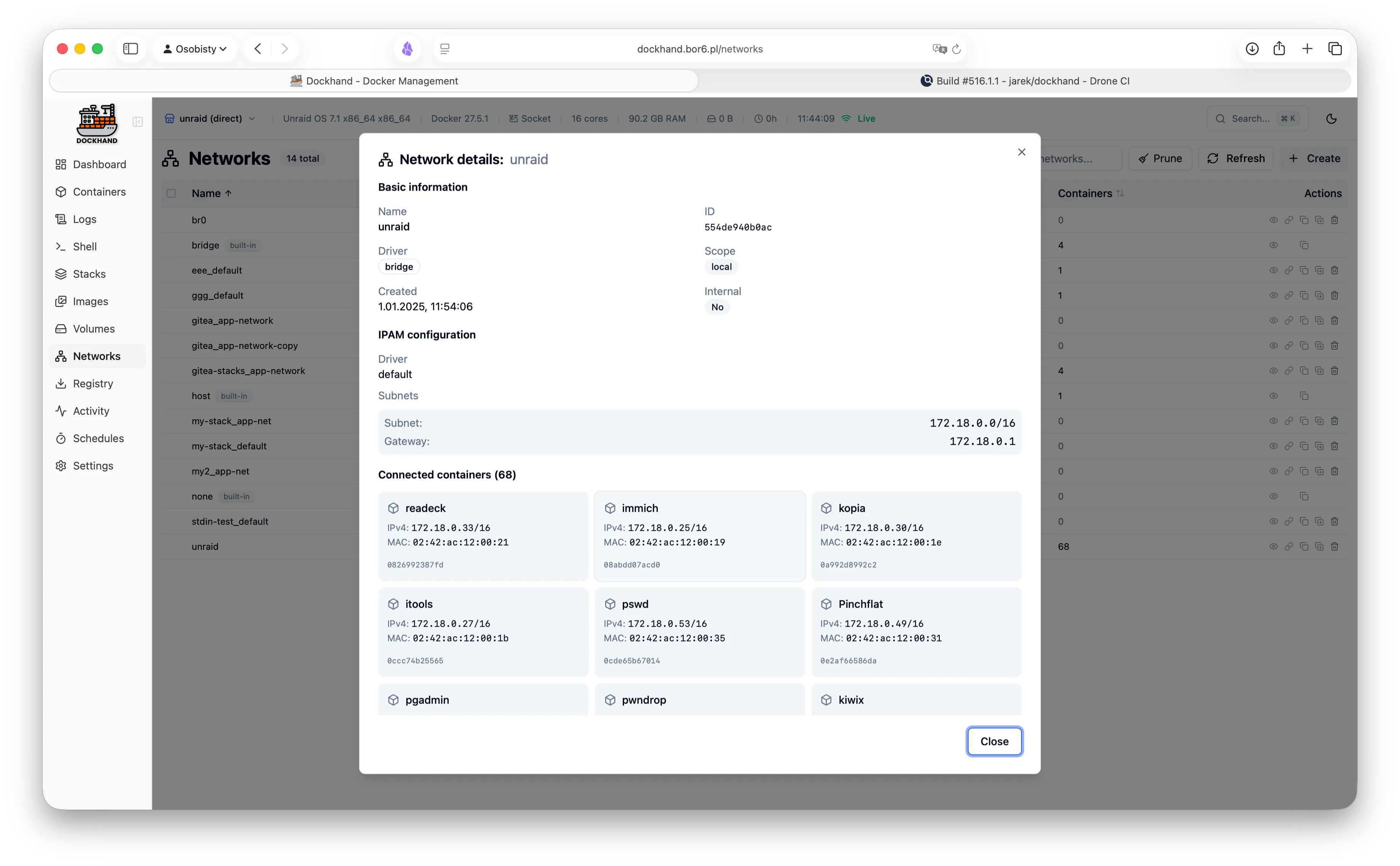
Network details
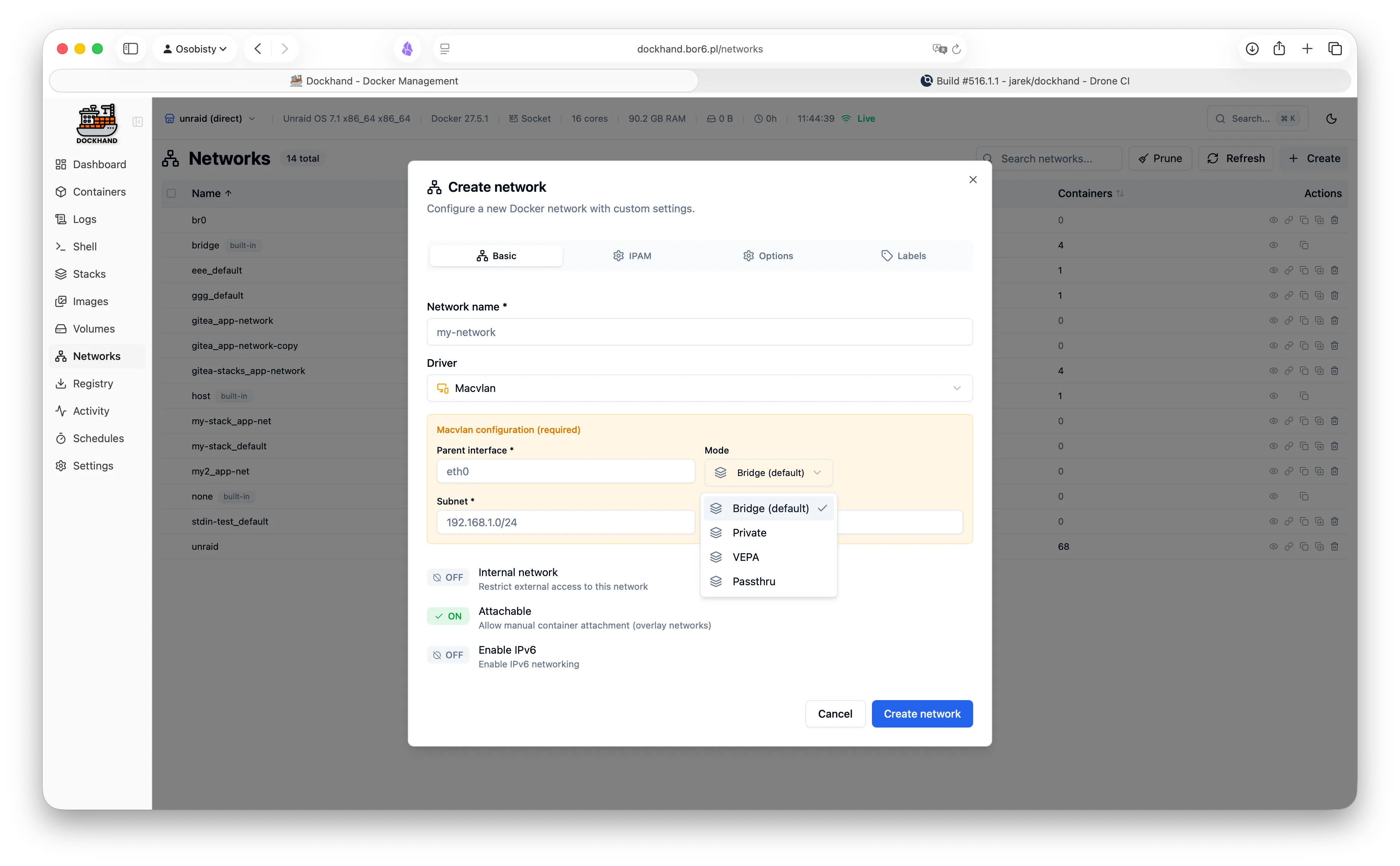
Create network
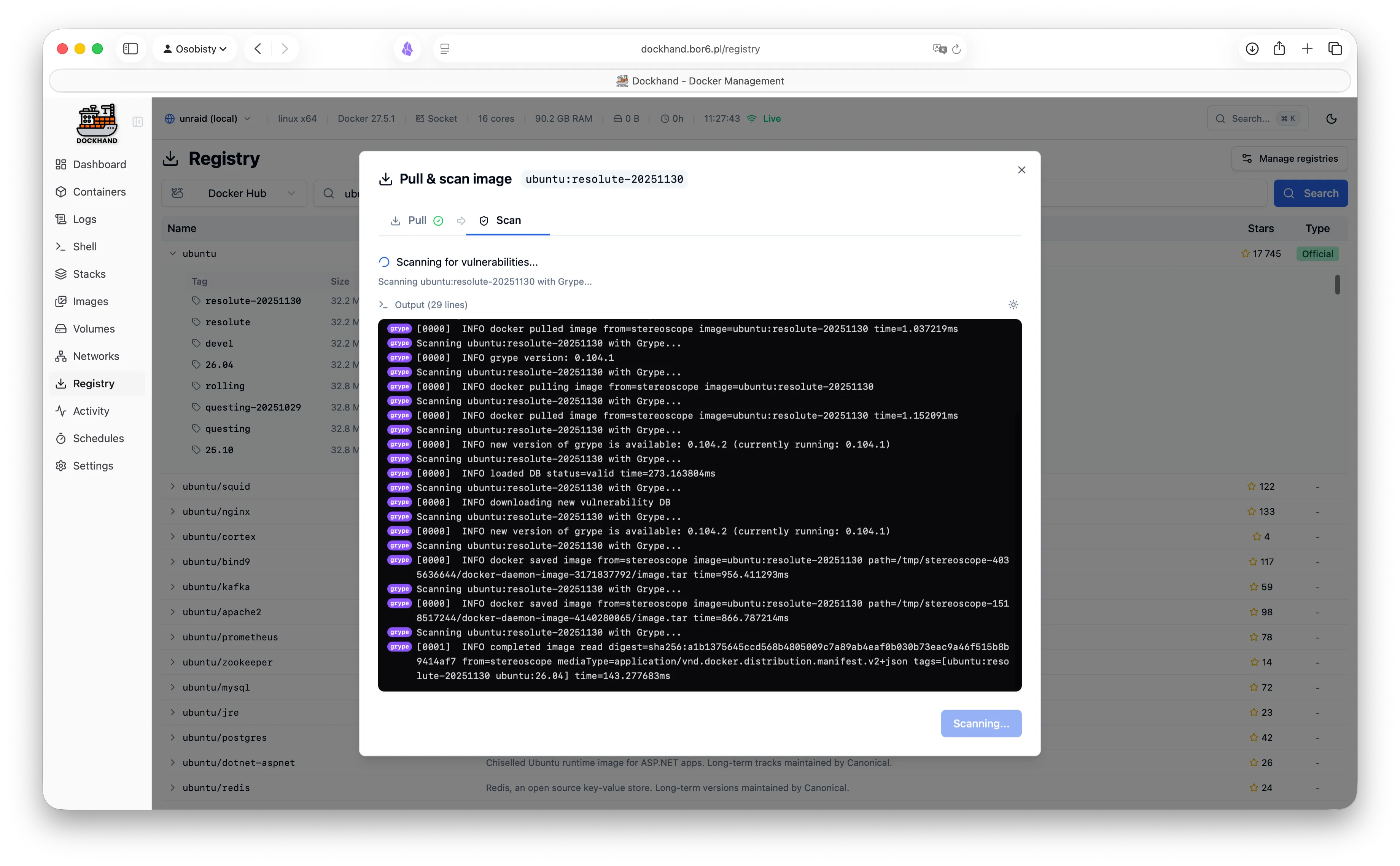
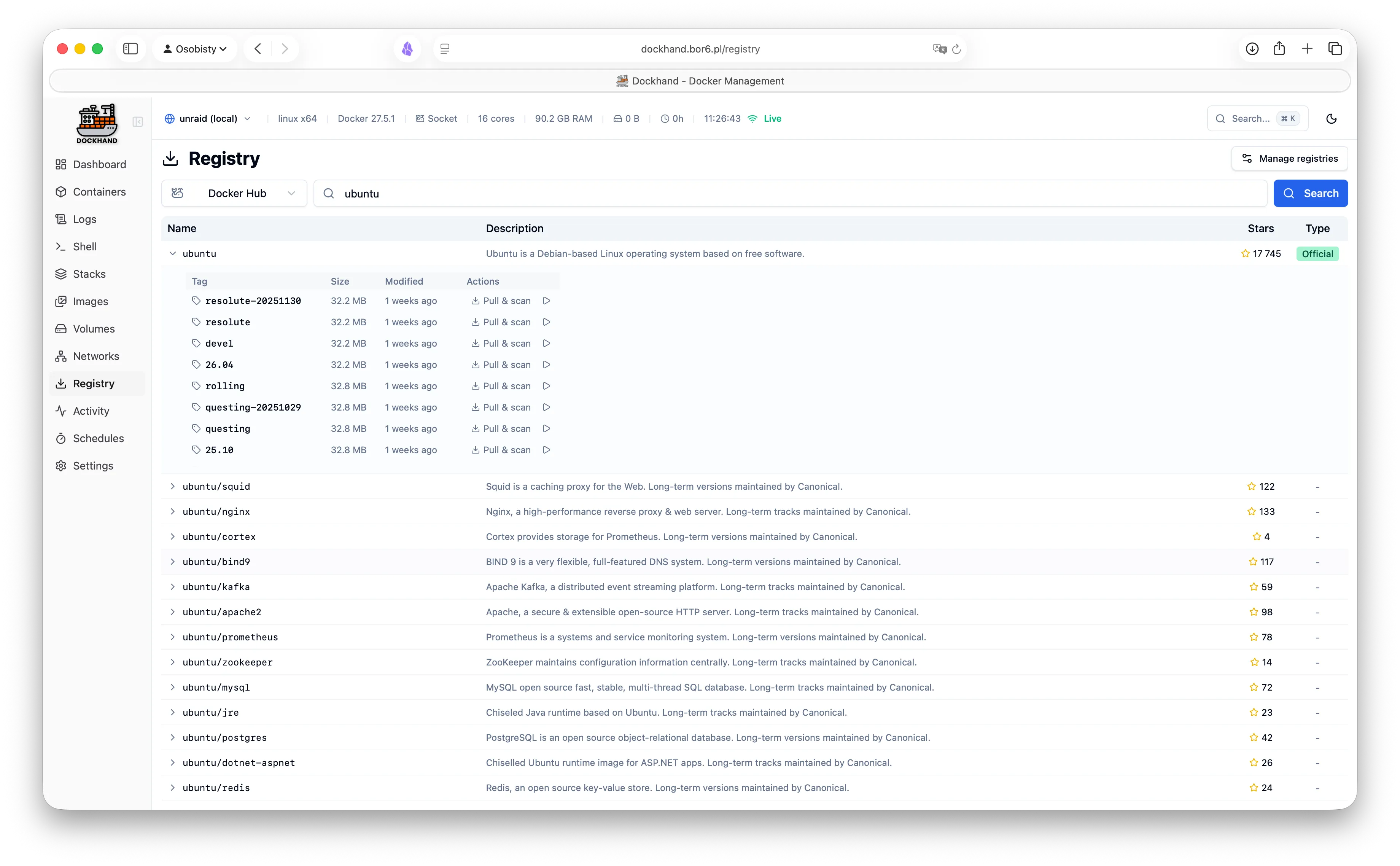
Registry browser
Registry image tags
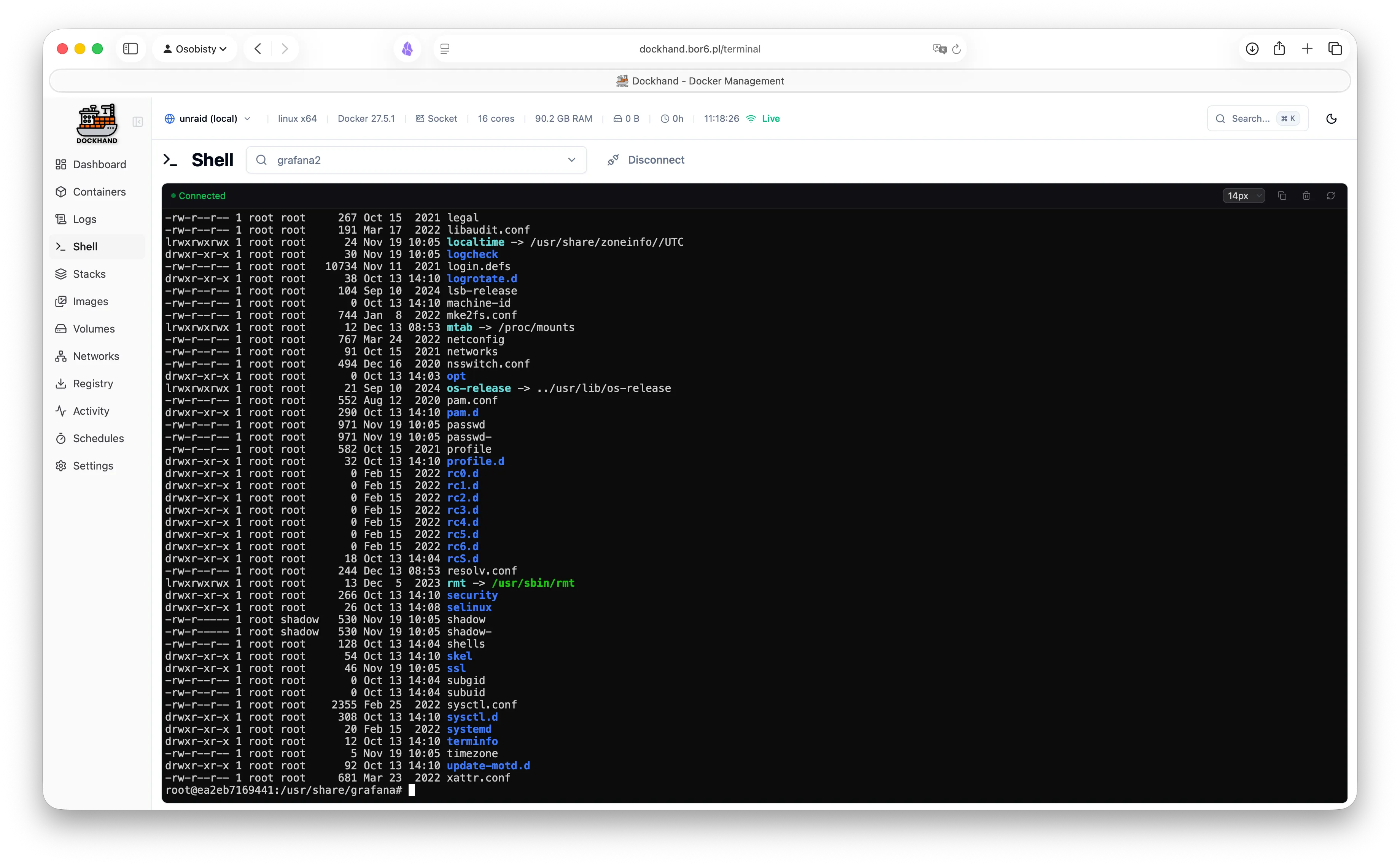
Interactive terminal
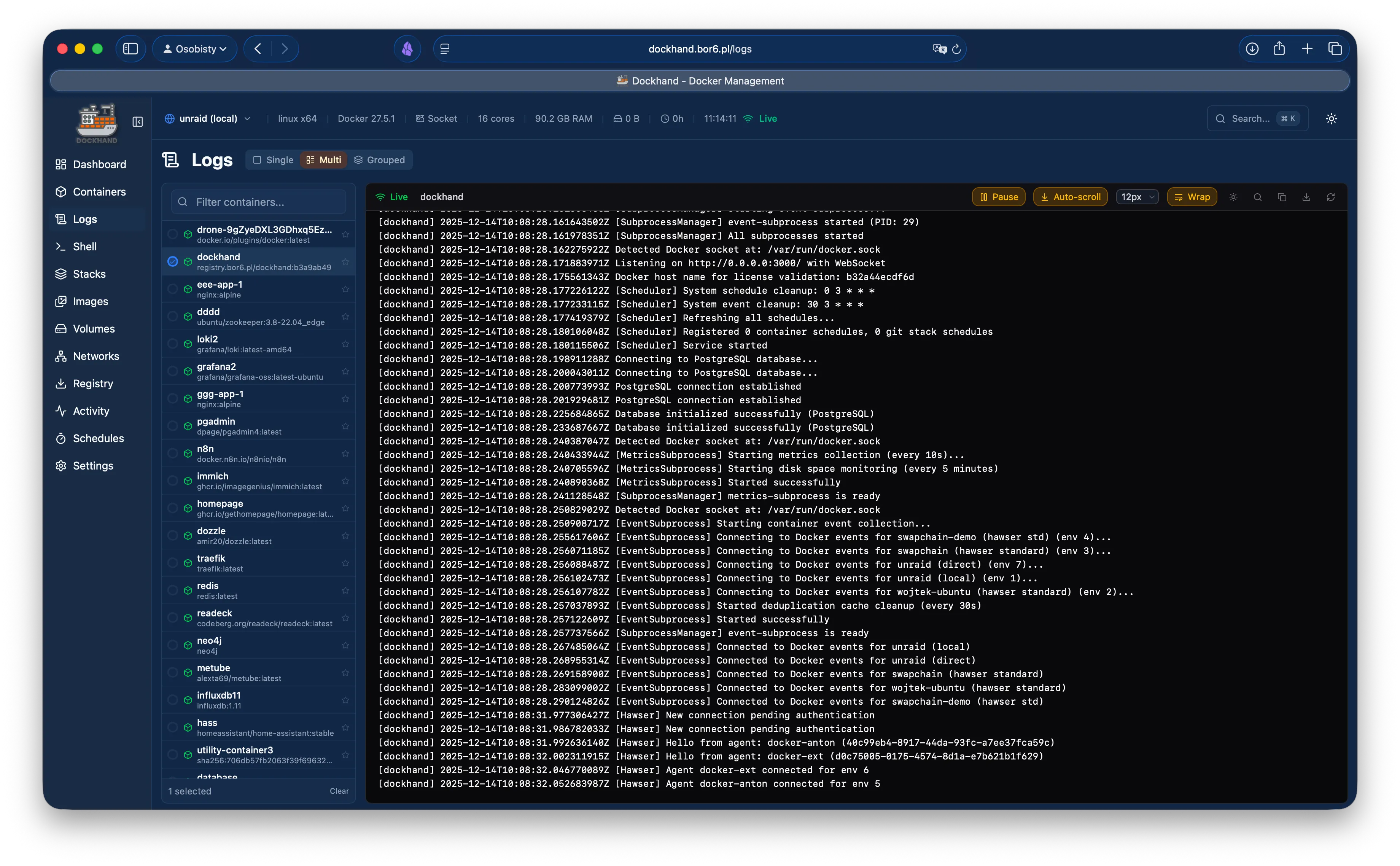
Container logs viewer
Logs with ANSI colors
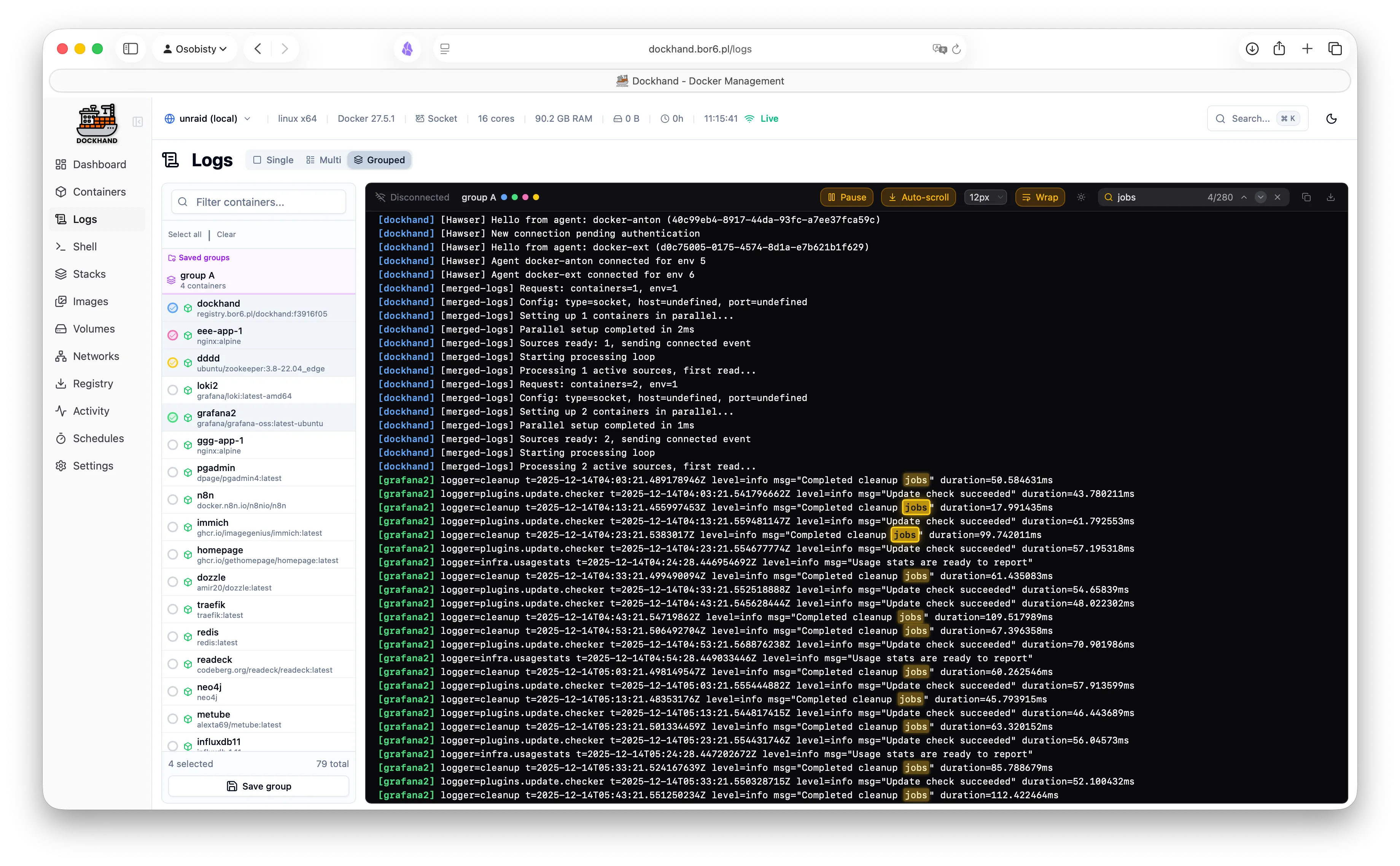
Multi-container logs
Log filtering and search
Activity log
Activity history
Activity tracking
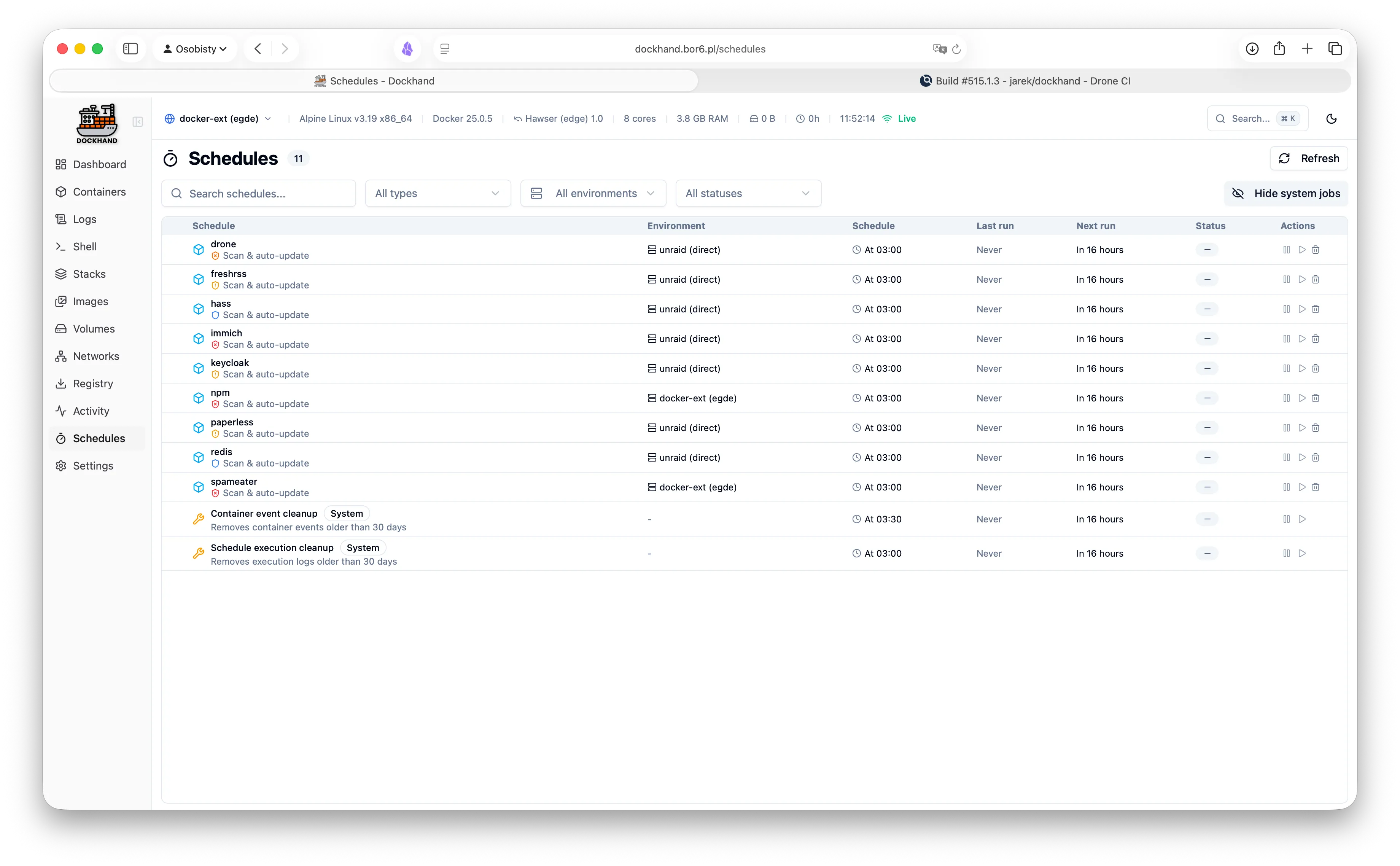
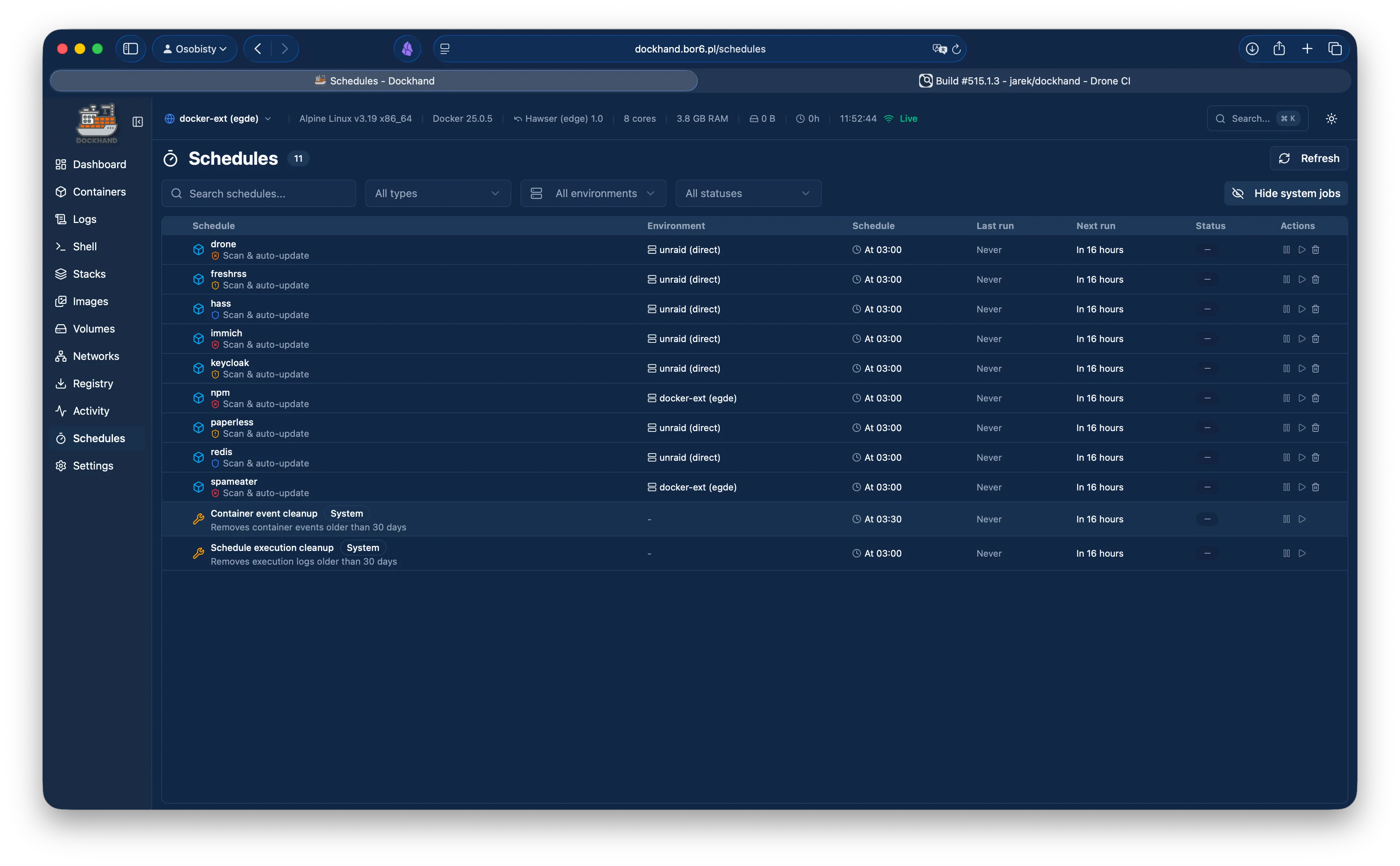
Schedule list
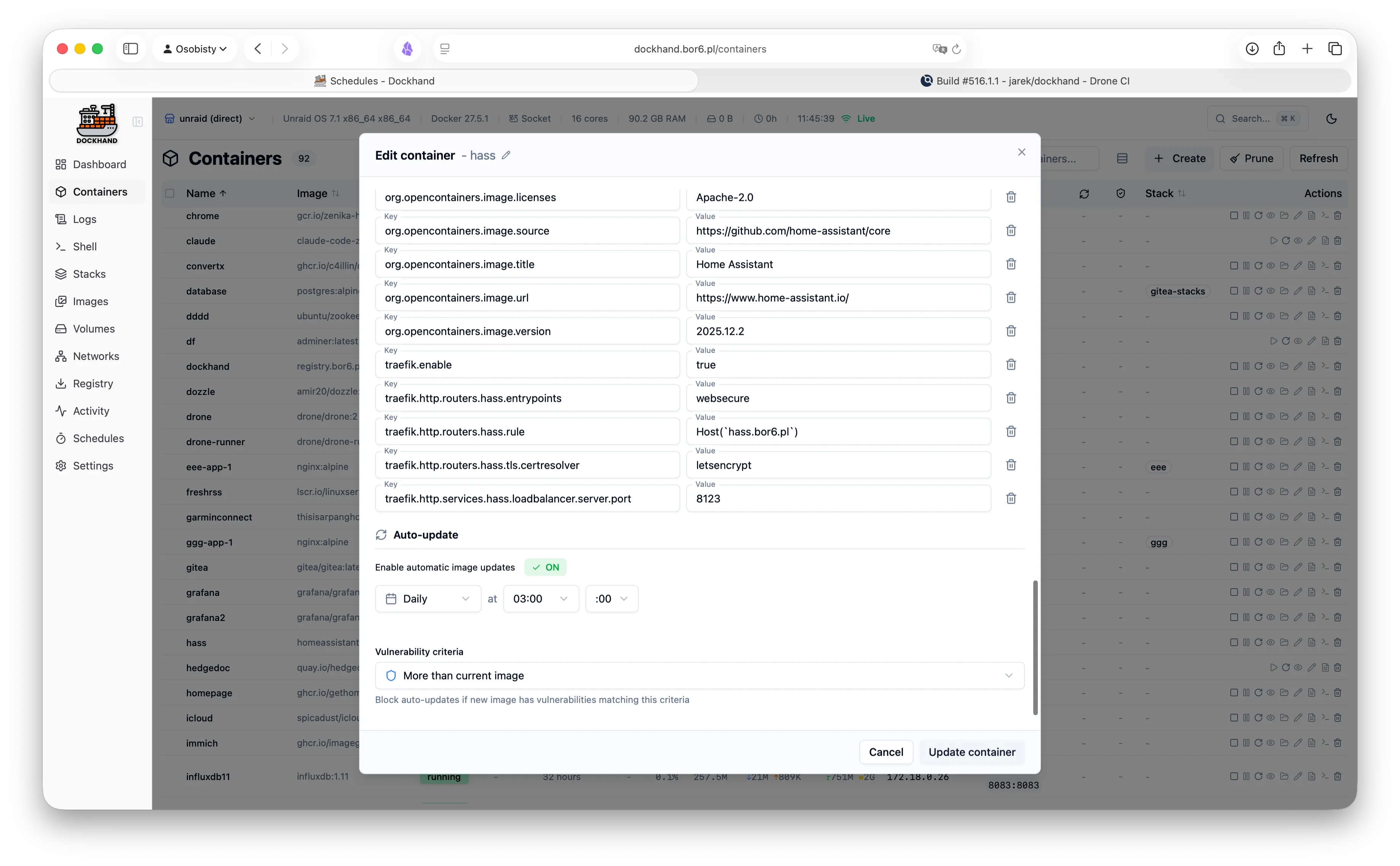
Auto-update configuration
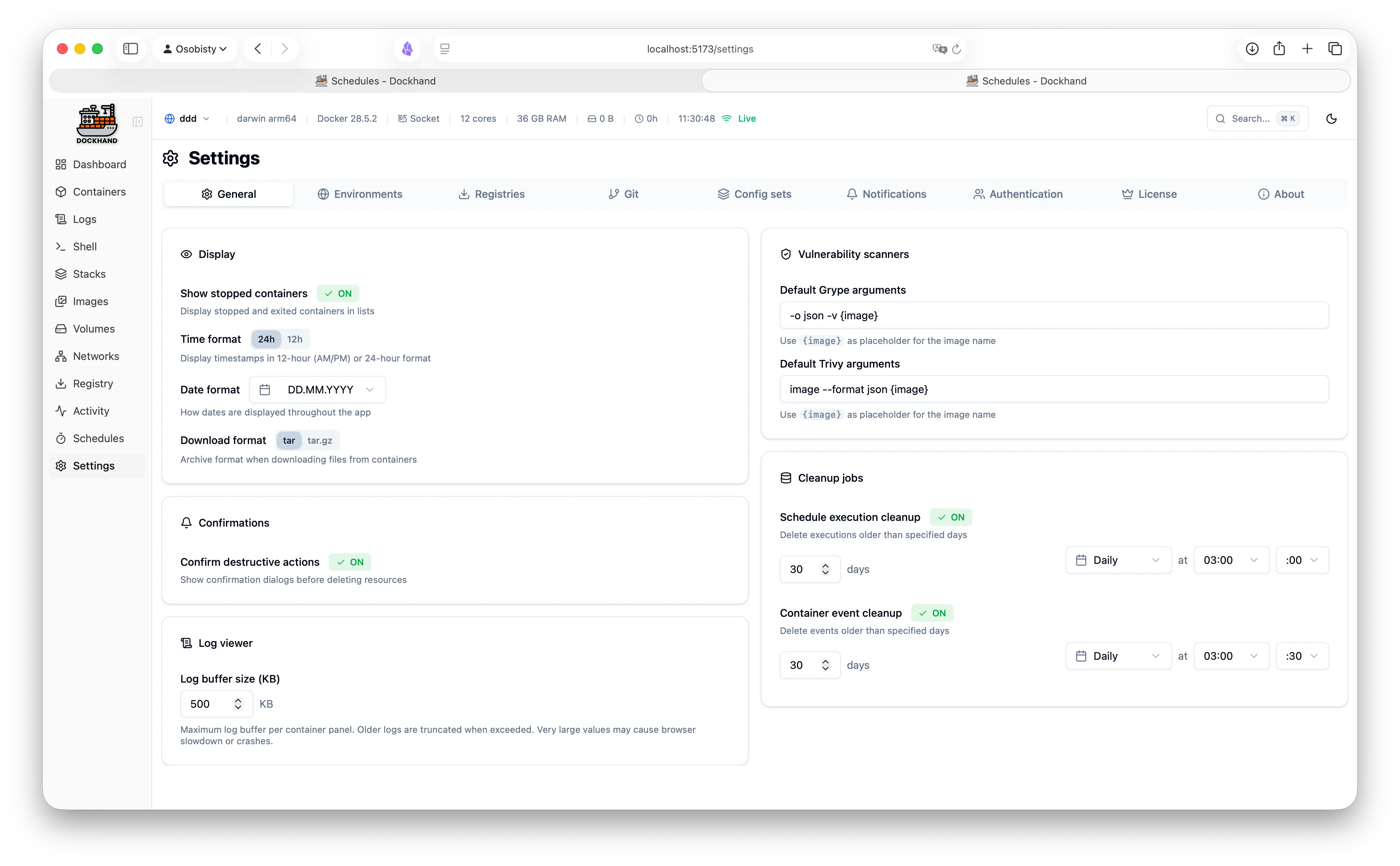
General settings
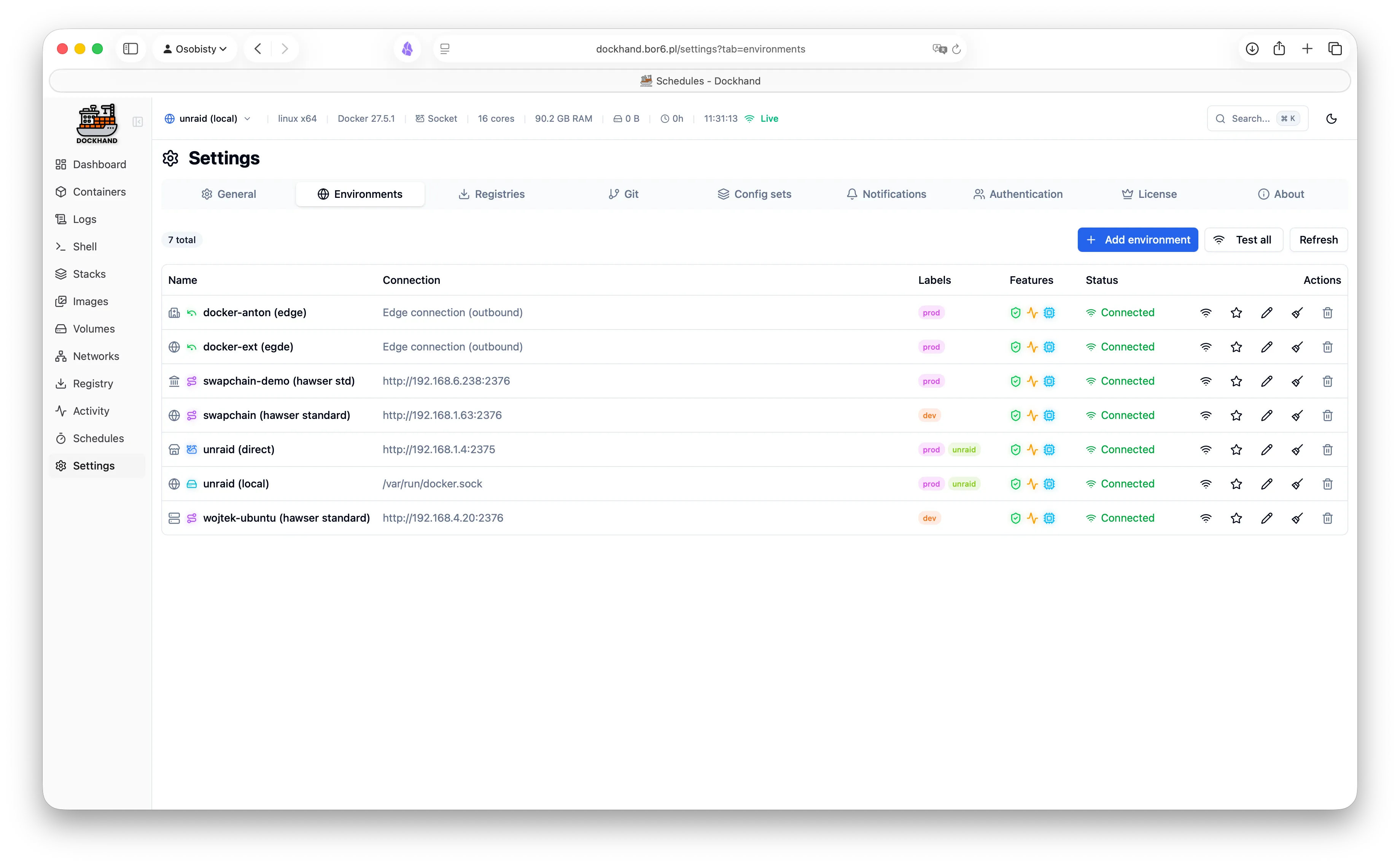
Environment settings
Environment configuration
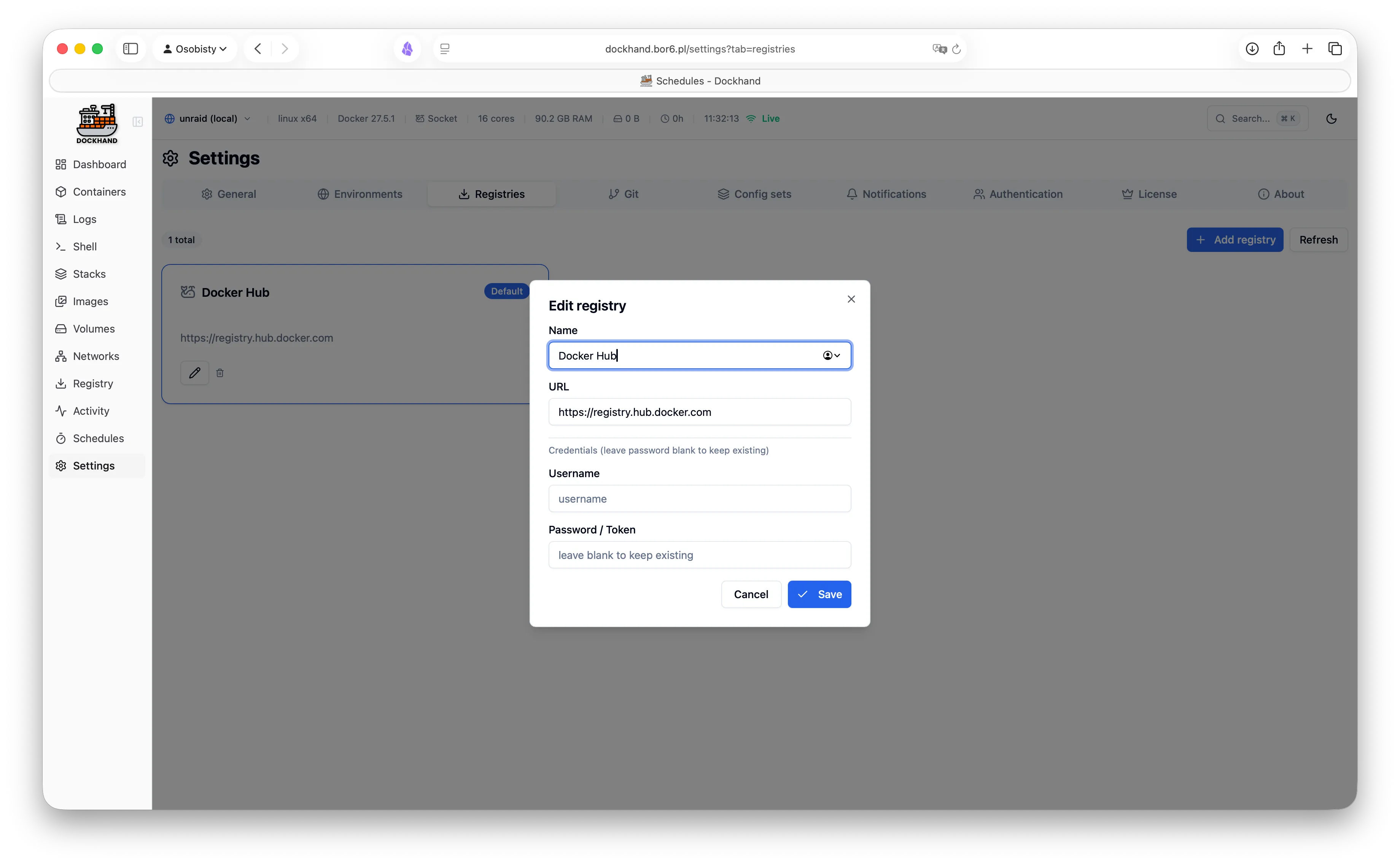
Registry settings
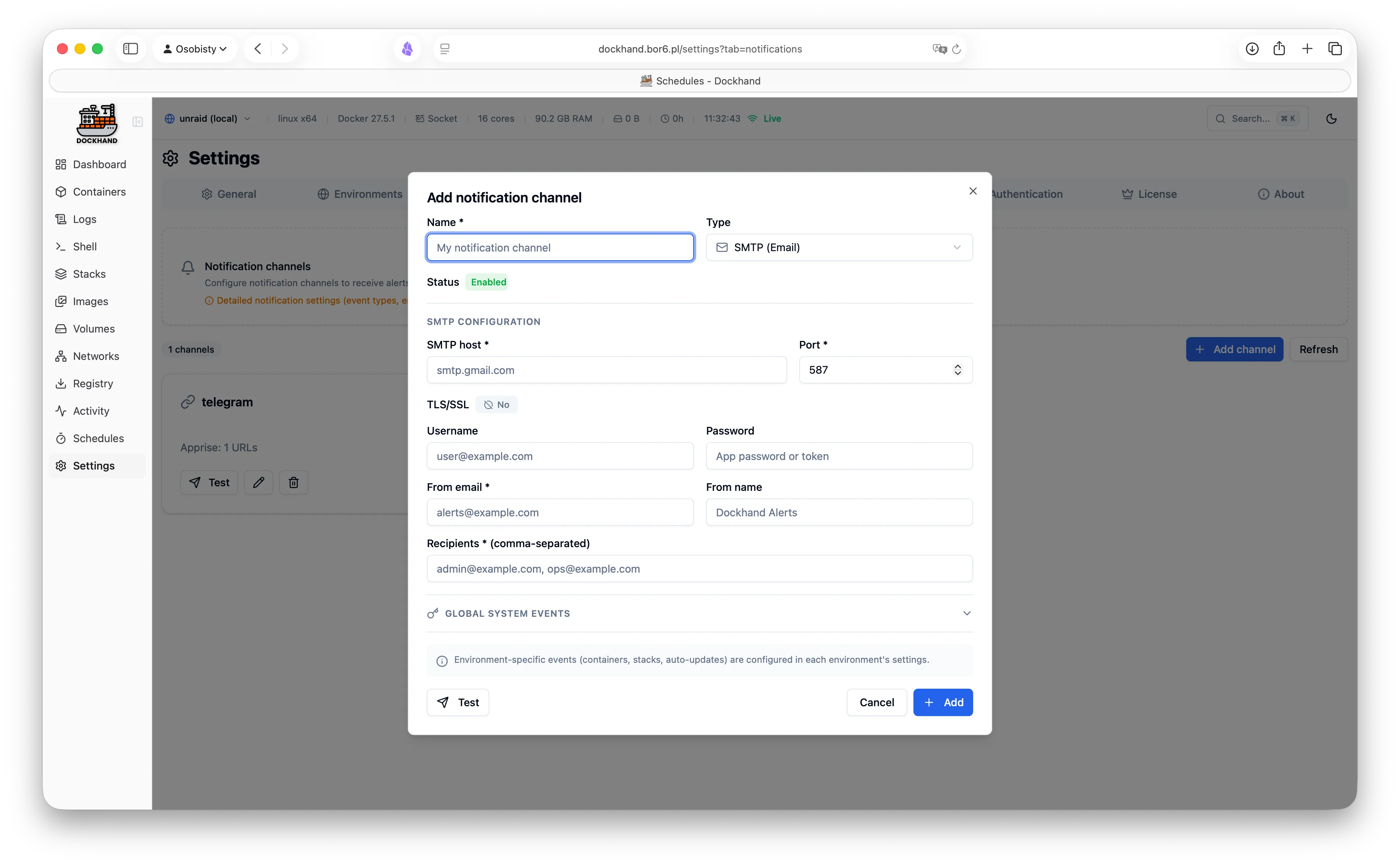
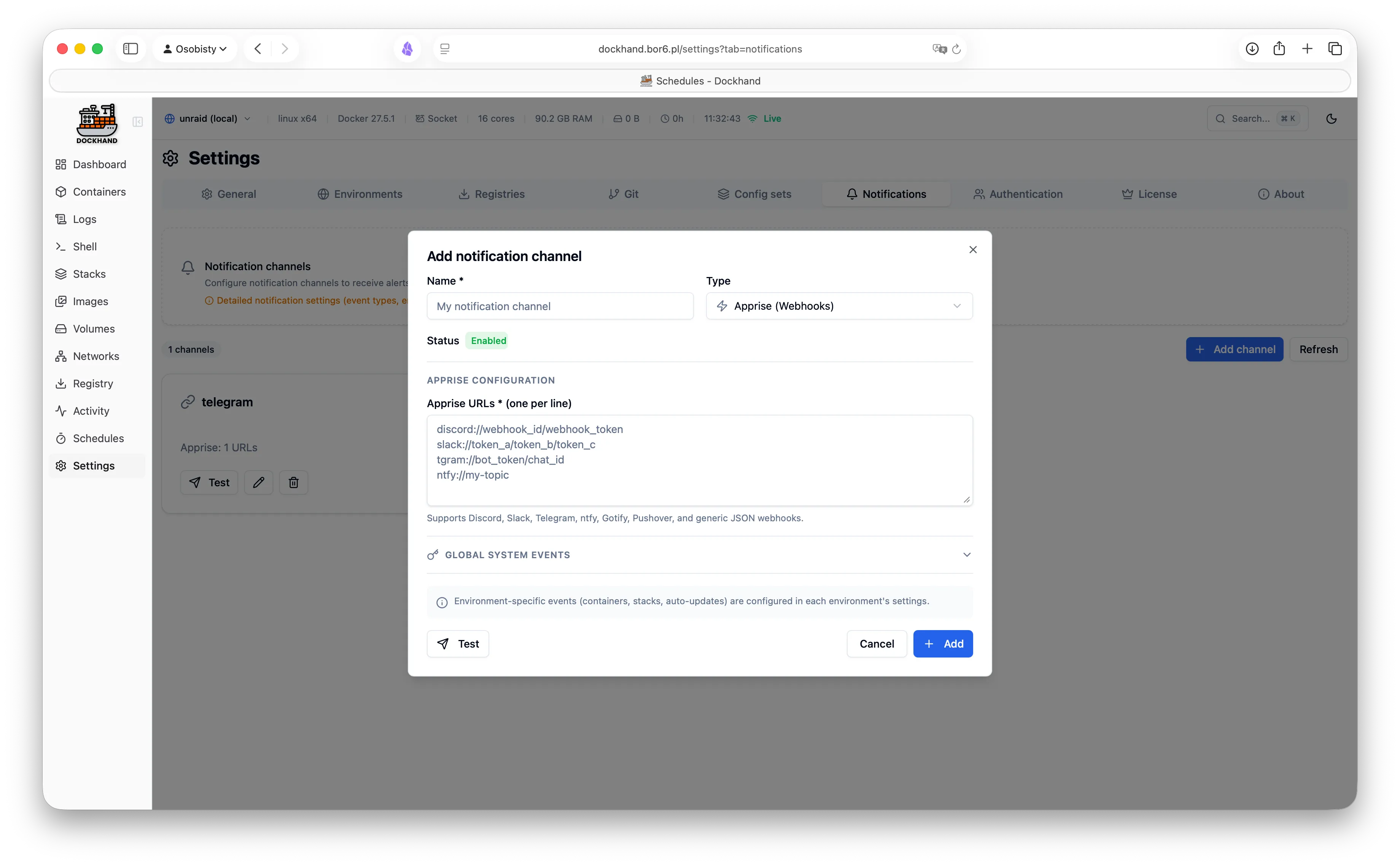
Notification channels
Notification events
Git credentials
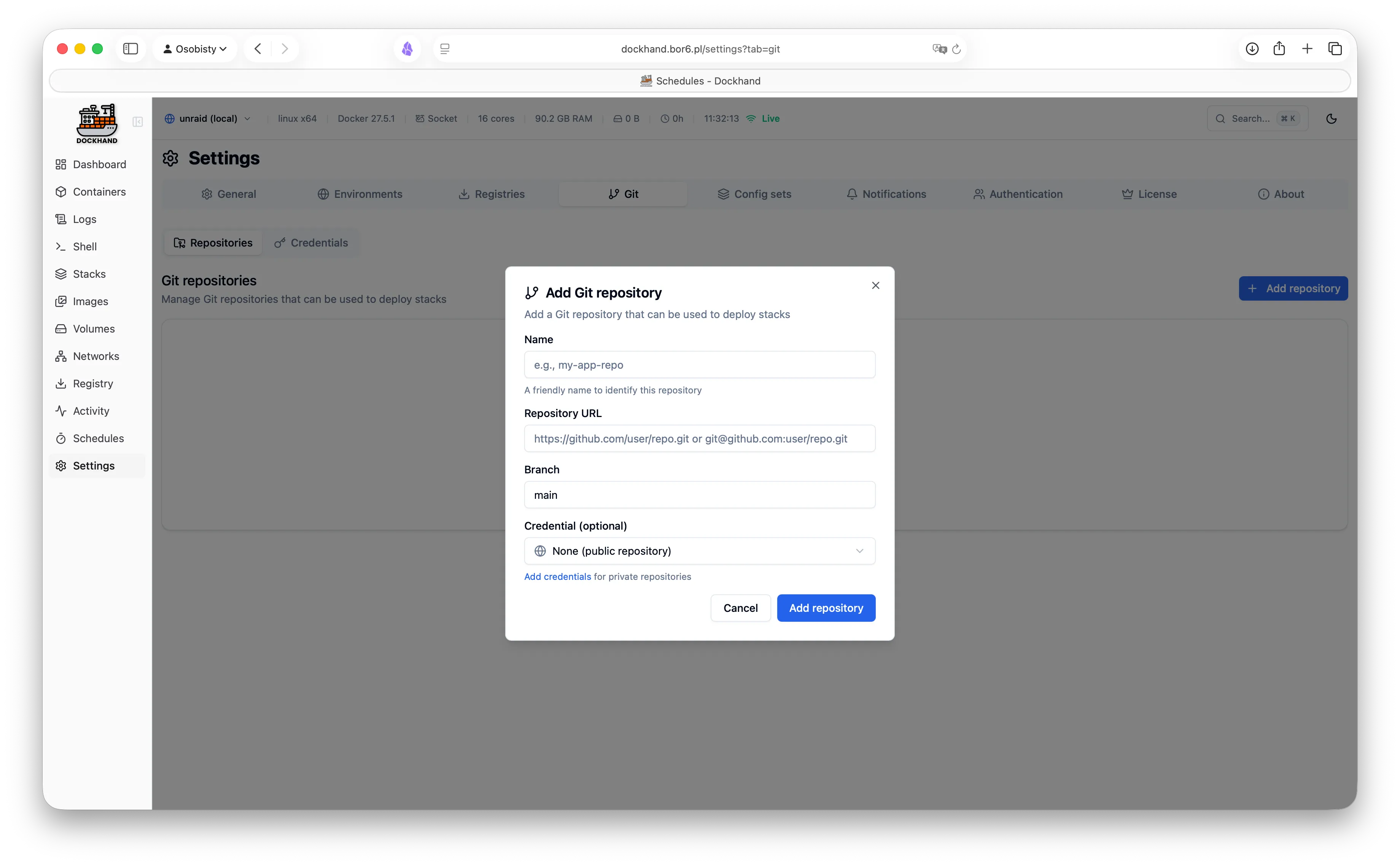
Git repositories
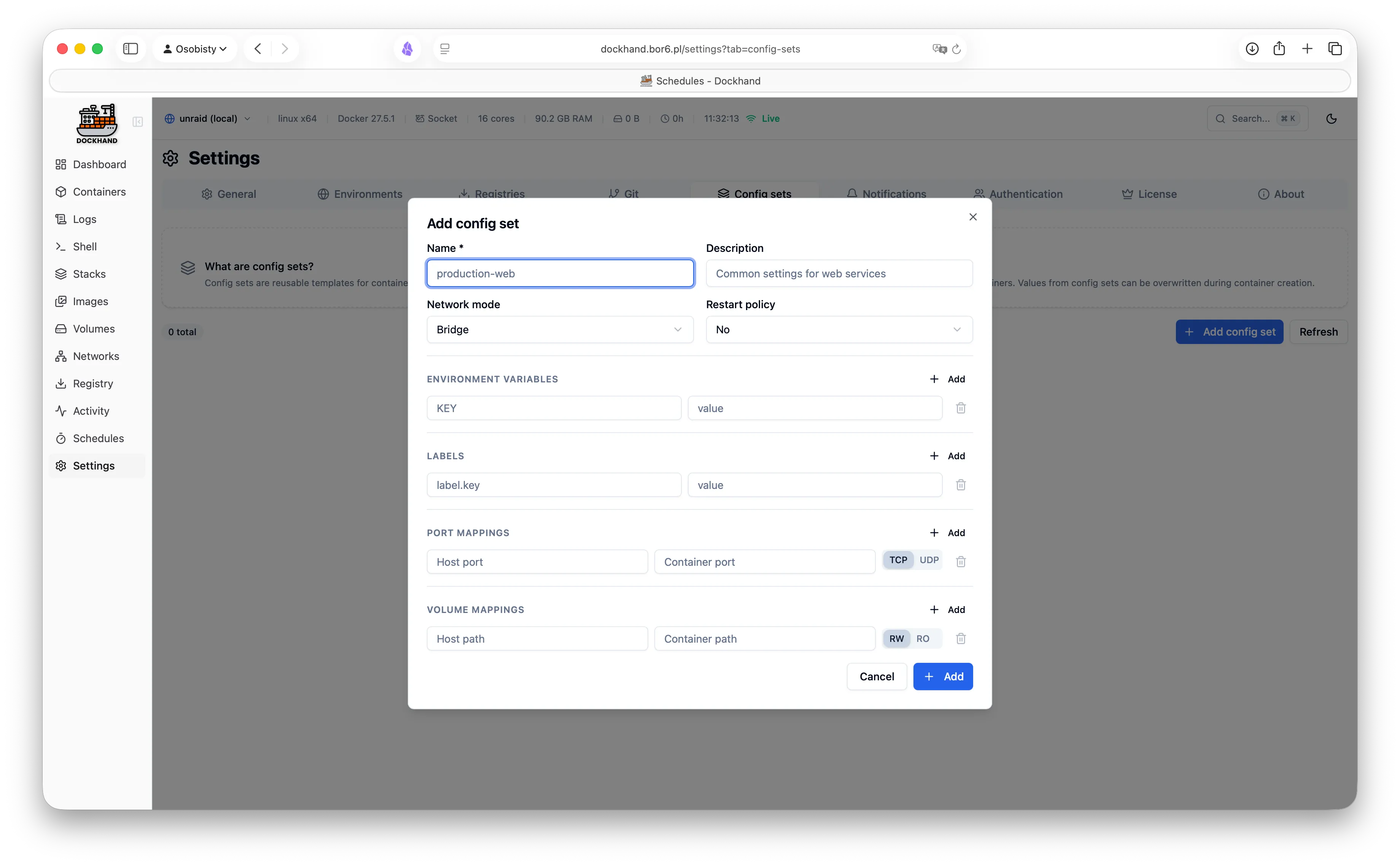
Config sets
About page
License activation
Login page
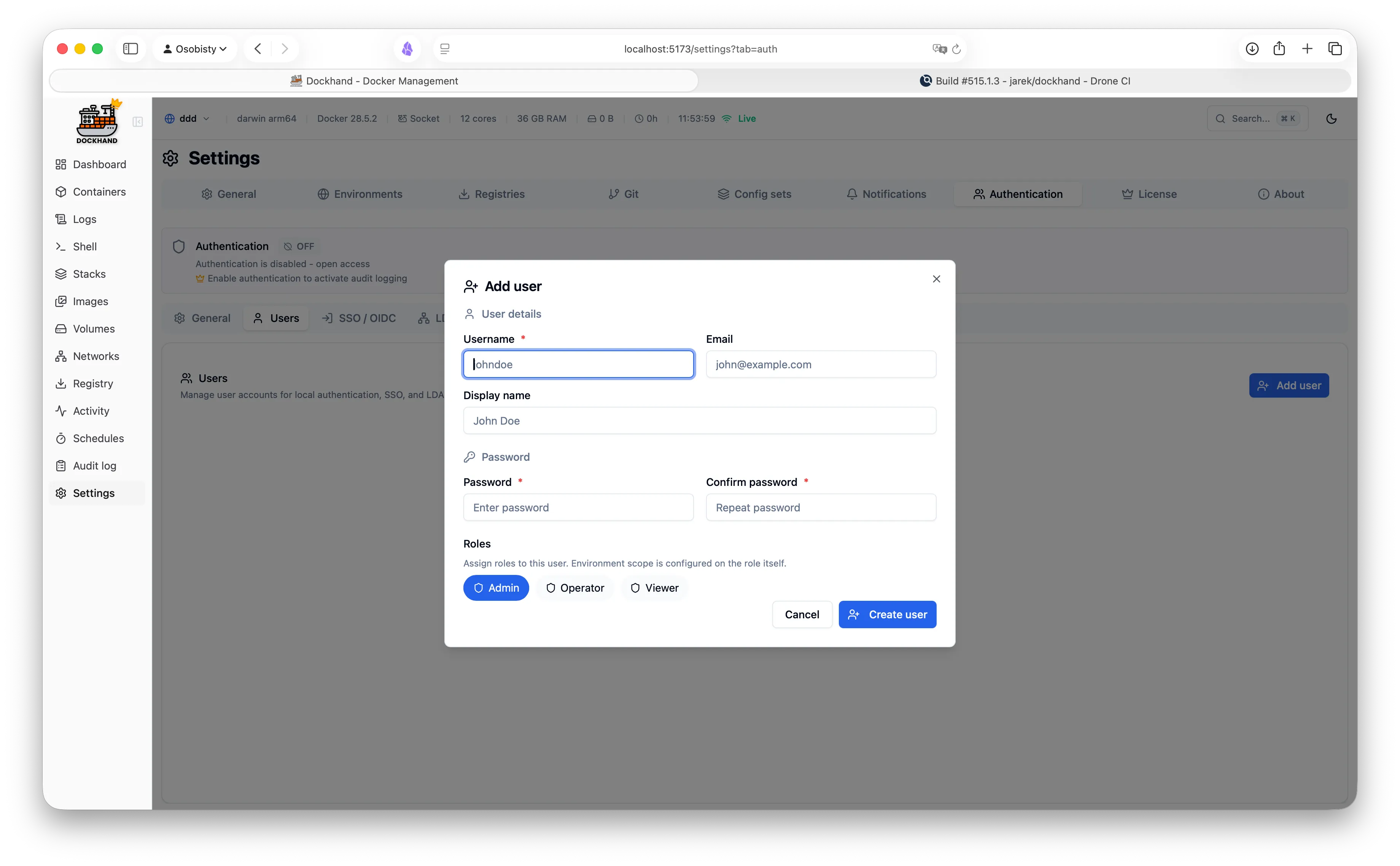
User management
User edit modal
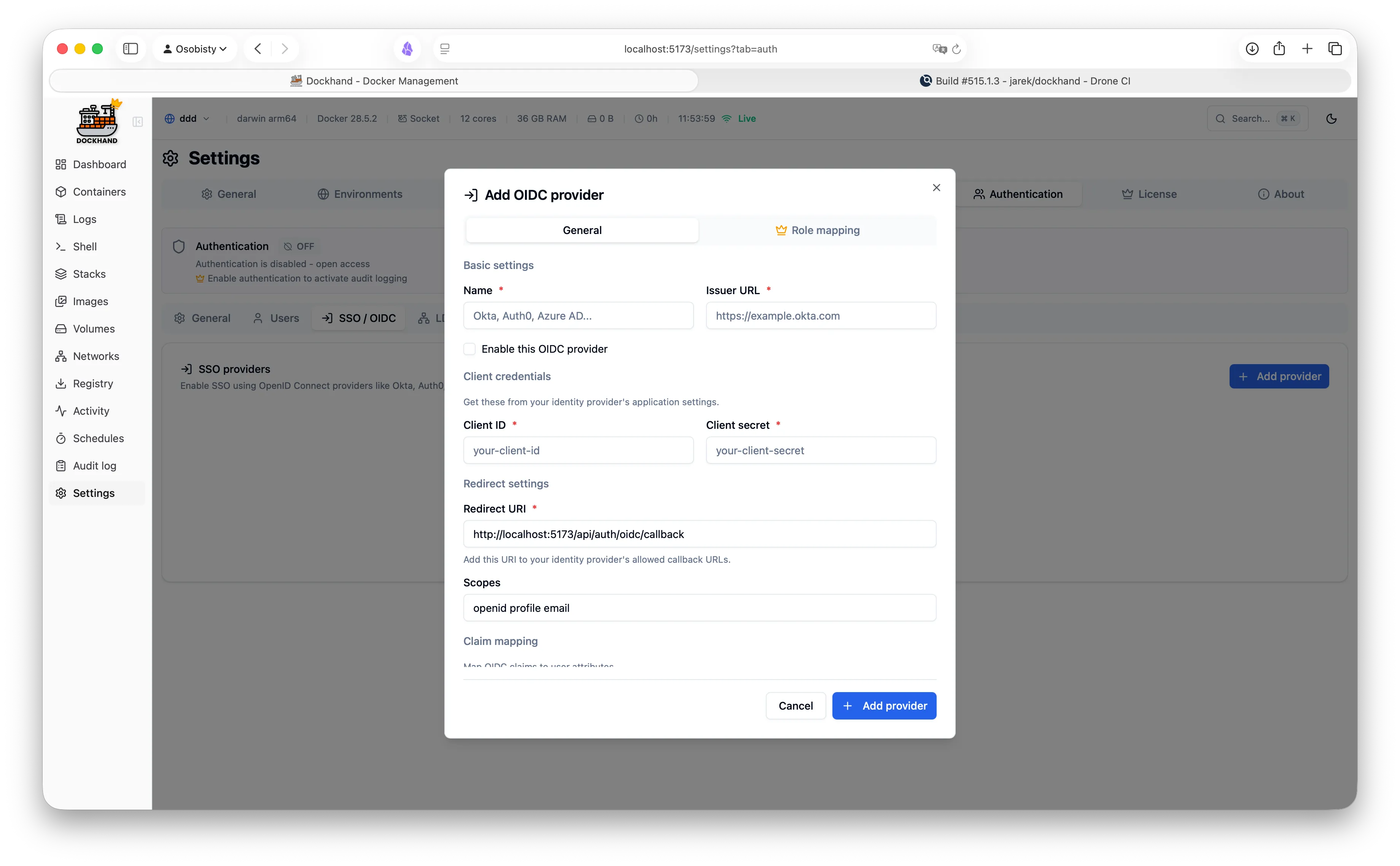
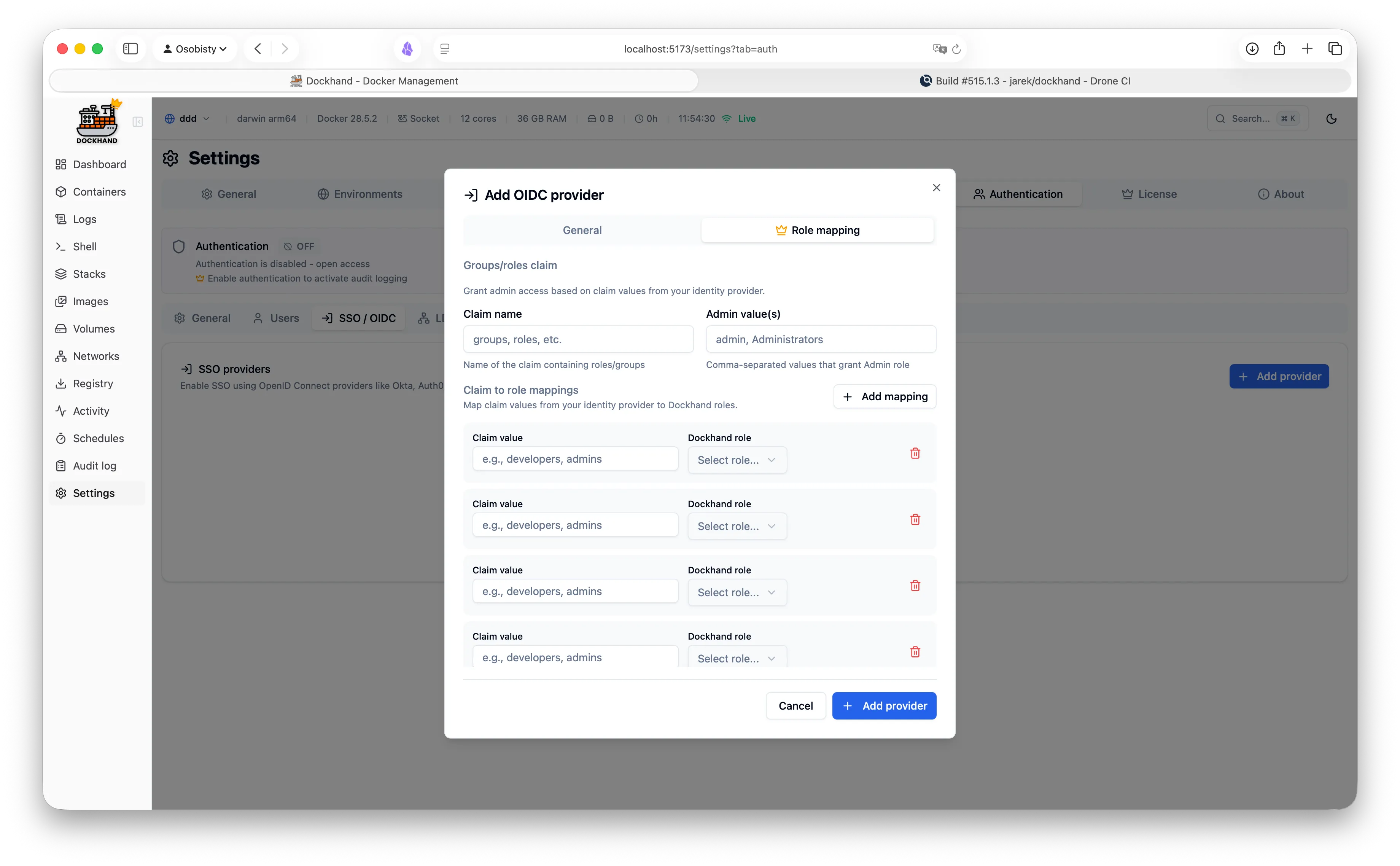
OIDC configuration
LDAP settings
Role management
Role permissions
Vulnerability scanning
Vulnerability details
CVE information
Security overview

Loved by developers & sysadmins

See what our users are saying.
★★★★★

"Finally, a Docker UI that doesn't feel bloated. The visual Compose editor alone is worth it. Switched from other tools and never looked back."
MK

Marcus Klein

DevOps Engineer, TechStartup GmbH (15 developers)

★★★★★

"Perfect for my homelab. It's lightweight, actively maintained, and has all the features I need. Love the terminal access and real-time log streaming!"

RL

Ryan Liu

Homelab Enthusiast (20+ containers on RPi 4)

★★★★★

"The LDAP integration was a game-changer for our team. Set it up in 10 minutes and now all our developers have proper access control."

SJ

Sarah Johnson

IT Administrator, Fintech Corp (50+ employees)

Simple, transparent pricing

We're not on sso.tax. SSO is free.

Free Edition

$0

Free forever. No, really. No bait-and-switch.

  • Unlimited environments
  • Full container & stack management
  • Git integration & webhooks
  • Vulnerability scanning
  • OIDC/SSO authentication
  • Multi-factor authentication (TOTP)
  • Local user accounts
  • Notifications & container activity log

Like it? Fuel the dev with caffeine.

For enterprise

Enterprise Edition

$1,499 / hostA machine Dockhand runs on. / year

When compliance asks "is it enterprise-ready?" and you want to say yes.

  • Everything in SMB
  • LDAP/Active Directory
  • Role-based access control
  • Environment-scoped permissions
  • Audit logging (compliance-grade)
  • Priority email support
Buy license

Release history

Track our progress and see what's new in each version. Spoiler: it gets better every time.

v1.0.4

Latest
December 28, 2025
  • NewTheme system with new light/dark themes and font customization
  • NewGrid font size setting for data tables
  • NewColumn visibility, reordering, and resizing (persisted per user or globally)
  • NewAuto-update containers with per-environment checks, batch updates, and vulnerability blocking
  • NewStack improvements: environment variables management and .env file support for git stacks
  • NewVisual graph editor for Docker Compose stacks
  • NewTimezone support for scheduled tasks
  • NewImproved schedule execution history
  • FixFix duplicate ports in expanded stack containers (IPv4/IPv6)
  • FixFix registry seed crash when Docker Hub URL is modified
  • FixFix null ports crash for Docker Desktop containers
  • FixFix header layout overlap on small screens
  • FixFix TLS/mTLS support for remote Docker hosts
  • FixFix memory leaks (setTimeout cleanup, stream requests)
  • FixFix Edge mode connection issues
  • FixFix stack deletion with orphaned records
  • FixFix container editing breaking Compose stack association
  • FixMany other minor bug fixes and improvements
Docker image: fnsys/dockhand:v1.0.4 or fnsys/dockhand:latest

v1.0.3

December 18, 2025
  • FixFix infinite toast loop when environment is offline
Docker image: fnsys/dockhand:v1.0.3

v1.0.2

December 17, 2025
  • FixFix stack git repository selection
Docker image: fnsys/dockhand:v1.0.2

v1.0.1

December 17, 2025
  • NewPublic IP field for environment config (container port clickable links)
  • NewReleases are now also published with 'latest' tag
  • FixServer-side auth enforcement fix
  • FixDocker production build dependencies fix
  • FixMemory metrics calculation for remote Docker hosts
  • FixDashboard memory calculation (sum all containers memory usage)
  • FixForm validation errors and error messages readability in dark theme
Docker image: fnsys/dockhand:v1.0.1

v1.0.0

December 16, 2025
  • NewFirst public release of Dockhand
  • NewReal-time container management (start, stop, restart, remove)
  • NewContainer creation with advanced configuration (ports, volumes, env vars, labels)
  • NewDocker Compose stack management with visual editor
  • NewGit repository integration for stacks with webhooks and auto-sync
  • NewImage management and registry browsing
  • NewVulnerability scanning with Grype and Trivy
  • NewContainer logs viewer with ANSI color rendering and auto-refresh
  • NewInteractive shell terminal with xterm.js
  • NewFile browser for containers and volumes
  • NewMulti-environment support (local and remote Docker hosts)
  • NewHawser agent for remote Docker management (Standard and Edge modes)
  • NewNetwork and volume management
  • NewDashboard with real-time metrics and activity tracking
  • NewAuthentication with OIDC/SSO and local users
  • NewSQLite and PostgreSQL database support
  • NewNotification channels (SMTP, Apprise webhooks)
  • NewContainer auto-update scheduling with vulnerability criteria
  • NewEnterprise edition with LDAP, MFA, and RBAC
Docker image: fnsys/dockhand:v1.0.0

v0.9.2

December 14, 2025
  • NewHawser agent support - manage remote Docker hosts behind NAT/firewall
  • NewDashboard redesign with flexible tile sizes and real-time charts
  • NewMulti-architecture Docker images (amd64 + arm64)
  • FixVarious bug fixes and performance improvements
Docker image: fnsys/dockhand:v0.9.2

v0.9.1

December 10, 2025
  • NewGit stack deployment with webhook triggers
  • NewContainer auto-update scheduling
  • FixFixed container logs not streaming on Edge environments
  • FixFixed memory leak in metrics collection
Docker image: fnsys/dockhand:v0.9.1

Ready to simplify Docker management and stop pretending you enjoy YAML indentation?

Get started in 30 seconds. No credit card required.
Finally, a UI that sparks joy.

Roadmap

Here's what we're working on. Exciting stuff ahead.

Group environments by labels
Soon Free

See all your resources — containers, stacks, volumes, networks — in one combined view, grouped by custom labels across environments.

Custom labels Combined view Cross-environment Resource grouping
Import from other managers
Soon Free

Migrate your containers and stacks from other popular Docker management tools.

Configuration import Volume mapping Network preservation
Scheduled automated backups
Soon Free

Schedule automatic backups of containers, stacks, and volumes to your preferred storage.

Amazon S3 SFTP (SSH) Backblaze B2 OpenStack Swift File shares
Secret management
Future Enterprise

Securely store, manage, and inject secrets into your containers.

Encrypted storage Env injection Secret rotation Access audit
GPU monitoring
Future Free

Monitor NVIDIA and AMD GPU usage, memory, and temperature for GPU-accelerated containers.

GPU utilization VRAM usage Temperature Multi-GPU
Multi-language support
Distant future Free

Full internationalization support with community-contributed translations.

Language selector RTL support Community translations
API keys
Distant future Free

Generate API keys for automation, CI/CD pipelines, and third-party integrations.

Key generation Scope control Usage tracking Key rotation
OpenAPI documentation
Distant future Free

Auto-generated OpenAPI/Swagger documentation for the Dockhand REST API.

Interactive explorer Code examples Auth docs
Compose templates library
Future Free

Pre-built Docker Compose templates for popular applications. One-click deployments.

App catalog One-click deploy Custom templates
Full Dockhand CLI
Distant future Free

Command-line interface for Dockhand. Manage containers, stacks, and environments from your terminal.

Terminal access Scripting CI/CD friendly
Actions
Future Free

TypeScript scripting in UI. Write automation scripts for complex workflows and scheduled tasks.

TypeScript Visual editor Scheduled runs Webhooks
Image building
Future Free

Integrated CI/CD with Docker builds. Build images from Dockerfiles directly in Dockhand.

Dockerfile editor Build logs Registry push Build cache
Multiple compose files
Future Free

Compose file composition. Combine multiple YAML files for different environments and overrides.

File merging Env overrides Base + extensions

Request a demo

See Dockhand Enterprise in action. We'll walk you through the features and answer your questions.